How to Organize Bookmarks in Chrome with BoTab (The Efficiency Playbook)
Chrome's native bookmark manager is a black hole. This playbook shows how to organize bookmarks in Chrome with BoTab — turning them into a visual new tab page with multi-column layouts, smart sorting, sharing, quick navigation, and local-first privacy.
Most of us save countless links for work, study, and inspiration, yet our browser bookmark bar still feels like a black hole. BoTab is an intelligent browser extension that transforms those bookmarks into beautiful new tab pages and navigation hubs with a single click. Available in the Chrome and Edge stores, BoTab holds a 4.9/5 rating (673 reviews) and already helps 16,000+ users browse more efficiently.
Turn bookmarks into new tab pages with one click
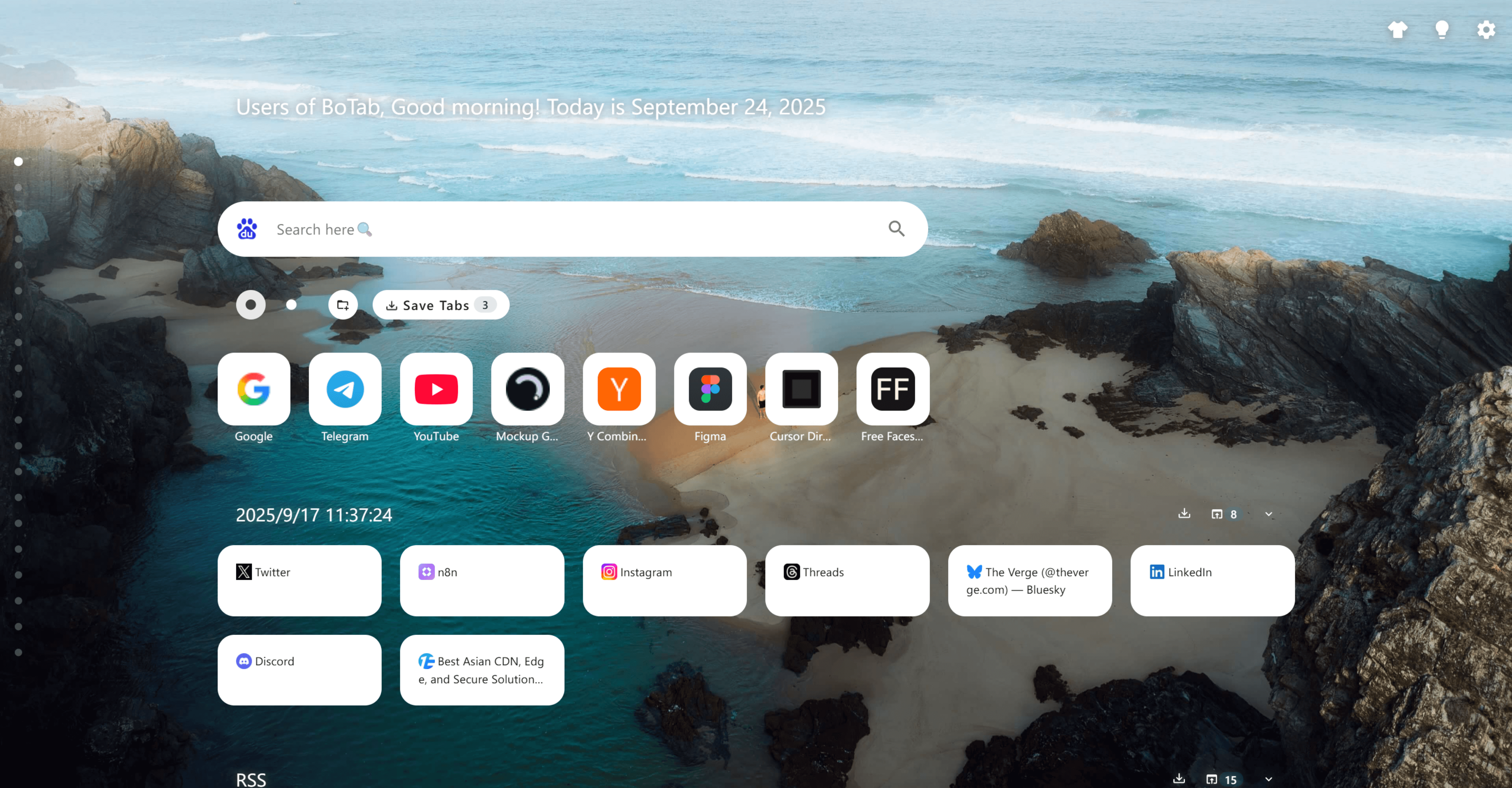
After installation, BoTab reads your existing bookmark library and instantly generates a structured new tab page:
- Automatically pulls bookmark titles and favicons to build rich navigation cards;
- Works out of the box on Chrome and Edge—no extra configuration required;
- Preserves your original bookmark folders so your prior organization stays intact.
This one-click experience removes the setup burden and gives you a clean, intuitive homepage from the start.
Multiple card types and multi-column layouts
BoTab includes multiple card styles and layouts so every type of bookmark gets the right spotlight:
- Choose between icon-focused, text-focused, and mixed cards to suit articles, tools, and videos alike;
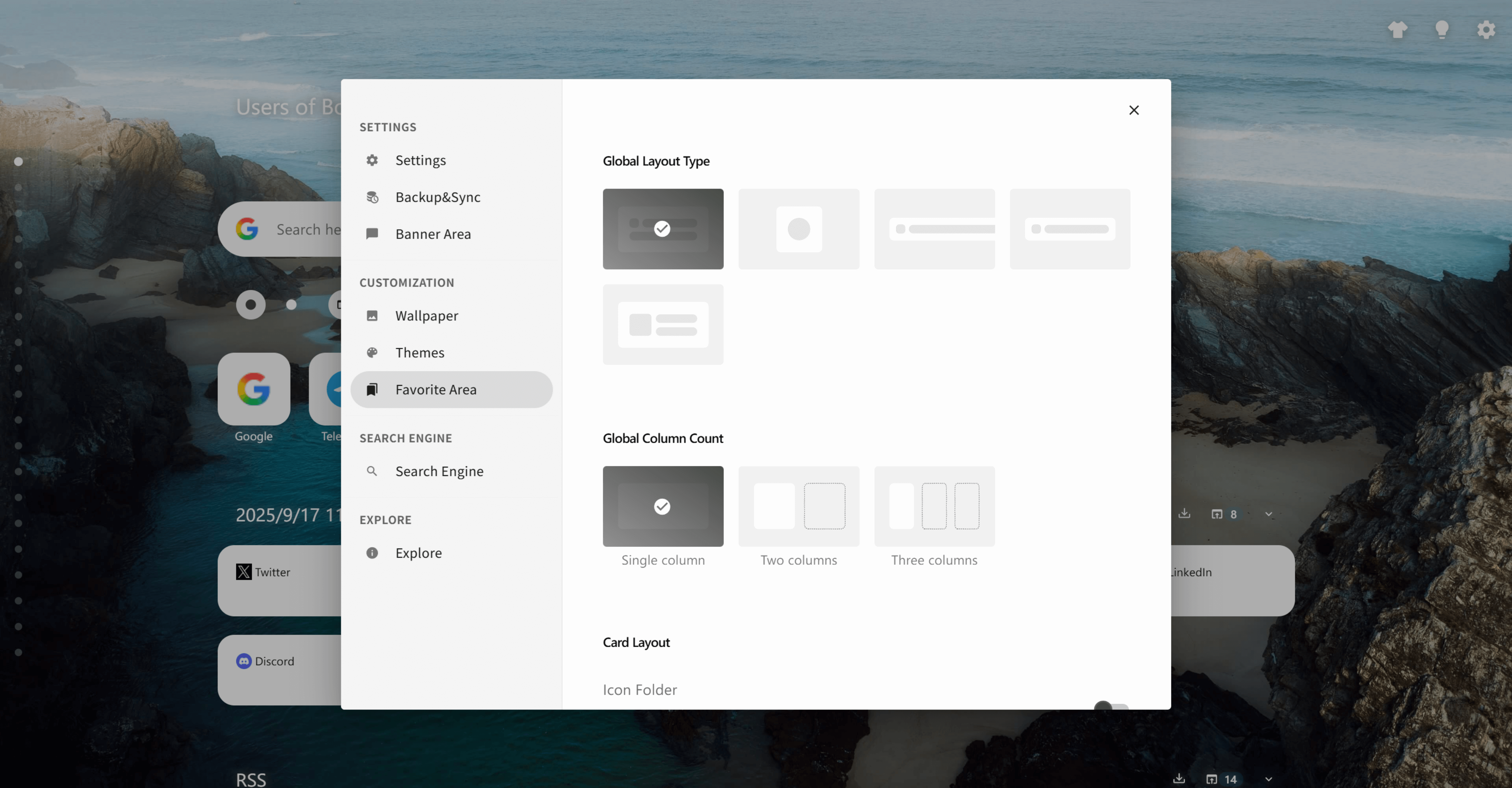
- Switch to multi-column, kanban-style boards to view several categories on a single screen;
- Automatically adapts to bookmark groups, making work, study, and personal sections easy to scan.
Pin the tab or keep it in a dedicated window, and BoTab becomes the command center you open first every day.
Smart sorting for instant navigation boards
When your bookmark count explodes, reorganizing by hand is tedious. BoTab analyzes bookmark type and visit frequency to produce navigation pages that match your habits:
- Surfaces frequently used sites in prominent positions;
- Groups similar resources together so you can stay in context;
- Lets you regenerate layouts anytime to keep pace with changing workflows.
Share a bookmark hub with one click
Need to hand curated resources to teammates or friends? BoTab makes sharing painless:
- Generates shareable navigation page links from your bookmarks;
- Delivers onboarding packs or client resources in seconds;
- Helps study groups, creators, and project teams build reusable knowledge bases.
Quick navigation, zero friction
Your new tab page should accelerate your day, not slow it down. BoTab keeps every jump just a click away:
- Launches sites and web apps directly from the generated cards;
- Matches bookmarks by keyword as you type, reducing repetitive searching;
- Works smoothly with browser shortcuts for an uninterrupted workflow.
Personalize themes and layouts
Functionality is only half the story—BoTab lets you craft a page that reflects your style:
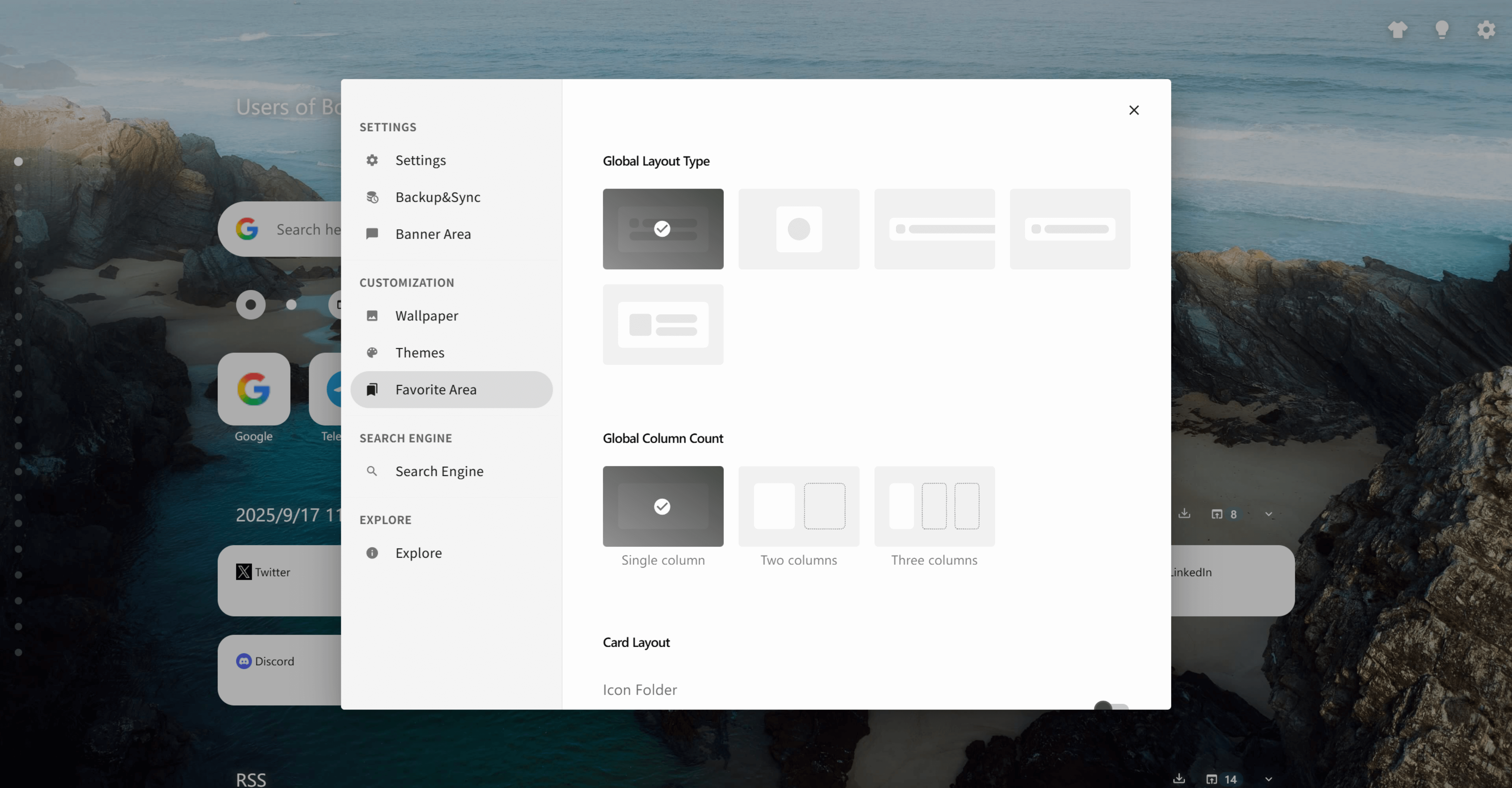
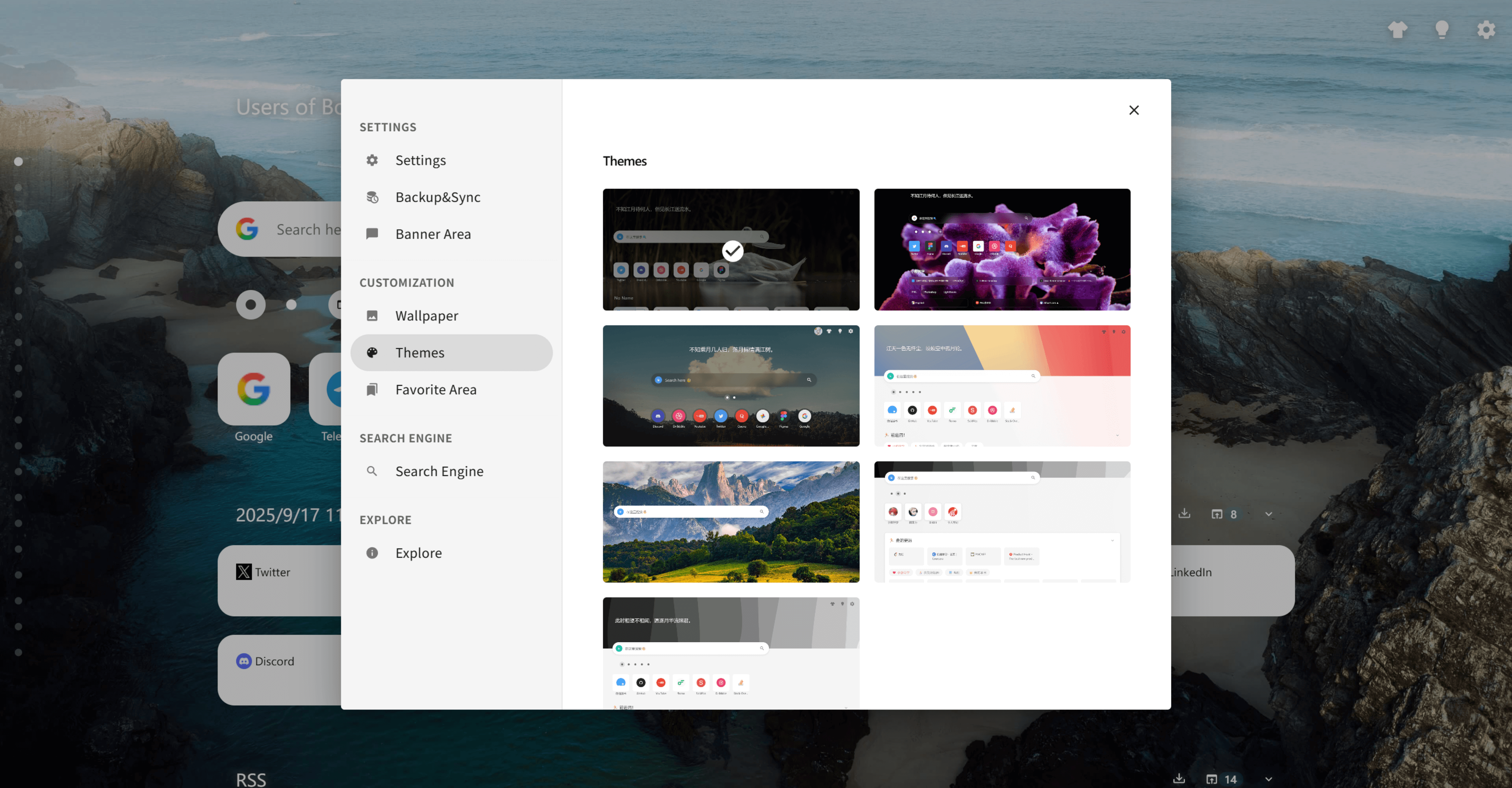
- Built-in themes such as Meteor, Plain, Fluid, Hyper, Group, Fantasy, and Transparent;
- Custom wallpapers, theme colors, and column layouts for any mood;
- Optional custom CSS to fine-tune every pixel.
Whether you prefer minimalist, futuristic, or vibrant looks, BoTab helps your navigation page feel like home.
Privacy-first by design
BoTab keeps sensitive data on your device:
- Generates pages locally without recording or uploading bookmark data to servers;
- Uses Manifest V3 with strict permission control;
- Loads no remote code, ensuring a predictable, secure experience.
Privacy-conscious users can organize personal collections without compromise.
Loved by real users
BoTab's high rating comes from genuine praise:
"A real treasure extension—nothing bloated, just a homepage built from my bookmarks. Exactly what I needed." — Jiang Jiang, July 19, 2022 (Firefox)
"It lays bookmarks out flat on the page, clean and intuitive." — Li, July 22, 2022 (Edge)
"I'm a bookmark hoarder, and BoTab finally makes organizing everything effortless." — Dan Jiang, August 30, 2022 (Firefox)
Start with BoTab today
Ready to turn scattered bookmarks into a new tab page you actually enjoy using? Install BoTab from the Chrome or Edge store and make your browser homepage the launchpad for every important task.
Follow our blog for more product updates and workflow tips, and join 16,000+ users who trust BoTab to keep their web journeys organized.
Author

Categories
More Posts
Best New Tab Extensions Feel Cold and Generic — Here's a Beautiful, Personalized Alternative
Most \"best new tab extensions\" lists give you the same cold grids and productivity dashboards. BoTab takes a different angle, turning your own bookmarks and sessions into a beautiful, personalized new tab page — a real Toby and Momentum alternative for Chrome and Edge.
About Me
Learn about BoTab
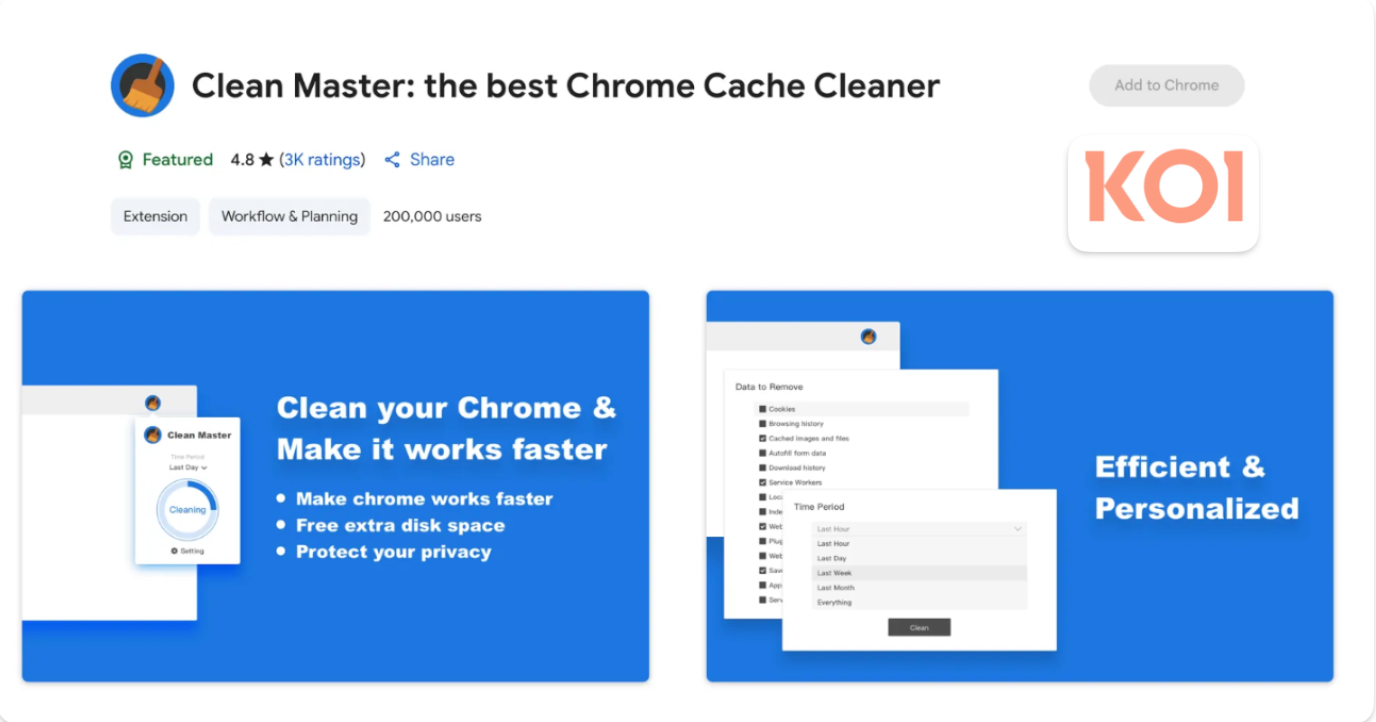
4.3 Million Browsers Infected: Uncovering ShadyPanda's 7-Year Malware Campaign
Security firm Koi.ai has disclosed ShadyPanda's 7-year malware campaign, infecting over 4.3 million Chrome and Edge users, involving well-known extensions like Clean Master.
 Download Now Chrome