Sessions & recovery
Save whole-window sessions, restore focused groups, and recover quickly after crashes.
Key capabilities
Sessions & recovery
Sessions turn a messy window into a reusable context—save it, close it, and reopen when you’re back on that project. If you crash or close something by mistake, snapshots help you recover quickly and keep momentum.
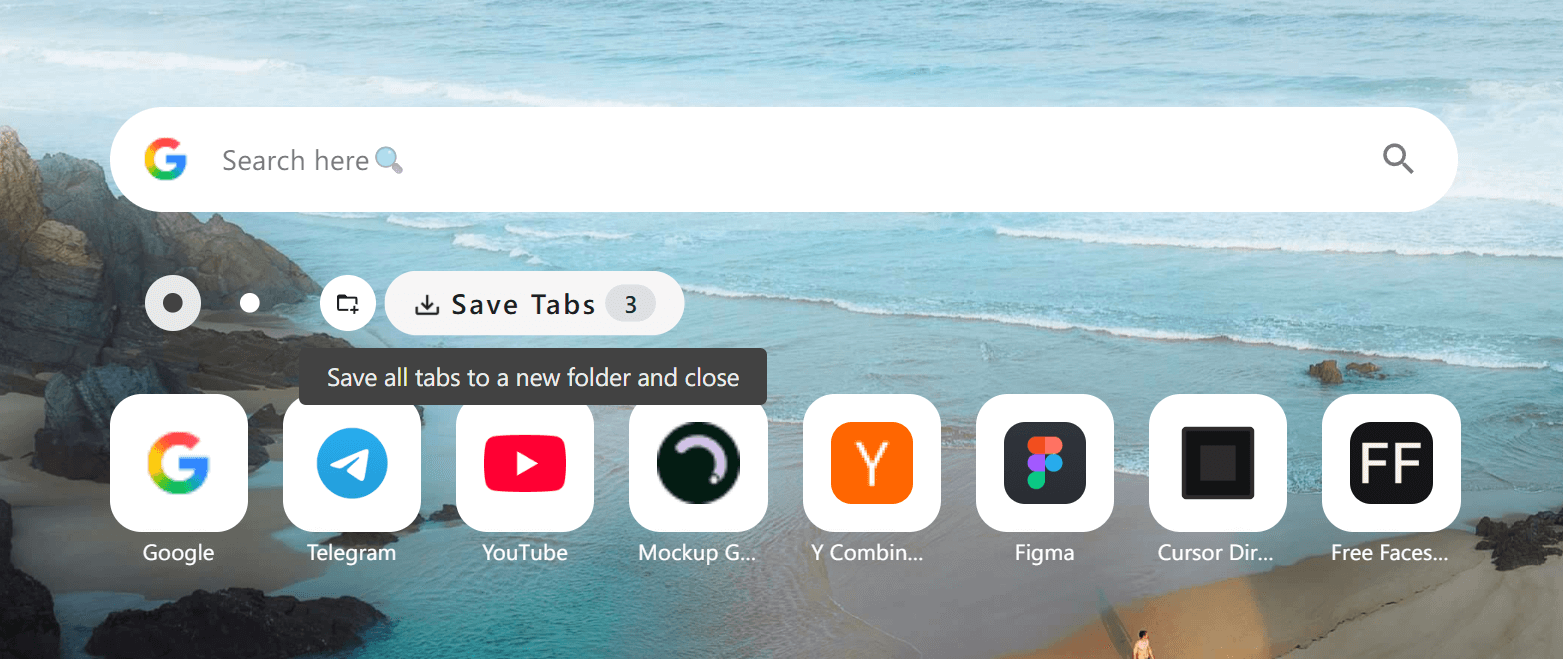
One-click session saving
Capture the current window’s tabs into a session so you can pick up later without clutter.
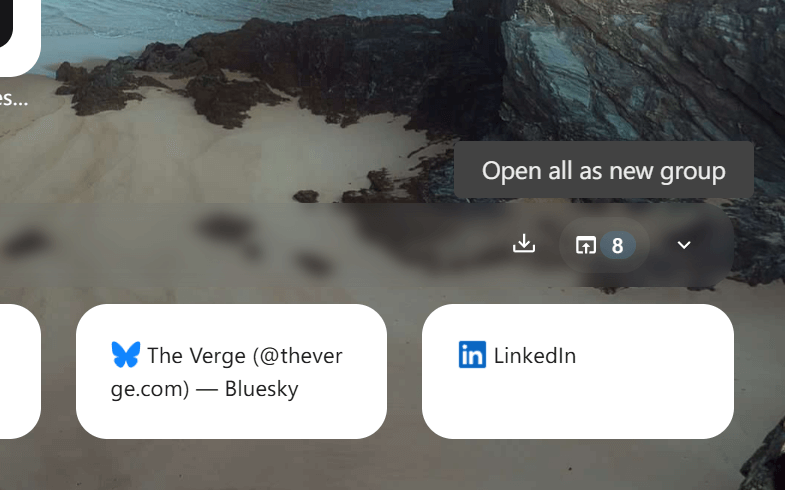
Restore all or restore selectively
Reopen a whole session at once, or bring back just the tabs you need right now.
Group-style reopen
Open a saved set as a fresh group so it feels like entering a dedicated workspace.
Crash recovery support
Use snapshots to recover important sessions after a crash and minimize lost context.
Performance relief
Save tabs and close them to reduce browser RAM/CPU load while keeping access one click away.
How it works
1. Collect tabs while you work
Open sources and tools as you go—no need to curate in the moment.
2. Save the current window
Use Save Tabs to store the full set into a folder/session with a clear name.
3. Close to declutter
Optionally close saved tabs to reclaim memory while keeping the context preserved.
4. Reopen as a group
When you’re ready, open the session again as a grouped set and continue immediately.
5. Recover when needed
If a crash happens, use snapshots to get back to what was open and important.
Use cases
Project switching
Jump between “Client A” and “Client B” windows without mixing tabs or losing flow.
Deep research
Save a research bundle and reopen it later with the same set of sources ready.
Meeting prep
Prepare a set of links and reopen the full pack right before a call.
Hardware-friendly browsing
Keep your browser light by closing what you don’t need, while still retaining everything.
 Download Now Chrome