Personalization & themes
Themes, wallpapers, layout density, and optional CSS hooks make the new tab feel like yours.
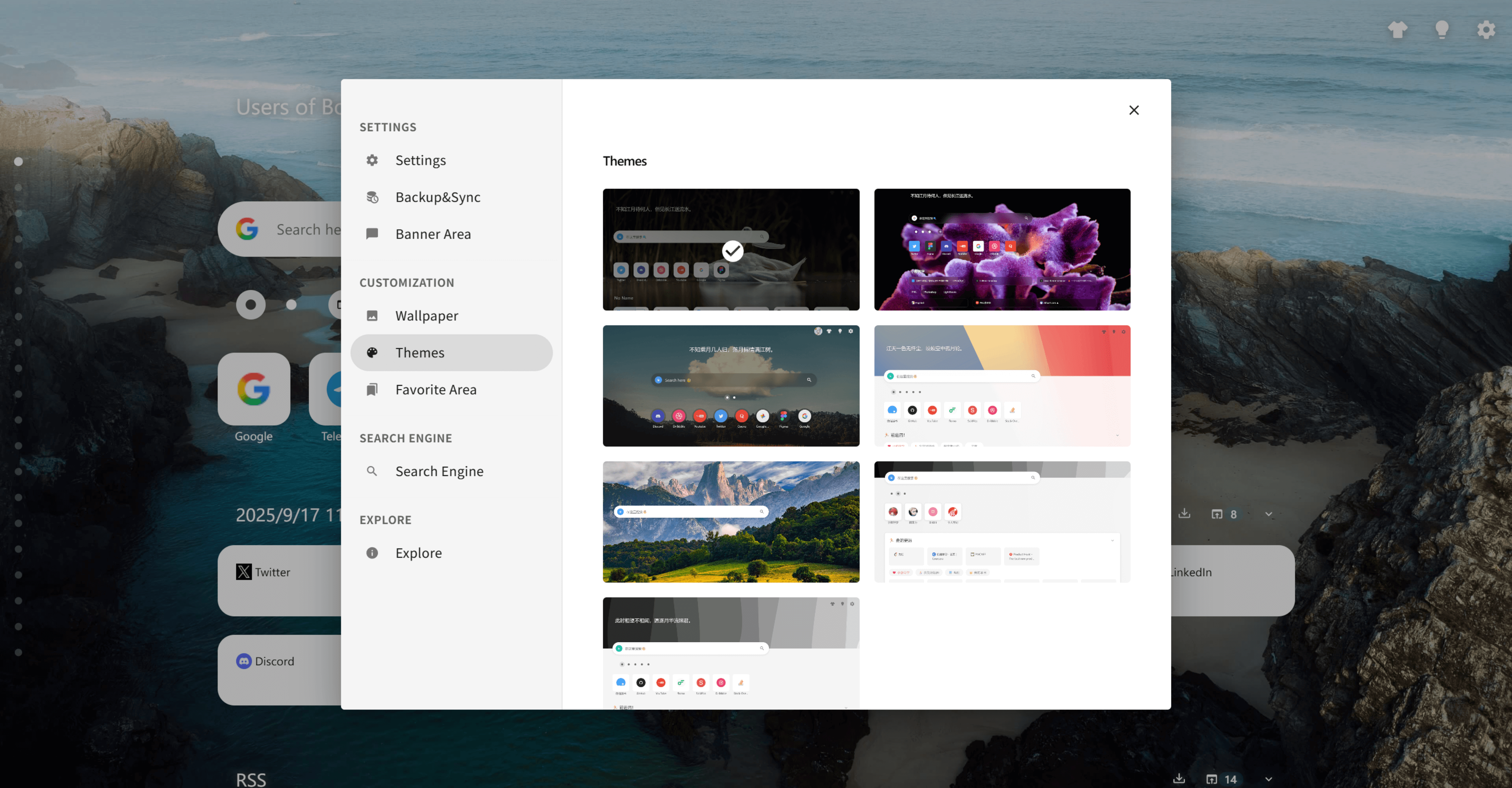
Personalization showcase
See how wallpapers, card styles and layouts come together to create unique navigation pages.
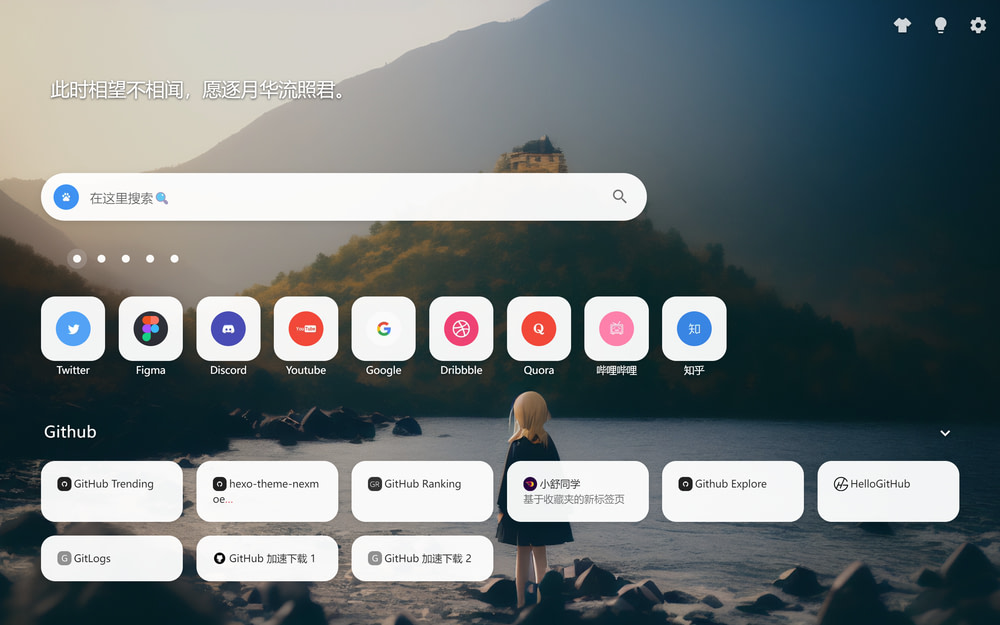
Board overview with grouped bookmarks
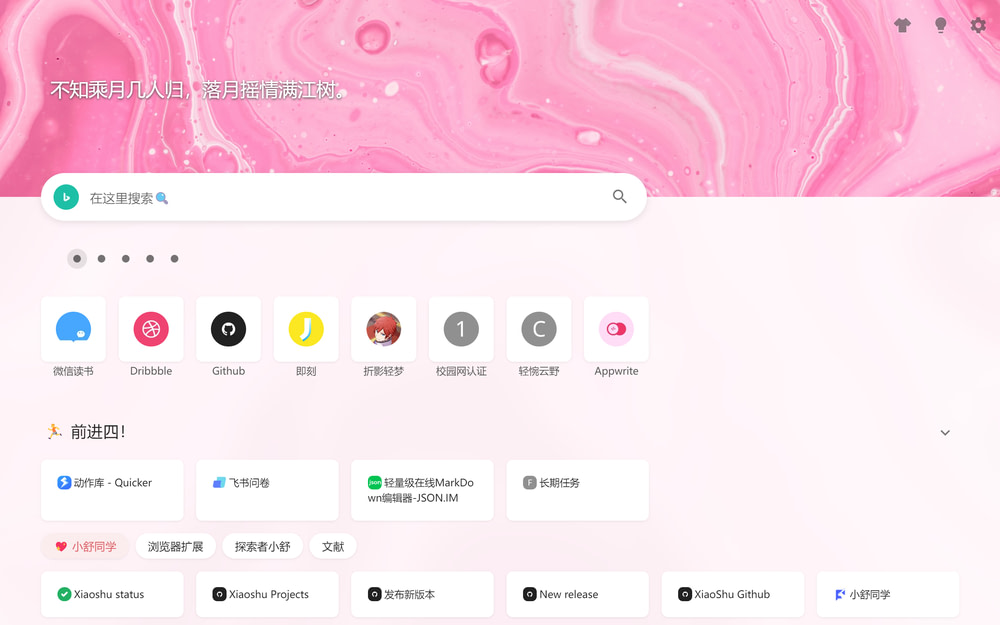
Workspace layout mixing lists and cards
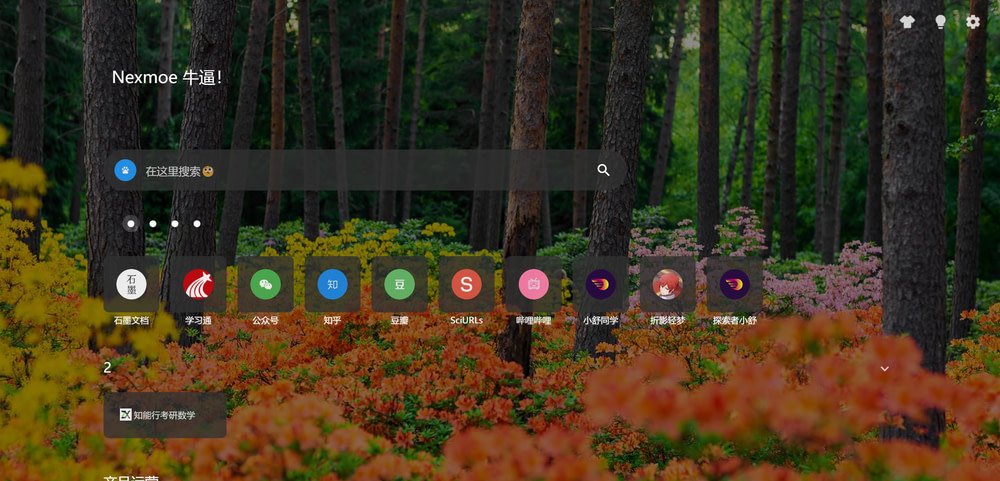
Search-first layout with instant suggestions
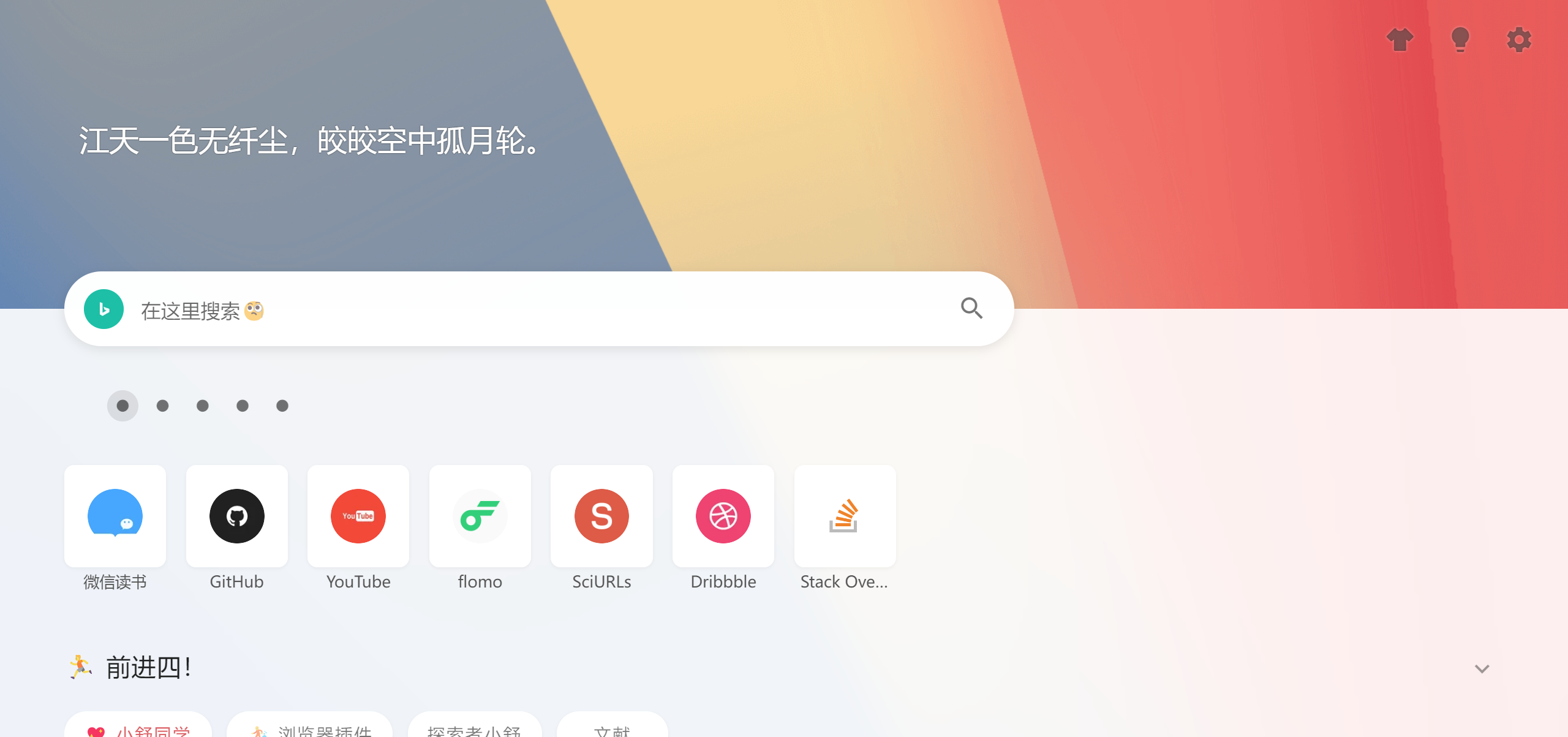
Fantasy theme
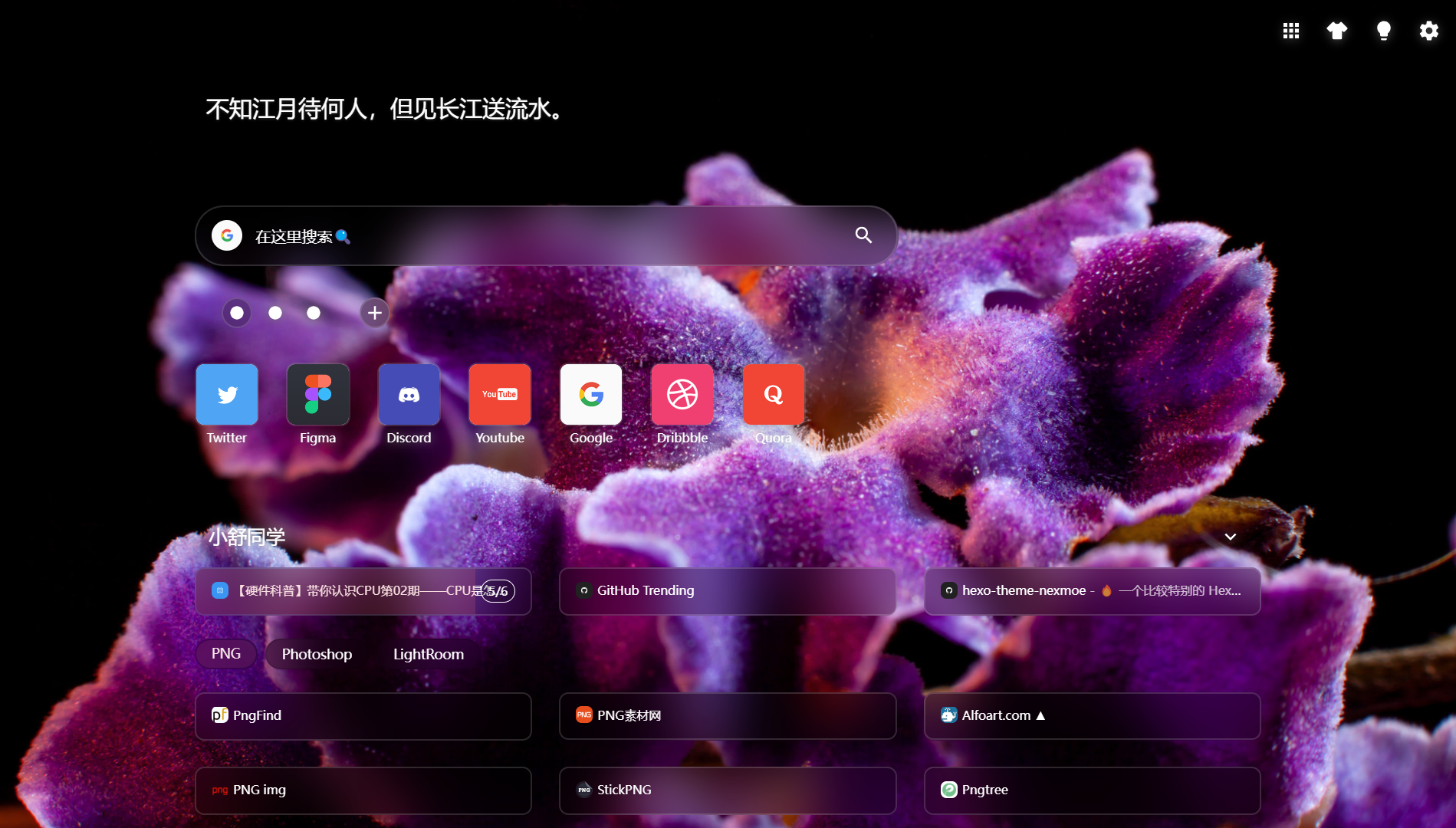
Fluid theme
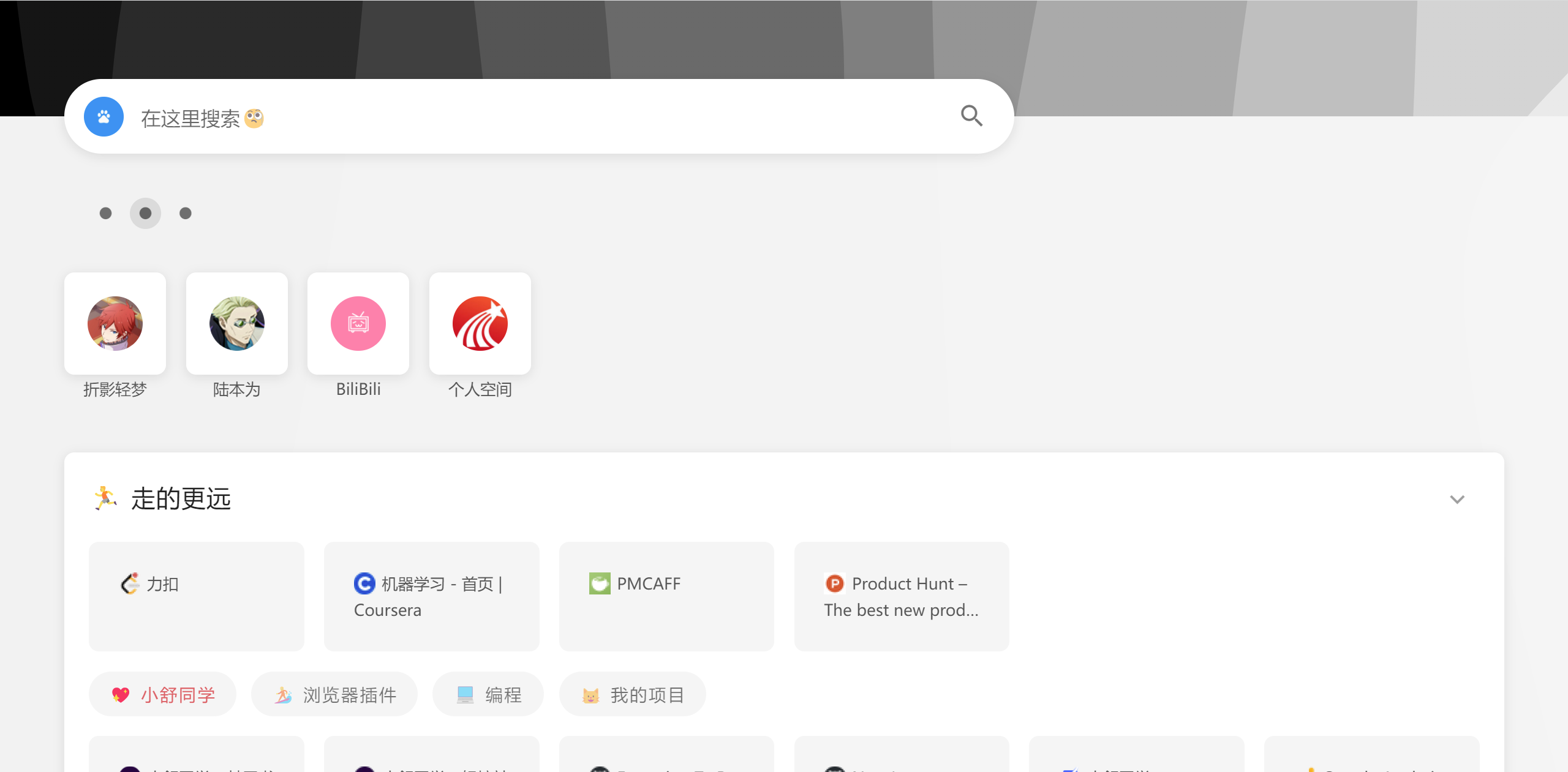
Group theme
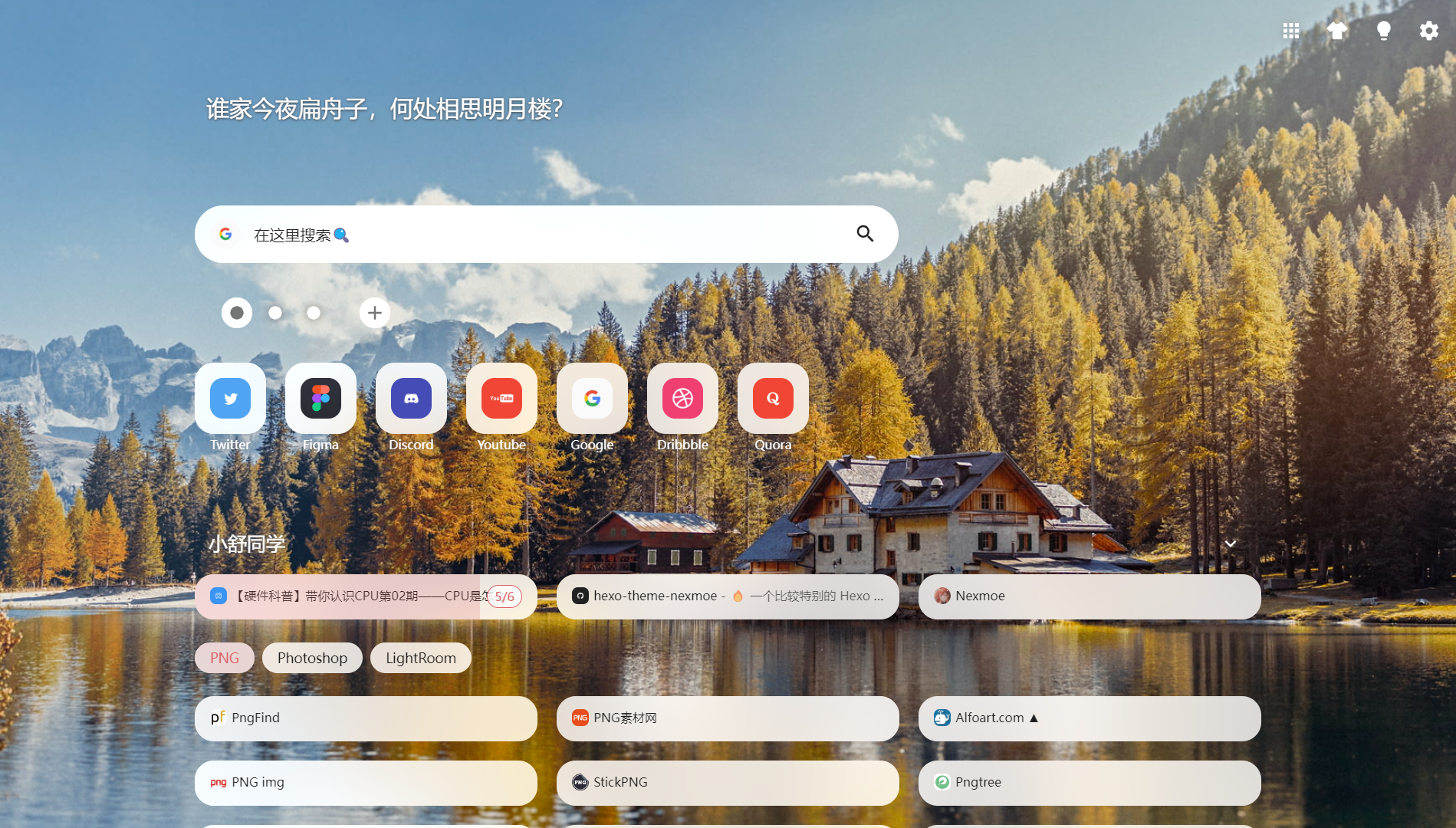
Hyper theme
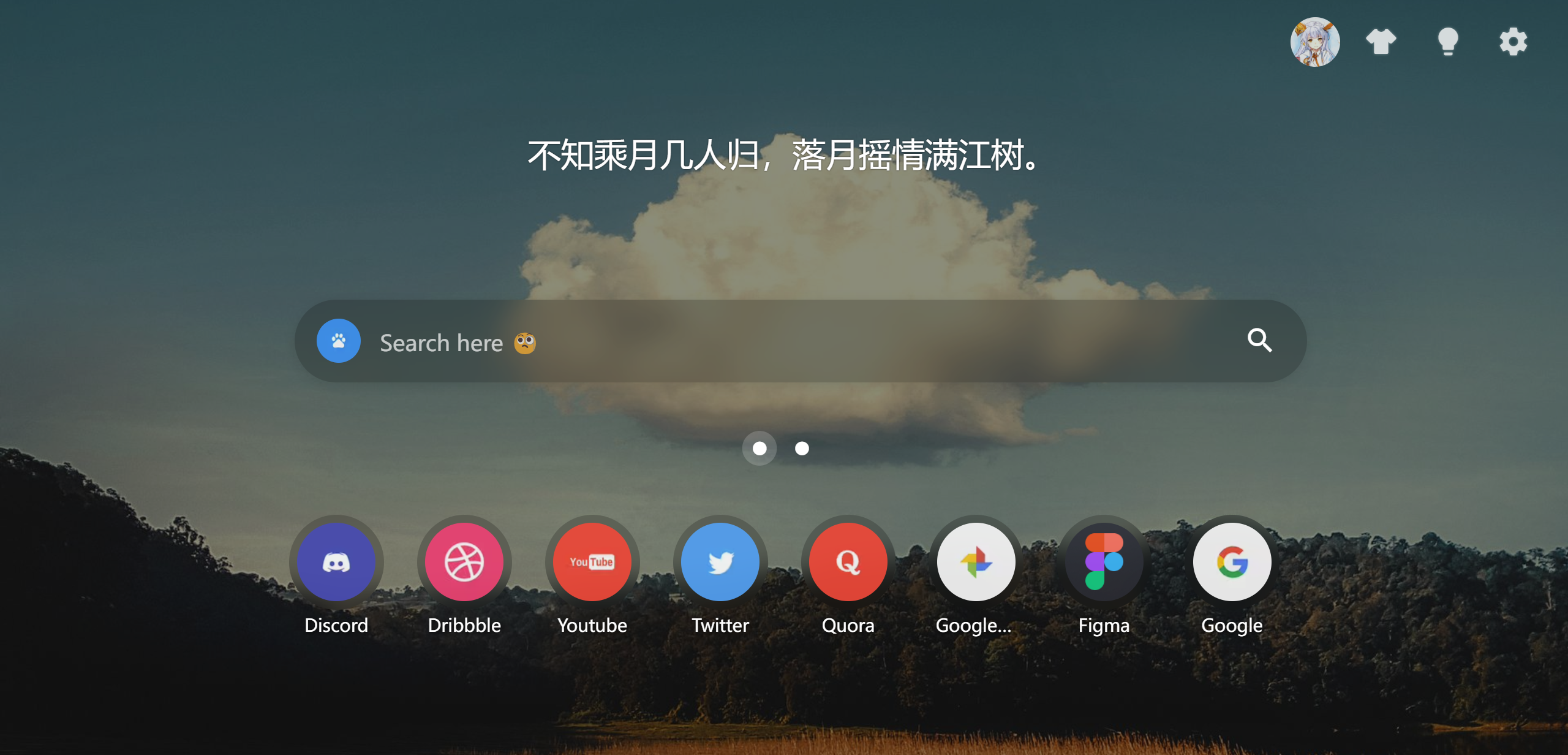
Meteor theme
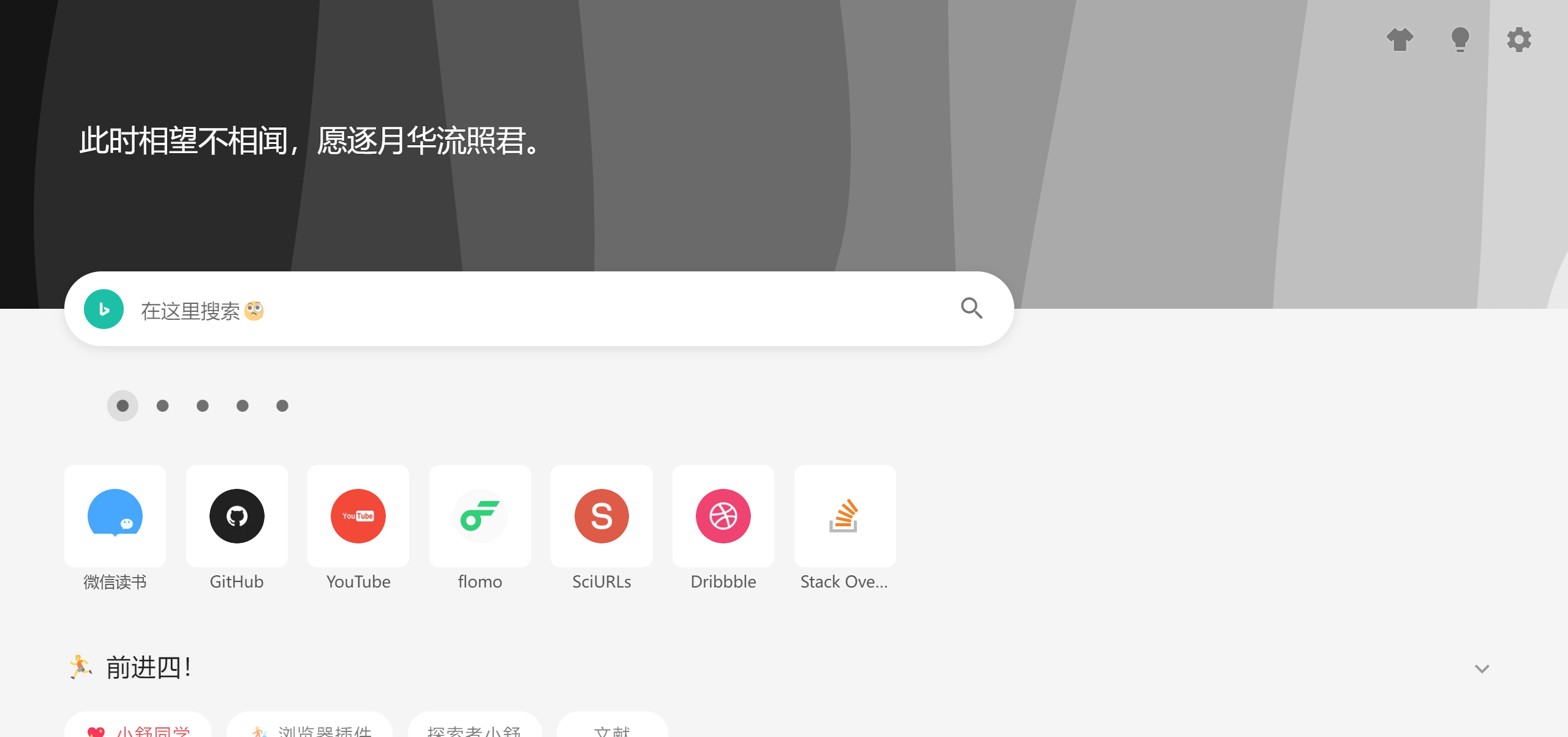
Plain theme
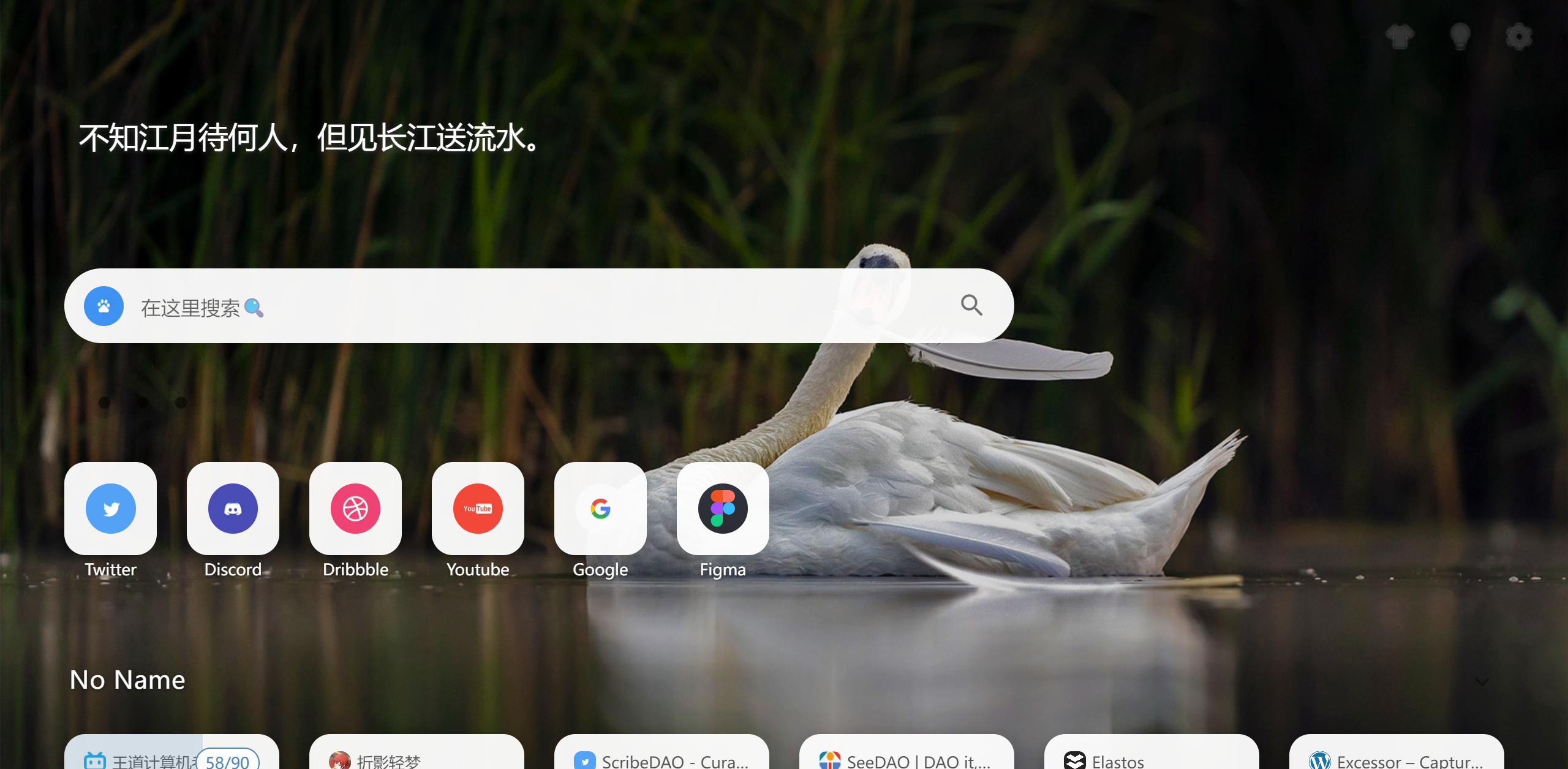
Transparent theme
Key capabilities
Personalization & themes
You open the new tab page dozens of times a day—so it should feel calm, readable, and look like you. Themes combine layout, typography, and wallpapers, with density and effects controls that keep boards great on any screen.
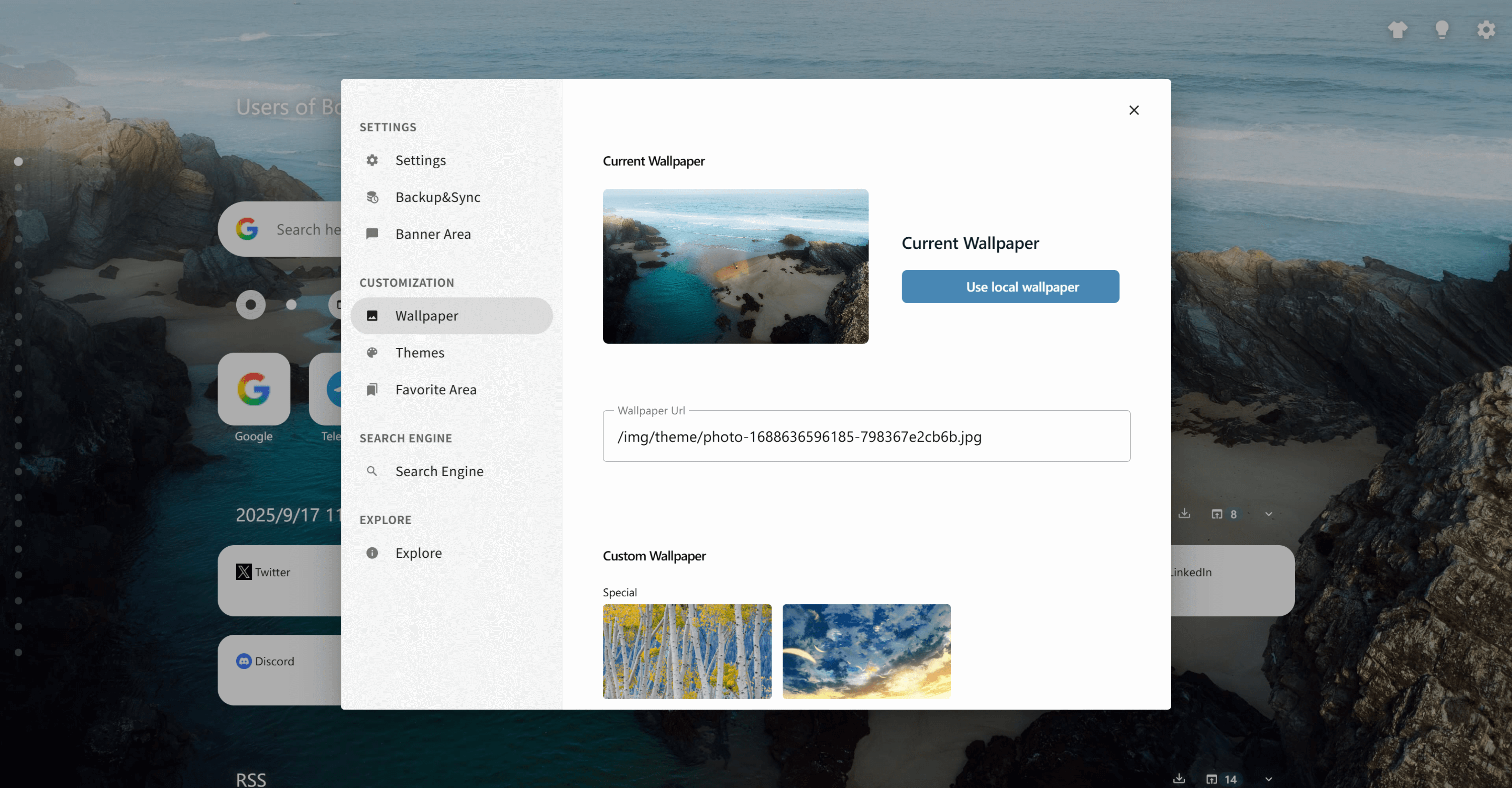
Theme gallery
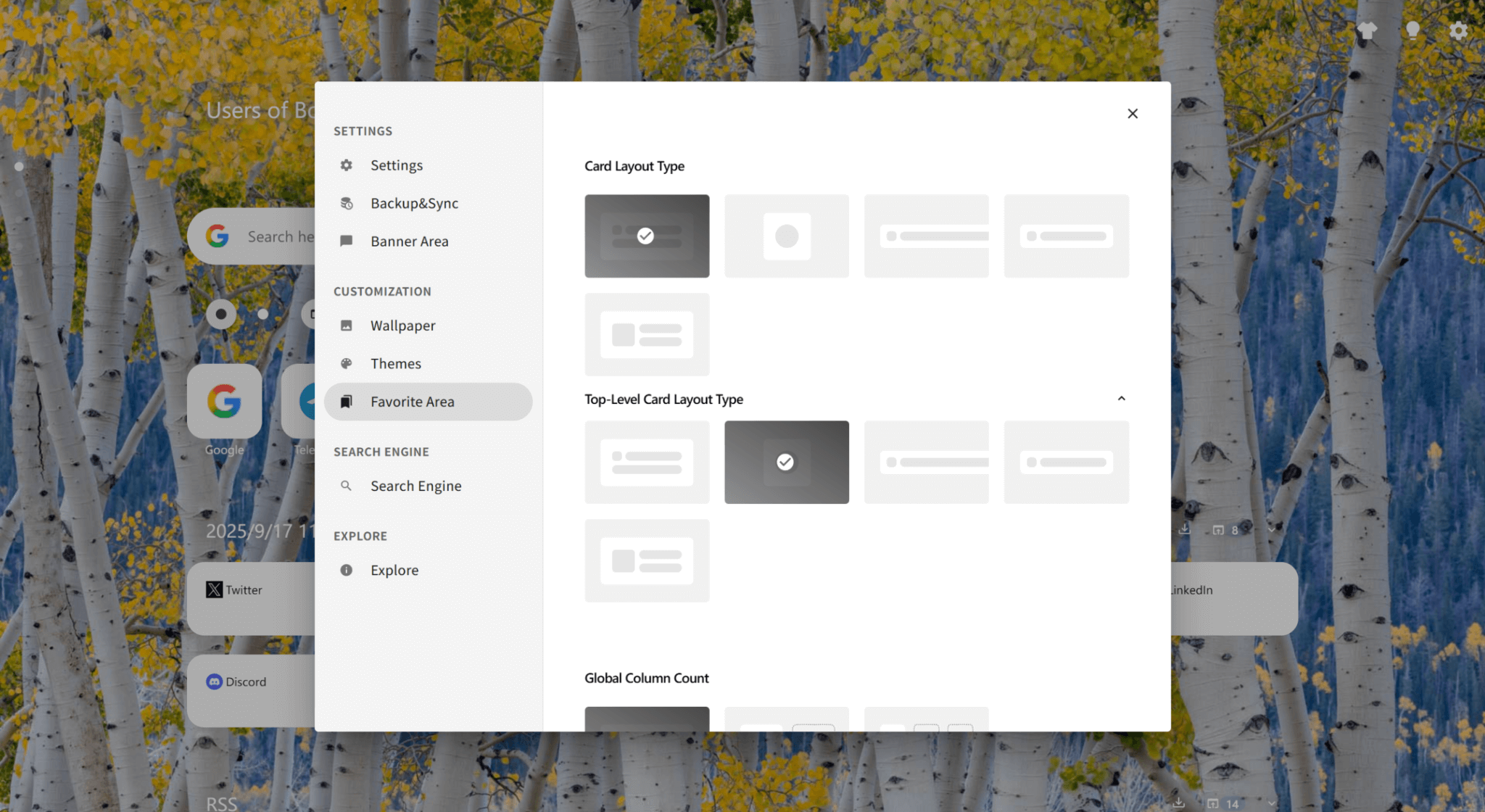
Pick from multiple themes and layouts to match mood, focus, or brand aesthetics.
Wallpaper management
Use curated wallpapers, upload a local image, or paste a URL—then preview instantly.
Layout density controls
Adjust column count and card styles so navigation stays readable and fast to scan.
Custom CSS hooks
Override spacing, colors, and effects when you want full control beyond presets.
Polished effects
Use blur, shadows, and subtle transitions to keep pages modern without adding clutter.
How it works
1. Pick a theme
Start with a layout template you like (minimal, group, transparent, etc.).
2. Choose a wallpaper
Select from curated images, upload locally, or paste a wallpaper URL.
3. Tune layout density
Adjust column count, card sizes, and effects to match your screen and style.
4. Add CSS (optional)
If you want deeper customization, apply custom CSS to refine spacing and colors.
5. Save presets for contexts
Keep different looks for different moods—work, study, weekends, or demos.
Use cases
Minimal focus mode
A calm layout for deep work—fewer distractions and a clean reading hierarchy.
Creator dashboards
A bold theme with visual grouping for design tools, assets, and inspiration boards.
Team or client spaces
Use a tidy theme for link hubs you share with others so it looks professional.
Personal ritual
Make the new tab feel like “your space” so getting started every day is effortless.
 Download Now Chrome