Privacy, backup & sync
Local-first with tight permissions, plus browser sync and JSON export/import.
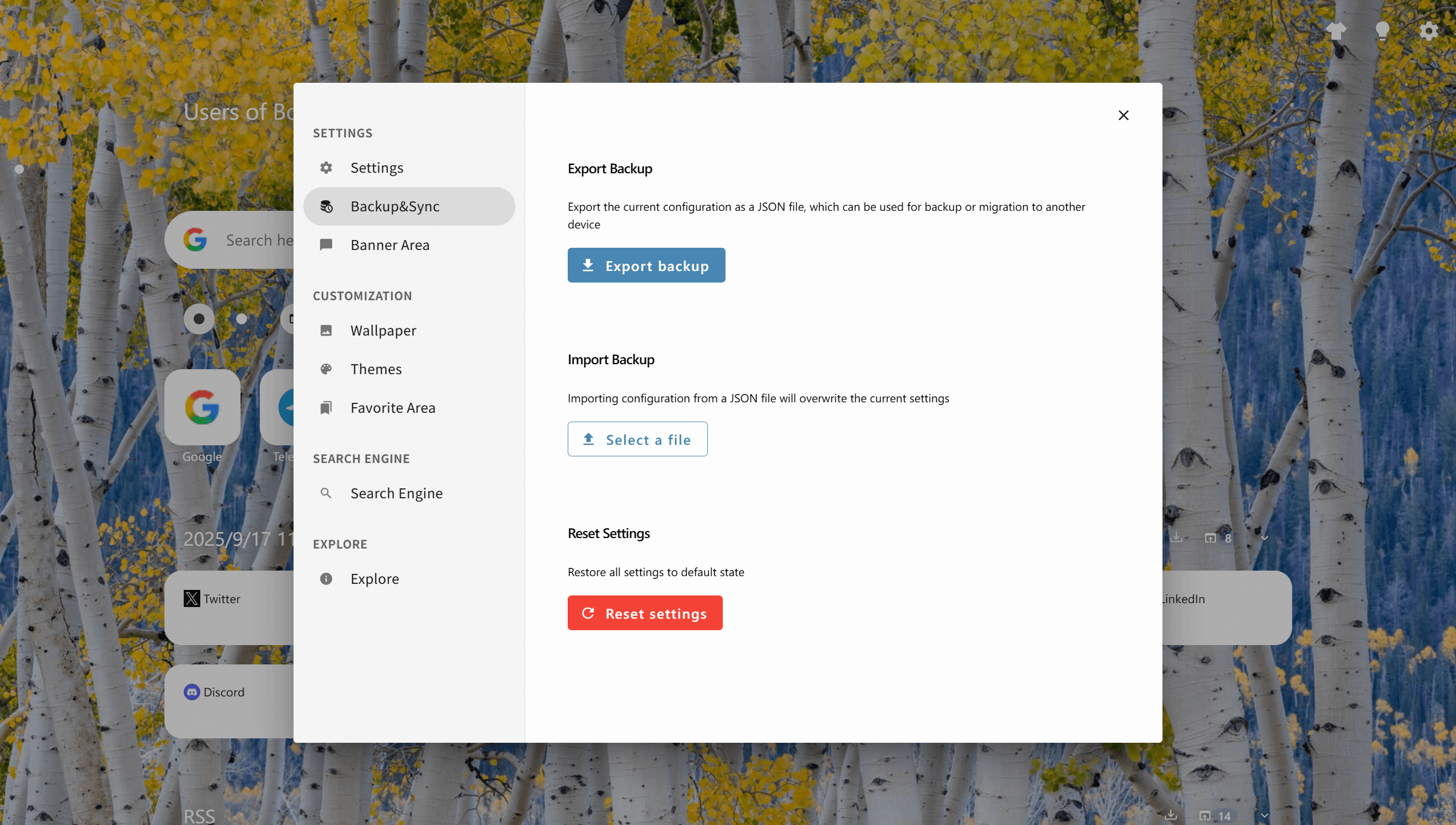
Key capabilities
Privacy, backup & sync
BoTab follows a simple principle: your bookmarks should stay yours—pages are generated locally from the browser’s native bookmark store with intentionally tight permissions. For portability, rely on browser sync for bookmarks and JSON backups to migrate or recover settings in minutes.
Local-first generation
Navigation pages are built from local bookmark data without requiring servers for core functionality.
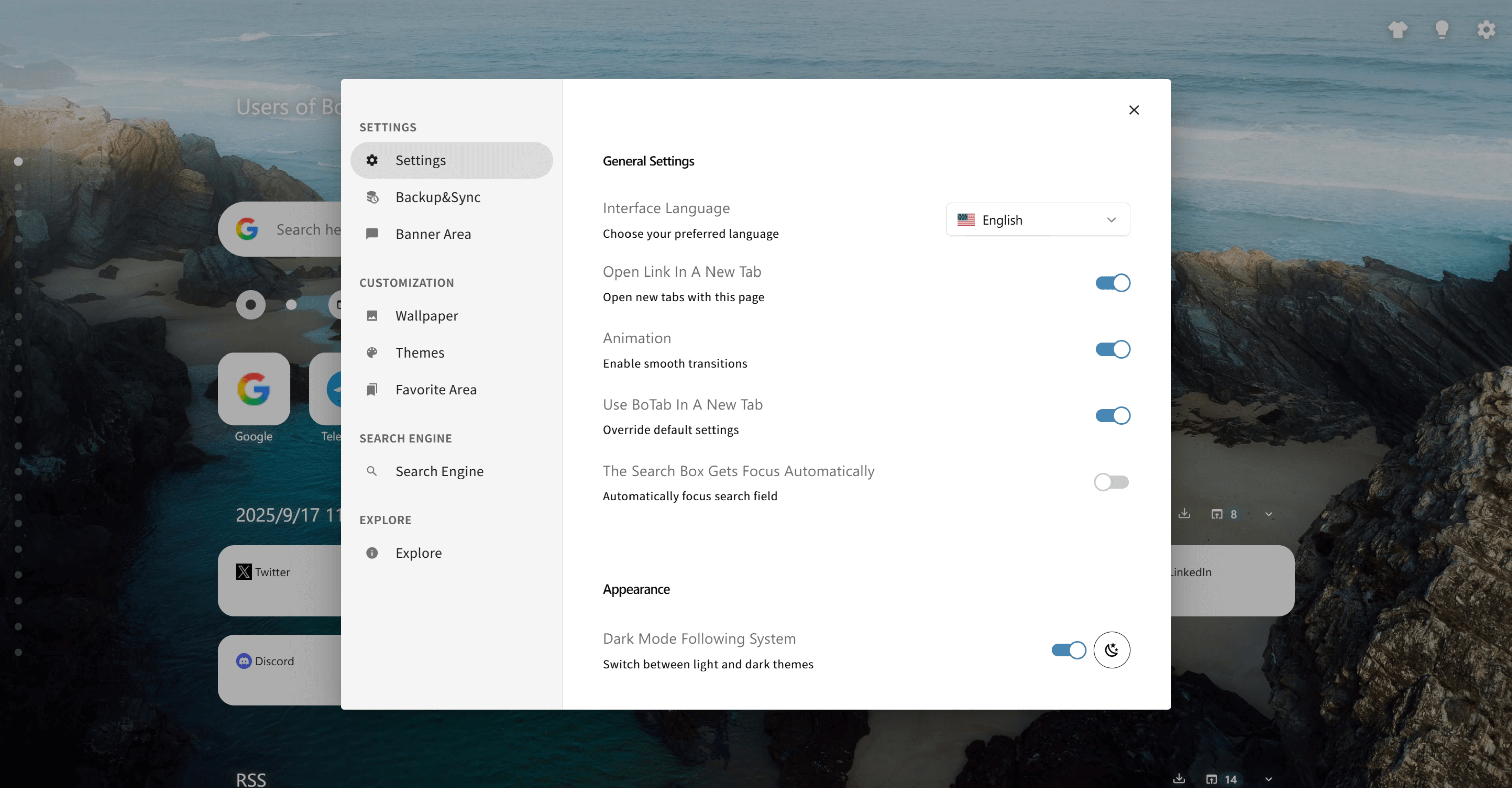
Minimal permissions
Strictly request what is needed and avoid loading remote executable code (Manifest V3 model).
Backup export & import
Export settings as JSON and import them to restore or migrate your setup.
Reset controls
Return to a known clean state when troubleshooting or starting fresh.
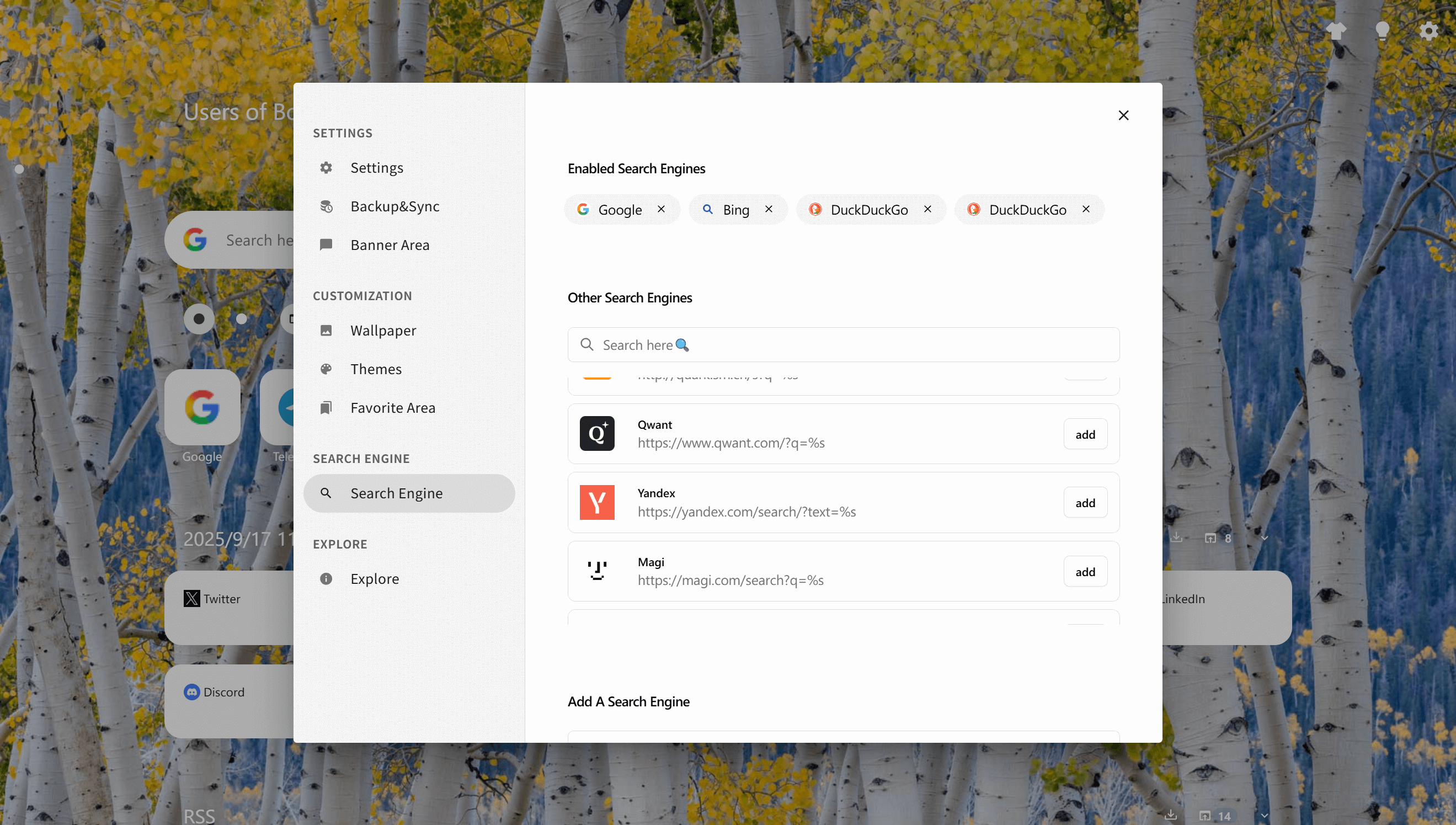
User-controlled search engines
Enable or add search engines so search stays aligned with your preferences.
How it works
1. Review settings and permissions
Understand what BoTab needs and keep permissions as minimal as possible.
2. Use browser sync for bookmarks
Let Chrome/Edge/Firefox sync your native bookmarks across devices.
3. Export a JSON backup
Create a backup file so you can restore your setup anytime.
4. Import when migrating
On a new device, import the JSON file to restore settings quickly.
5. Reset when troubleshooting
If something feels off, reset to defaults and rebuild from a clean baseline.
Use cases
Privacy-conscious users
Keep navigation and bookmark data in the browser instead of pushing it to third-party services.
Device migrations
Move to a new computer with browser sync plus a JSON backup for settings.
Shared computers
Reset quickly and keep permissions minimal in environments you don’t fully control.
Team policies
A local-first model fits better for teams with stricter data-handling requirements.
 Download Now Chrome