Logo博塔布 @@@九月@@@ BoTab - 一鍵將書籤轉換為新標籤頁 @@@九月@@@ BoTab 是一款智能瀏覽器擴展程序,只需點擊一下即可將您的書籤內容轉換為精美的新標籤頁和導航頁,讓您保存的珍寶可訪問,讓您的瀏覽更加高效。 @@@九月@@@ 高級版 @@@九月@@@ 登錄 @@@九月@@@ 退出 @@@九月@@@ 註冊 @@@九月@@@ 切換語言 @@@九月@@@ 每天上午 9:01 @@@九月@@@ 切換模式 @@@九月@@@ 光 @@@九月@@@ 黑暗 @@@九月@@@ 系統 @@@九月@@@ 複製 @@@九月@@@ 正在保存... @@@九月@@@ 保存 @@@九月@@@ 正在加載... @@@九月@@@ 取消 @@@九月@@@ 退出失敗 @@@九月@@@ 共有 __PH_0__ 條記錄 @@@九月@@@ 沒有結果 @@@九月@@@ 正在加載... @@@九月@@@ 專欄 @@@九月@@@ 每頁行數 @@@九月@@@ 頁面 @@@九月@@@ 第一頁 @@@九月@@@ 最後一頁 @@@九月@@@ 下一頁 @@@九月@@@ 上一頁 @@@九月@@@ 升序
  • 部落格
  • 文件
  • Discord

開始使用 BoTab

立即體驗一鍵將書籤轉換為新標籤頁,讓您的瀏覽更高效

Chrome立即下載 Chrome了解更多
支持 Chrome、Edge 和所有基於 Chromium 的瀏覽器
您的浏览器不支持视频播放。
Logo博塔布 @@@九月@@@ BoTab - 一鍵將書籤轉換為新標籤頁 @@@九月@@@ BoTab 是一款智能瀏覽器擴展程序,只需點擊一下即可將您的書籤內容轉換為精美的新標籤頁和導航頁,讓您保存的珍寶可訪問,讓您的瀏覽更加高效。 @@@九月@@@ 高級版 @@@九月@@@ 登錄 @@@九月@@@ 退出 @@@九月@@@ 註冊 @@@九月@@@ 切換語言 @@@九月@@@ 每天上午 9:01 @@@九月@@@ 切換模式 @@@九月@@@ 光 @@@九月@@@ 黑暗 @@@九月@@@ 系統 @@@九月@@@ 複製 @@@九月@@@ 正在保存... @@@九月@@@ 保存 @@@九月@@@ 正在加載... @@@九月@@@ 取消 @@@九月@@@ 退出失敗 @@@九月@@@ 共有 __PH_0__ 條記錄 @@@九月@@@ 沒有結果 @@@九月@@@ 正在加載... @@@九月@@@ 專欄 @@@九月@@@ 每頁行數 @@@九月@@@ 頁面 @@@九月@@@ 第一頁 @@@九月@@@ 最後一頁 @@@九月@@@ 下一頁 @@@九月@@@ 上一頁 @@@九月@@@ 升序

讓您的書籤更智能

TwitterX (Twitter)DiscordLinkedInEmail
產品
  • 特徵
  • 定價
  • 常問問題
資源
  • 部落格
  • 文件
  • 變更日誌
合法的
  • Cookie 政策
  • 隱私政策 @@@九月@@@ 服務條款 @@@九月@@@ 計費 @@@九月@@@ 製作人員 @@@九月@@@ 設置 @@@九月@@@ 管理員 @@@九月@@@ 用戶 @@@九月@@@ 注意:演示用的數據是偽造的,部分功能被禁用 @@@九月@@@ 獲取用戶失敗 @@@九月@@@ 搜索用戶... @@@九月@@@ 沒有找到用戶 @@@九月@@@ 專欄 @@@九月@@@ 名稱 @@@九月@@@ 電子郵件 @@@九月@@@ 角色 @@@九月@@@ 創建於 @@@九月@@@ 客戶編號 @@@九月@@@ 狀態 @@@九月@@@ 封禁原因 @@@九月@@@ 禁令到期 @@@九月@@@ 管理員 @@@九月@@@ 用戶 @@@九月@@@ 電子郵件已驗證 @@@九月@@@ 電子郵件未驗證 @@@九月@@@ 電子郵件已復製到剪貼板 @@@九月@@@ 禁止 @@@九月@@@ 活躍 @@@九月@@@ 不活躍 @@@九月@@@ 清除搜索 @@@九月@@@ 加入於
  • 服務條款
© 2021–2025 博塔布 @@@九月@@@ BoTab - 一鍵將書籤轉換為新標籤頁 @@@九月@@@ BoTab 是一款智能瀏覽器擴展程序,只需點擊一下即可將您的書籤內容轉換為精美的新標籤頁和導航頁,讓您保存的珍寶可訪問,讓您的瀏覽更加高效。 @@@九月@@@ 高級版 @@@九月@@@ 登錄 @@@九月@@@ 退出 @@@九月@@@ 註冊 @@@九月@@@ 切換語言 @@@九月@@@ 每天上午 9:01 @@@九月@@@ 切換模式 @@@九月@@@ 光 @@@九月@@@ 黑暗 @@@九月@@@ 系統 @@@九月@@@ 複製 @@@九月@@@ 正在保存... @@@九月@@@ 保存 @@@九月@@@ 正在加載... @@@九月@@@ 取消 @@@九月@@@ 退出失敗 @@@九月@@@ 共有 __PH_0__ 條記錄 @@@九月@@@ 沒有結果 @@@九月@@@ 正在加載... @@@九月@@@ 專欄 @@@九月@@@ 每頁行數 @@@九月@@@ 頁面 @@@九月@@@ 第一頁 @@@九月@@@ 最後一頁 @@@九月@@@ 下一頁 @@@九月@@@ 上一頁 @@@九月@@@ 升序 All Rights Reserved.
Back to all features

Privacy, backup & sync

Local-first with tight permissions, plus browser sync and JSON export/import.
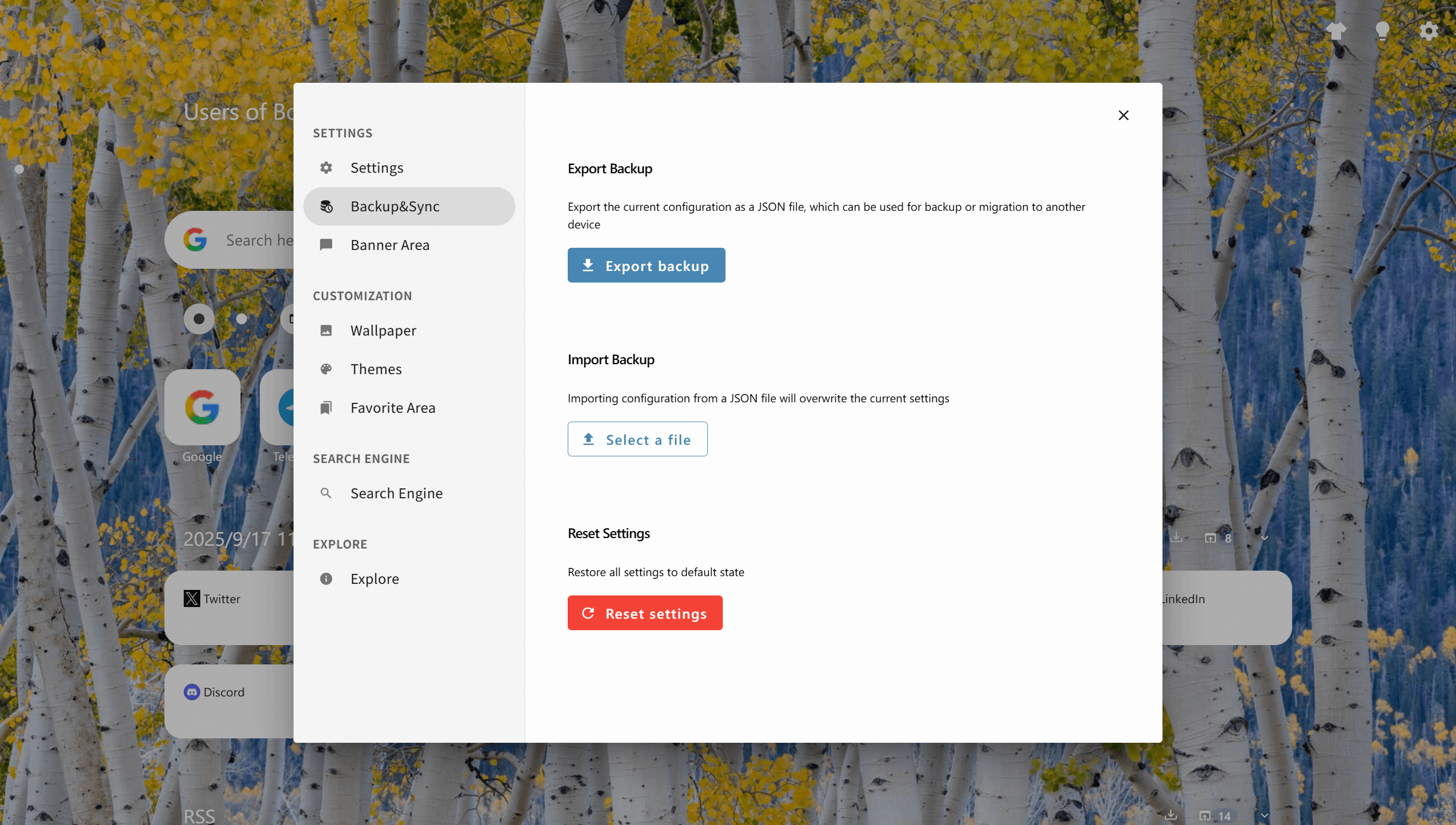
Privacy, backup & sync

Key capabilities

Privacy, backup & sync

BoTab follows a simple principle: your bookmarks should stay yours—pages are generated locally from the browser’s native bookmark store with intentionally tight permissions. For portability, rely on browser sync for bookmarks and JSON backups to migrate or recover settings in minutes.
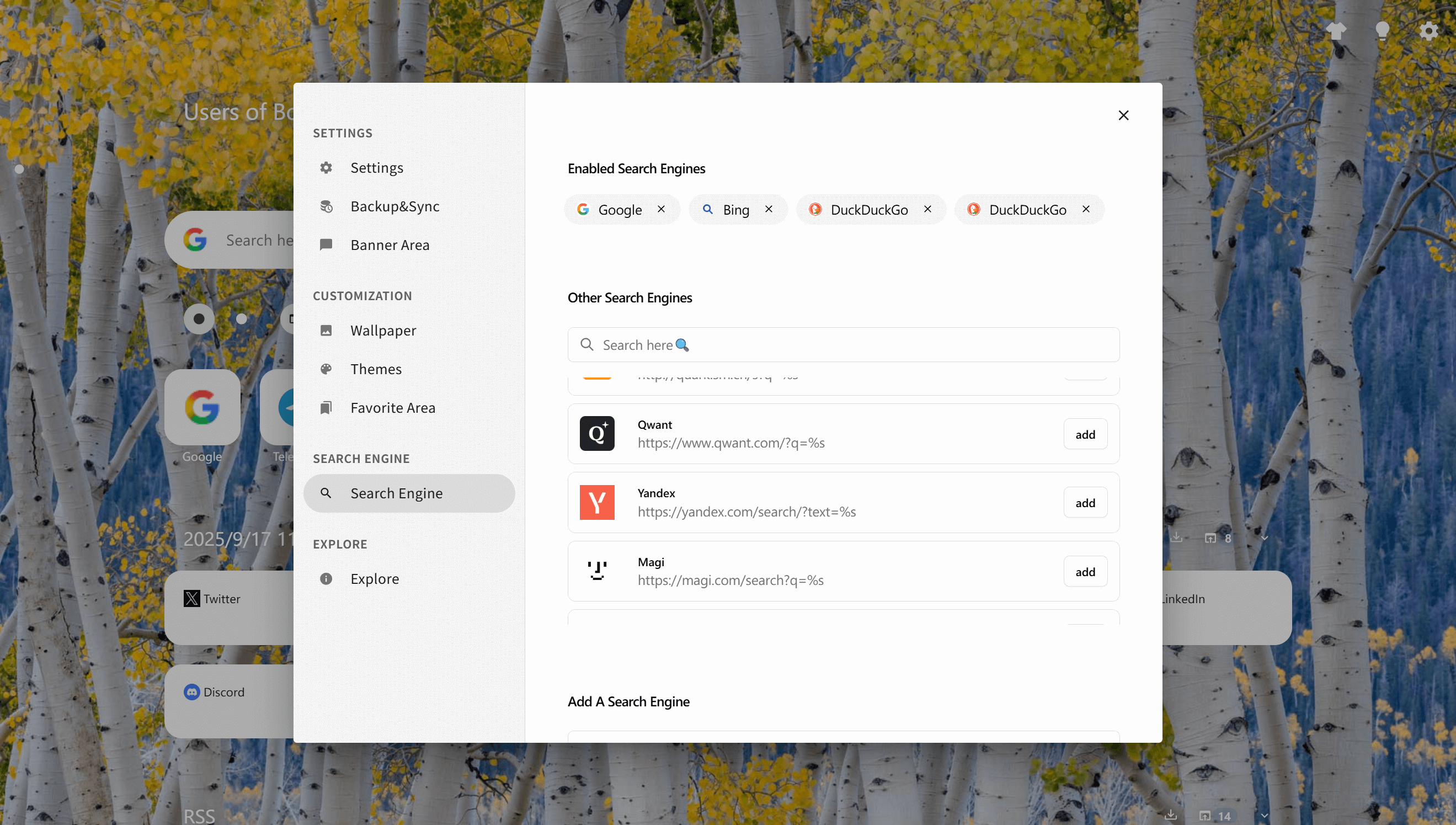
Local-first generation
01

Local-first generation

Navigation pages are built from local bookmark data without requiring servers for core functionality.
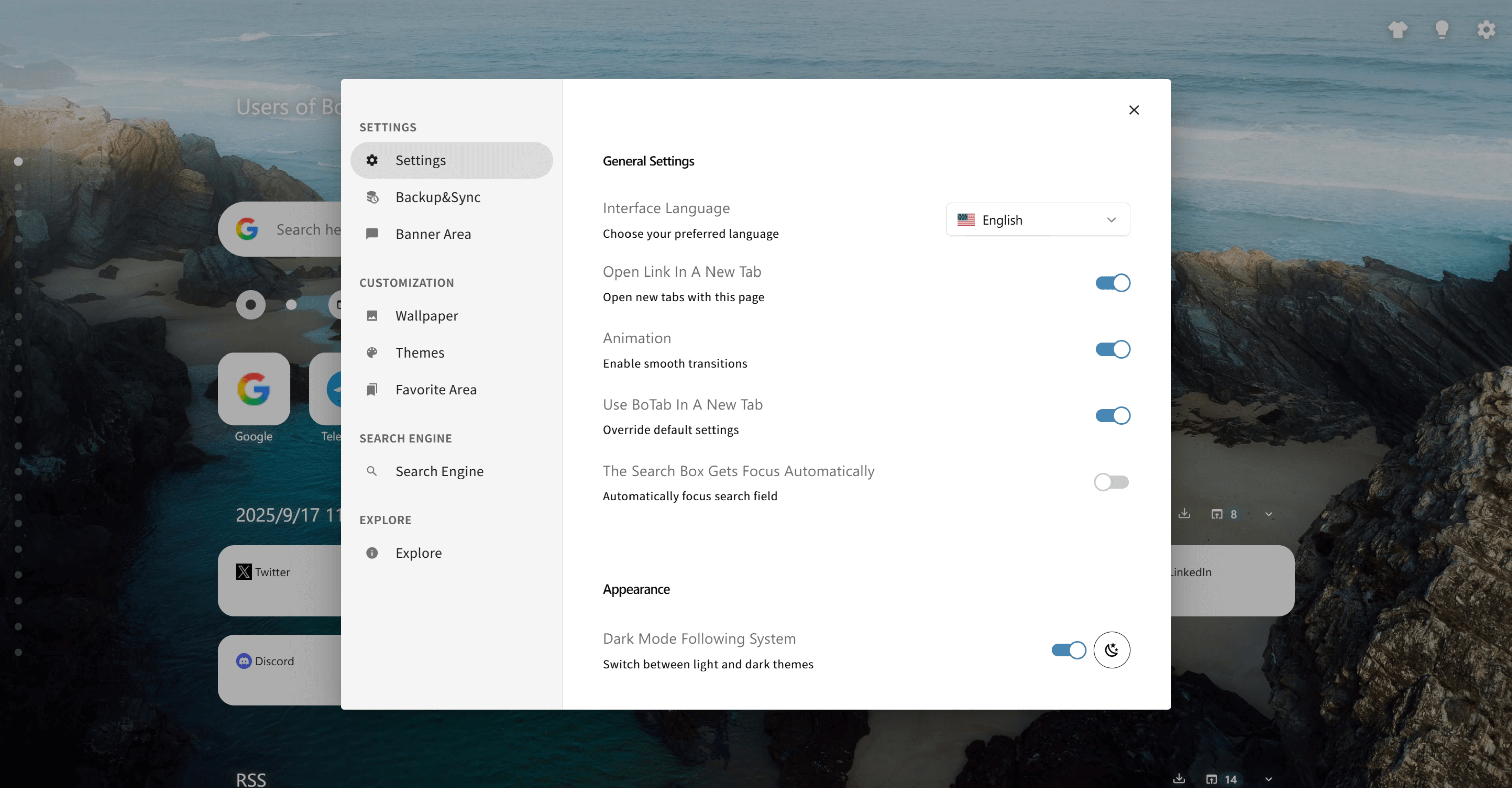
Minimal permissions
02

Minimal permissions

Strictly request what is needed and avoid loading remote executable code (Manifest V3 model).

03

Backup export & import

Export settings as JSON and import them to restore or migrate your setup.

04

Reset controls

Return to a known clean state when troubleshooting or starting fresh.

05

User-controlled search engines

Enable or add search engines so search stays aligned with your preferences.

How it works

1. Review settings and permissions

Understand what BoTab needs and keep permissions as minimal as possible.

2. Use browser sync for bookmarks

Let Chrome/Edge/Firefox sync your native bookmarks across devices.

3. Export a JSON backup

Create a backup file so you can restore your setup anytime.

4. Import when migrating

On a new device, import the JSON file to restore settings quickly.

5. Reset when troubleshooting

If something feels off, reset to defaults and rebuild from a clean baseline.

Use cases

Privacy-conscious users

Keep navigation and bookmark data in the browser instead of pushing it to third-party services.

Device migrations

Move to a new computer with browser sync plus a JSON backup for settings.

Shared computers

Reset quickly and keep permissions minimal in environments you don’t fully control.

Team policies

A local-first model fits better for teams with stricter data-handling requirements.

FAQ

No—bookmark-driven pages are generated locally. Your bookmark storage remains in the browser.

Your bookmarks can sync using the browser’s native cloud sync; settings can be migrated with JSON export/import.

It means the extension avoids loading executable code from remote sources, aligning with stricter security models.

Yes—import is intended to restore a known configuration. Export first if you want to keep the current state.

Explore more

Navigation workspace

Multi-column boards from bookmarks, with Quick Directory and card actions.

Sessions & recovery

Save whole-window sessions, restore them as groups, and recover after crashes.

Personalization & themes

Themes, wallpapers, and layout controls (plus optional CSS tweaks).