8 Best Chrome Session Manager Extensions to Save and Restore Tabs (2026)
Lost context after a restart? Learn how to save tabs in Chrome with these 8 session manager extensions for 2026 — covering one-click session saves, crash recovery, workspace switching, reminder-based revisits, and beautiful new tab hubs.
Open a project, and a dozen tabs explode. Open a second project, and Chrome starts wheezing. Ever hit the point where you are sure the page exists, but it has vanished into the sea of windows? The problem is not your discipline. It is a lack of solid session management.
This article is a straight to the point list of 8 Chrome session manager extensions. You will see tools for one click saves, crash recovery, workspace switching, reminder based revisits, and visual new tab hubs. Pick the one that matches your workflow, whether you juggle client projects, collect research, or just want your browser to feel light again.
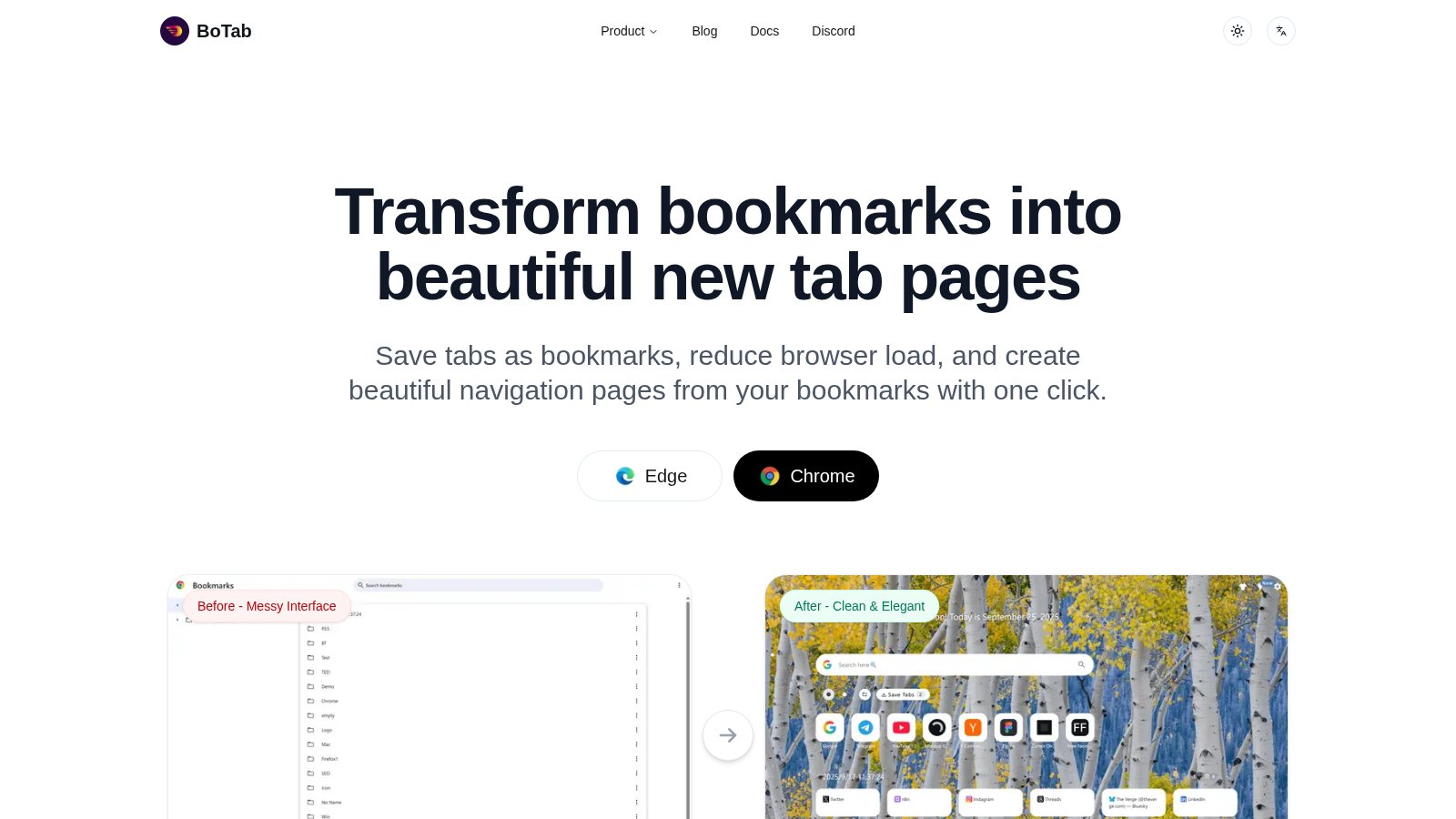
If you care about visual clarity and turning saved sessions into a clean new tab hub, I lean toward BoTab. It makes the session entry point feel like a designed workspace, not a cluttered list.
Quick answer. The best Chrome session manager depends on your goal. For a free, local-first board that turns saved tabs into a clean new tab page, try BoTab. For crash recovery, Session Buddy saves and restores full sessions locally. For project-based work, Workona organizes sessions into Spaces. For reminder-based revisits, Pondr schedules pages to reopen. For heavy multi-window sessions, TabXpert offers deep session control.
Compare the top picks at a glance
This table compares five tools we verified from their official sites in 2026. BoTab is the only free, local-first option here that also builds a new tab board from your saved tabs.
| Tool | Best for | Price | Where your data lives | Saves sessions as | New tab board |
|---|---|---|---|---|---|
| BoTab | A visual board from saved tabs | Free | Local, native browser sync | Native bookmarks | Yes |
| Session Buddy | Crash and session recovery | Free | Local | Saved sessions | No |
| Workona | Project session workspaces | Free plan, paid upgrade | Workona cloud | Project spaces | No |
| Toby | Visual team workspaces | Free plan, paid upgrade | Toby cloud | Spaces on a board | Yes |
| OneTab | Quick memory relief | Free | Local | A single list | No |
Free and local-first means your sessions stay on your machine and sync through Chrome or Edge, with no third-party server. That is BoTab's main difference from the cloud tools here.
1. BoTab
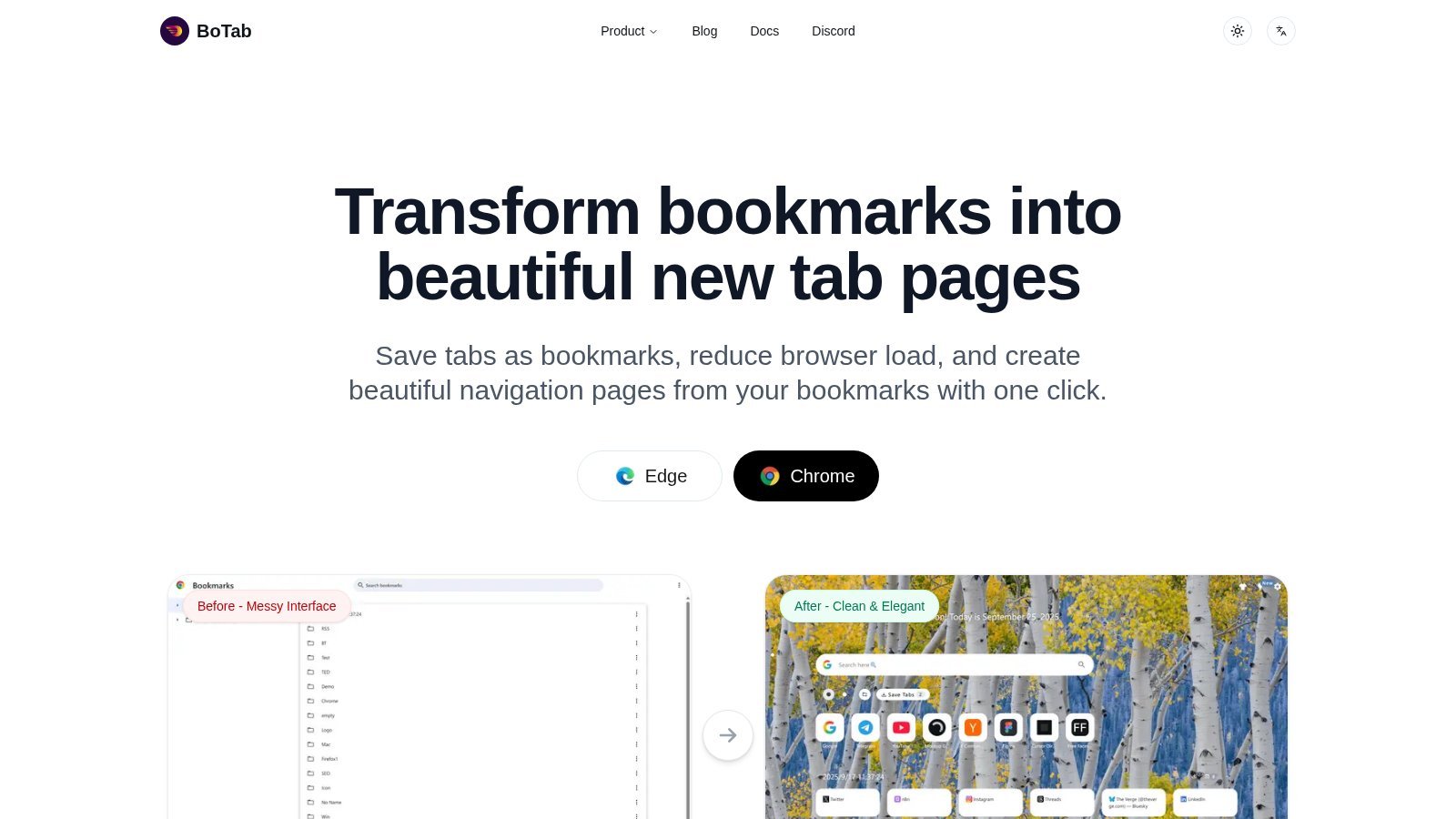
BoTab turns open tabs and bookmarks into a beautiful new tab page. You can save all open tabs as bookmarks with one click, then generate a multi column board that is easy to scan. It is free and available on Chrome and Edge.
What stands out is personalization and privacy. Pages are generated locally, bookmark data is not uploaded, and layouts can be tuned with themes and even custom CSS. If your day starts with a new tab, this feels like an actual session cockpit.
Key Features:
- One click session save: Convert open tabs to bookmarks and restore them later
- Multi column boards: Auto generate a structured new tab page for projects
- Smart sorting and filtering: Search and filter bookmarks faster
- Crash recovery: Restore important sessions after a browser crash
- Local generation and privacy: Data stays on device with strict permissions
👉 Try BoTab - Turn sessions into a clean new tab hub
2. Workona Spaces & Tab Manager
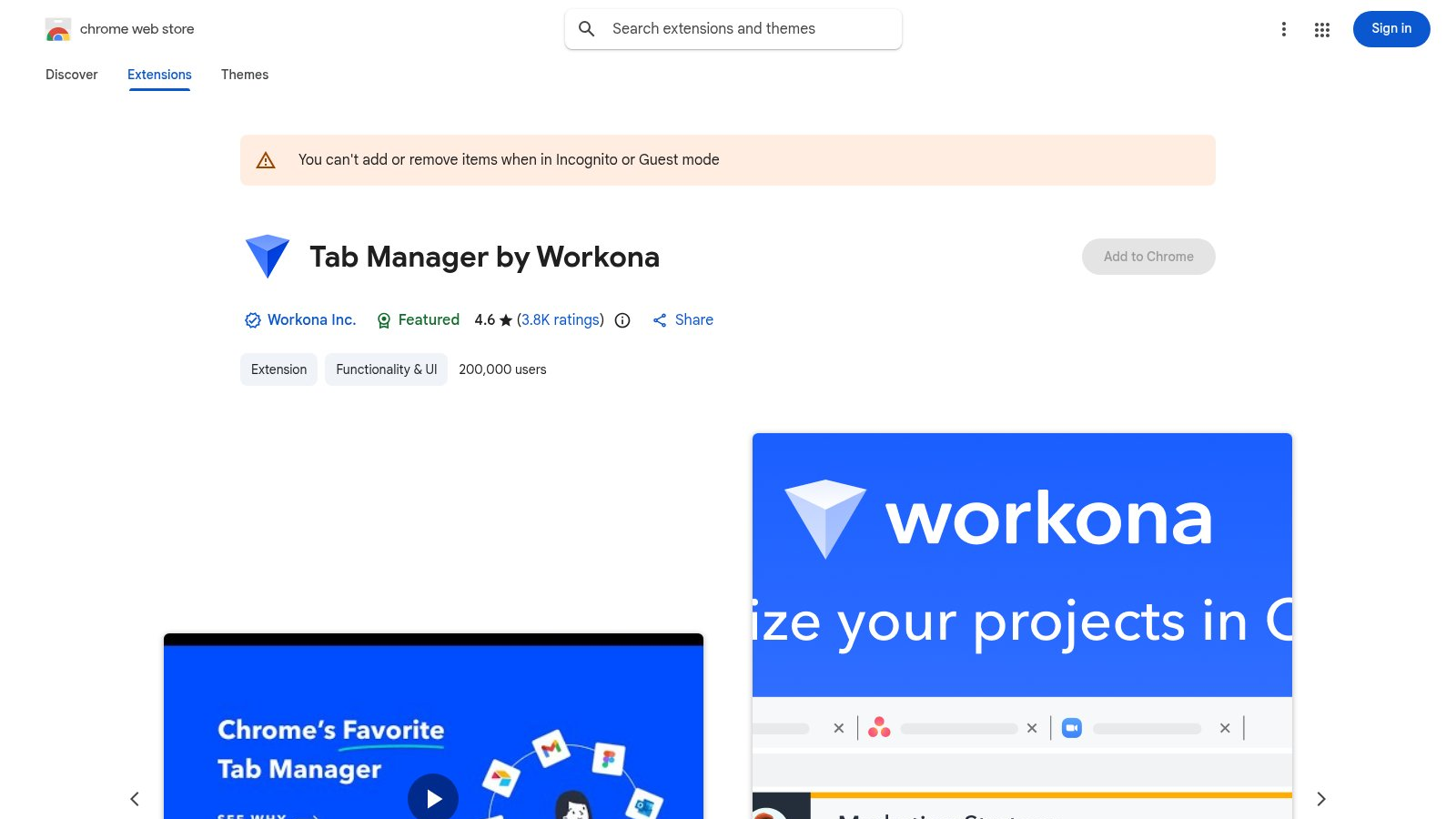
Workona is built for project oriented sessions. The Chrome Web Store listing shows 200,000 users and a 4.6 rating. It organizes your work into Spaces so each project has its own session context, making switching much less chaotic.
If your workflow lives inside Google Drive, Slack, Asana, or Notion, Workona is a strong fit. It auto saves tabs, offers backups, and includes tab suspension to reduce memory usage on heavy days.
Key Features:
- Spaces for projects: Keep each project session organized
- Auto save and backup: Sessions are preserved automatically
- Tab suspension: Reduce memory load during big projects
- Drag and drop organization: Tidy sessions quickly
- Cross device sync: Carry sessions across devices
👉 Try Workona - Project style session workspaces
3. TABLERONE tab manager
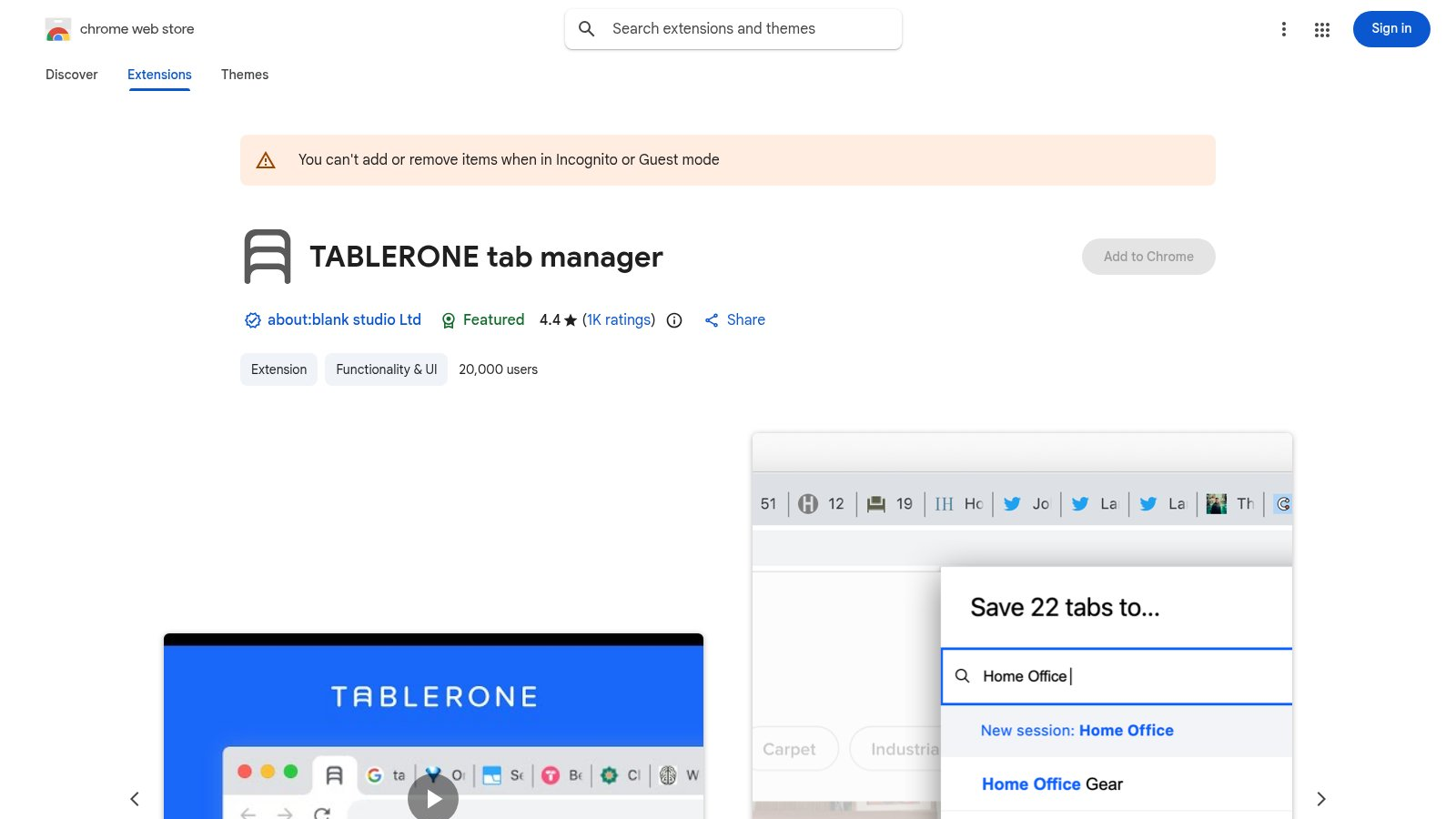
Tablerone focuses on saving and restoring sessions with a strong emphasis on privacy. The listing shows 20,000 users, a 4.4 rating, and 1K reviews. It offers screenshot previews, tags, notes, and workspace style switching for saved sessions.
If you are a link collector who wants to come back later without losing context, the visual previews help a lot. It also claims no account required and a local first approach.
Key Features:
- Screenshot previews: See saved sessions at a glance
- Tags and notes: Add context for future revisits
- Workspaces: Separate sessions by topic or project
- Session recovery: Restore after a crash or full cleanup
- Privacy focus: Local storage with no account required
👉 Try Tablerone - Visual session library with previews
4. Tabrr Dashboard
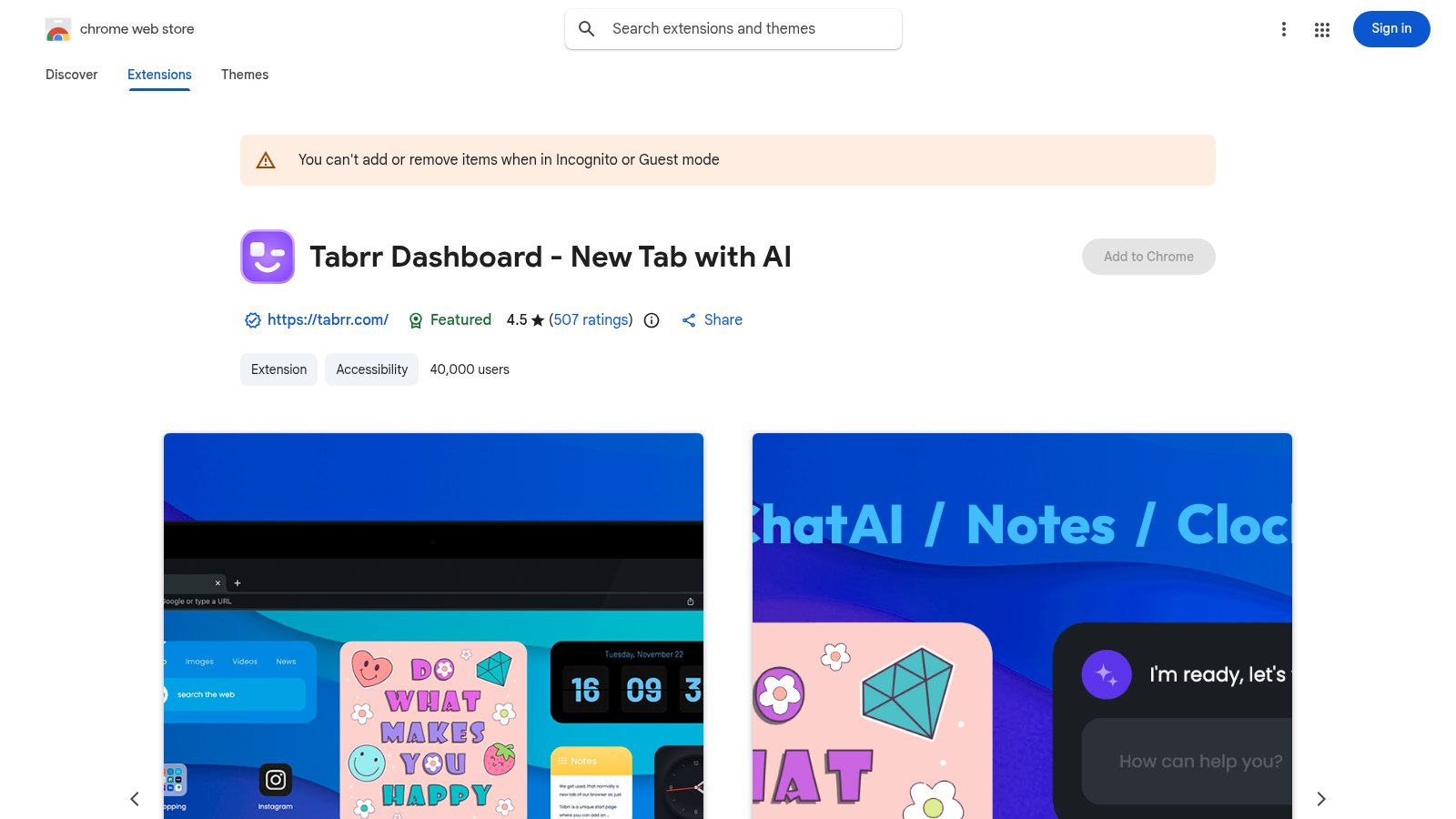
Tabrr turns a new tab into a personal dashboard. The listing shows 40,000 users, a 4.5 rating, and 507 reviews. It mixes bookmarks, favorite sites, wallpapers, widgets, and ChatAI into one starting point.
If you want a visual session entry page rather than a strict session archive, Tabrr shines. It also supports account based cloud sync so your dashboard follows you.
Key Features:
- Dashboard new tab: Central hub for bookmarks and quick links
- ChatAI entry: Start page access to chat features
- Wallpapers and widgets: Clock, notes, search, image widgets
- Foldered bookmarks: Visual icon groups for fast access
- Cloud sync: Sign in to carry your layout across devices
👉 Try Tabrr - New tab hub for session entry
5. TabXpert - Session and Tab Manager
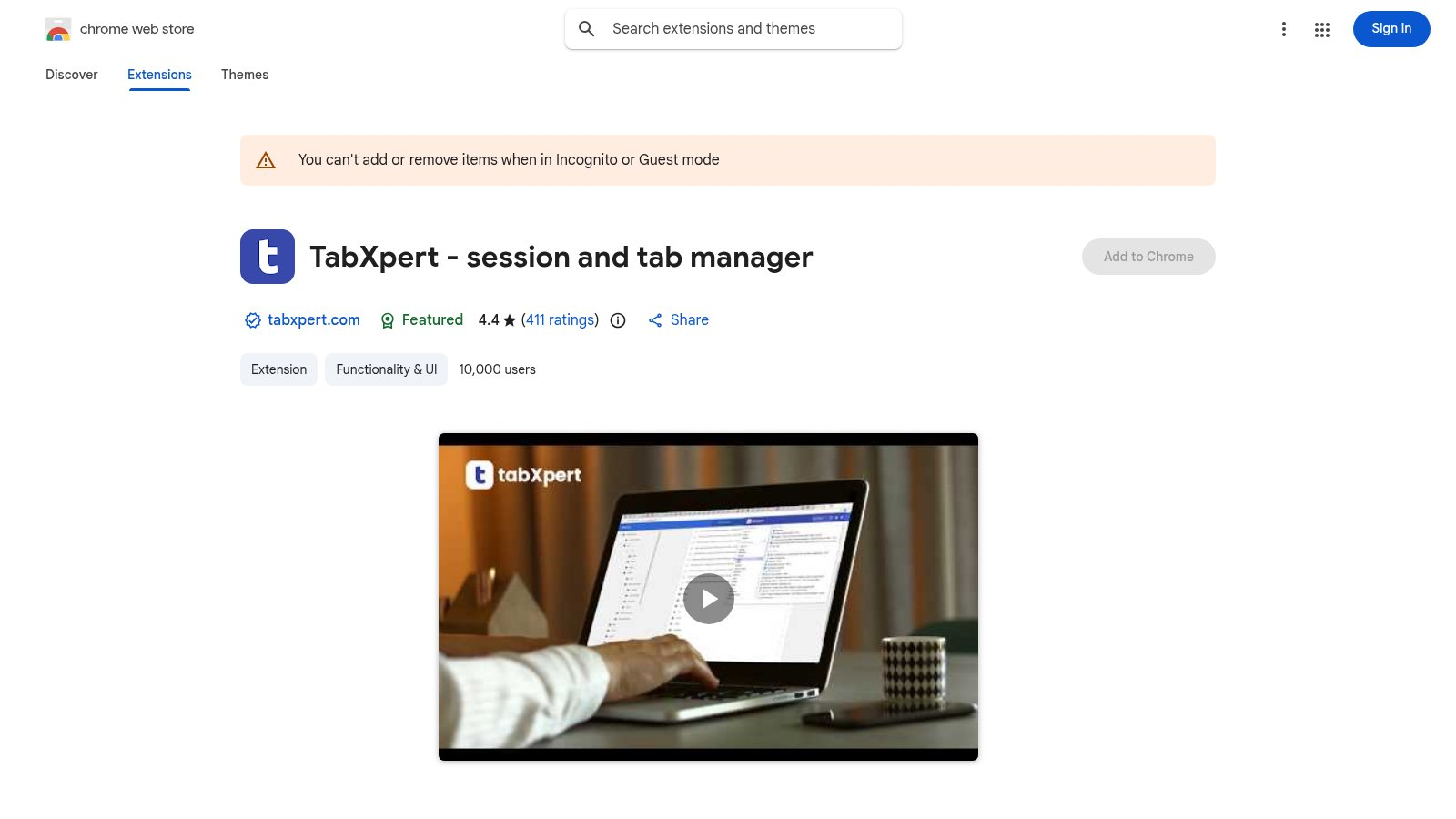
TabXpert is aimed at heavy session users. The listing shows 10,000 users and a 4.4 rating, with automatic session saves, tab group support, and optional cloud sync. It also offers multiple interfaces, including popup, side panel, and full page views.
If you switch between multiple windows and multi day research sets, TabXpert feels robust. It also supports imports from OneTab, Session Buddy, Workona, and Toby, which makes migration easier.
Key Features:
- Auto saved sessions: Single or multi window recording
- Tab groups and vertical tabs: Useful for dense workflows
- Optional cloud sync: Sync sessions across devices and profiles
- Multiple interfaces: Popup, tab, window, and side panel
- Import tools: Bring data from other session managers
👉 Try TabXpert - Heavy duty session control
6. Mark tab manager
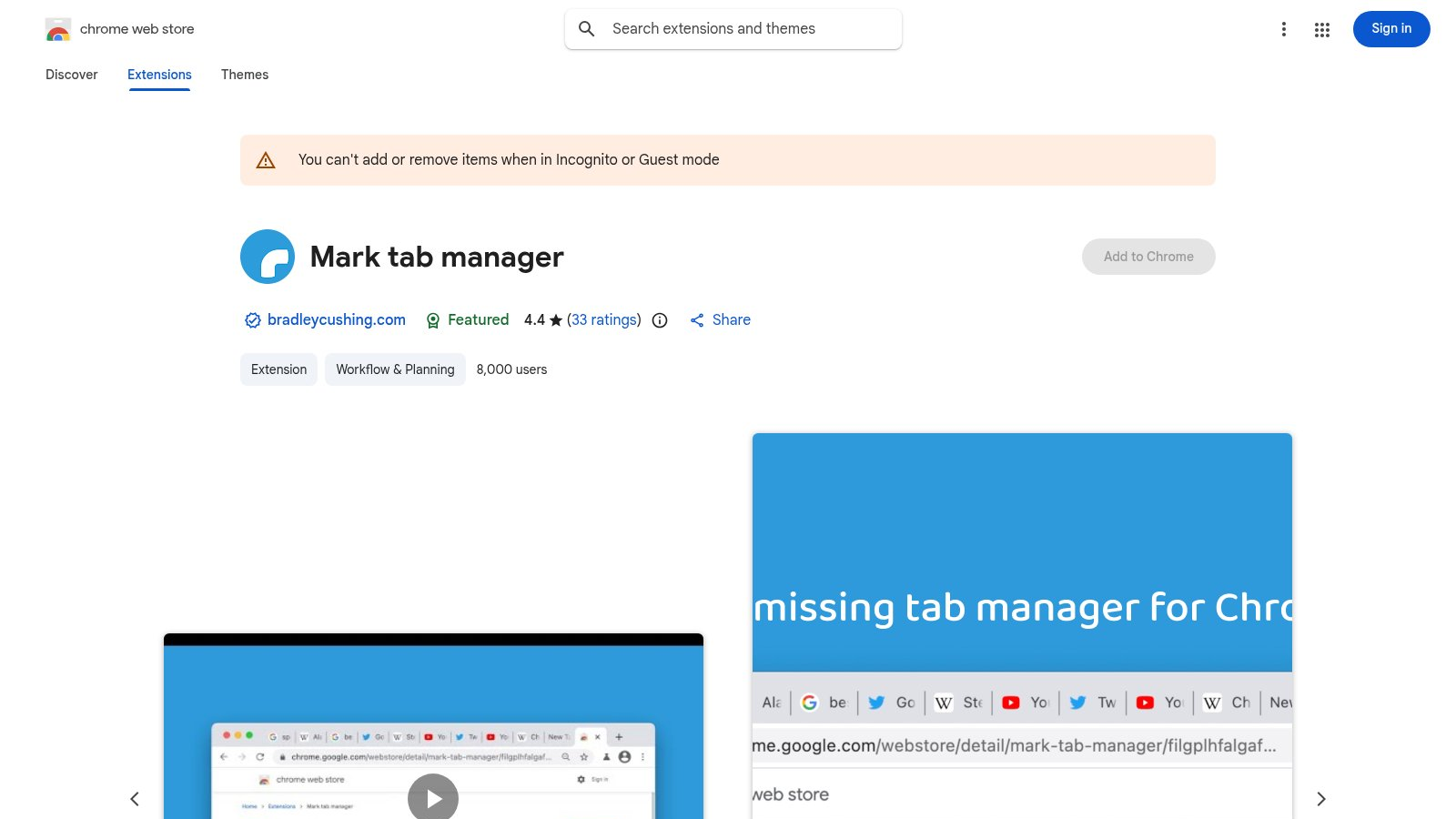
Mark takes the minimalist route. The listing shows 8,000 users, a 4.4 rating, and 33 reviews. It uses Chrome native tab groups to auto group tabs by domain and sort them alphabetically, with almost no learning curve.
Think of it as a lightweight session cleanup helper. Your open tabs are grouped automatically and can be consolidated across windows so sessions do not get lost.
Key Features:
- Auto grouping by domain: Organize sessions while you browse
- Alphabetical sorting: Find pages faster inside groups
- Native tab groups: No heavy UI or setup
- Cross window consolidation: Prevent lost tabs in other windows
- Cleanup mode: Quickly collapse and tidy groups
👉 Try Mark - Minimal session cleanup
7. Pondr: Tab Manager & Bookmark Reminder
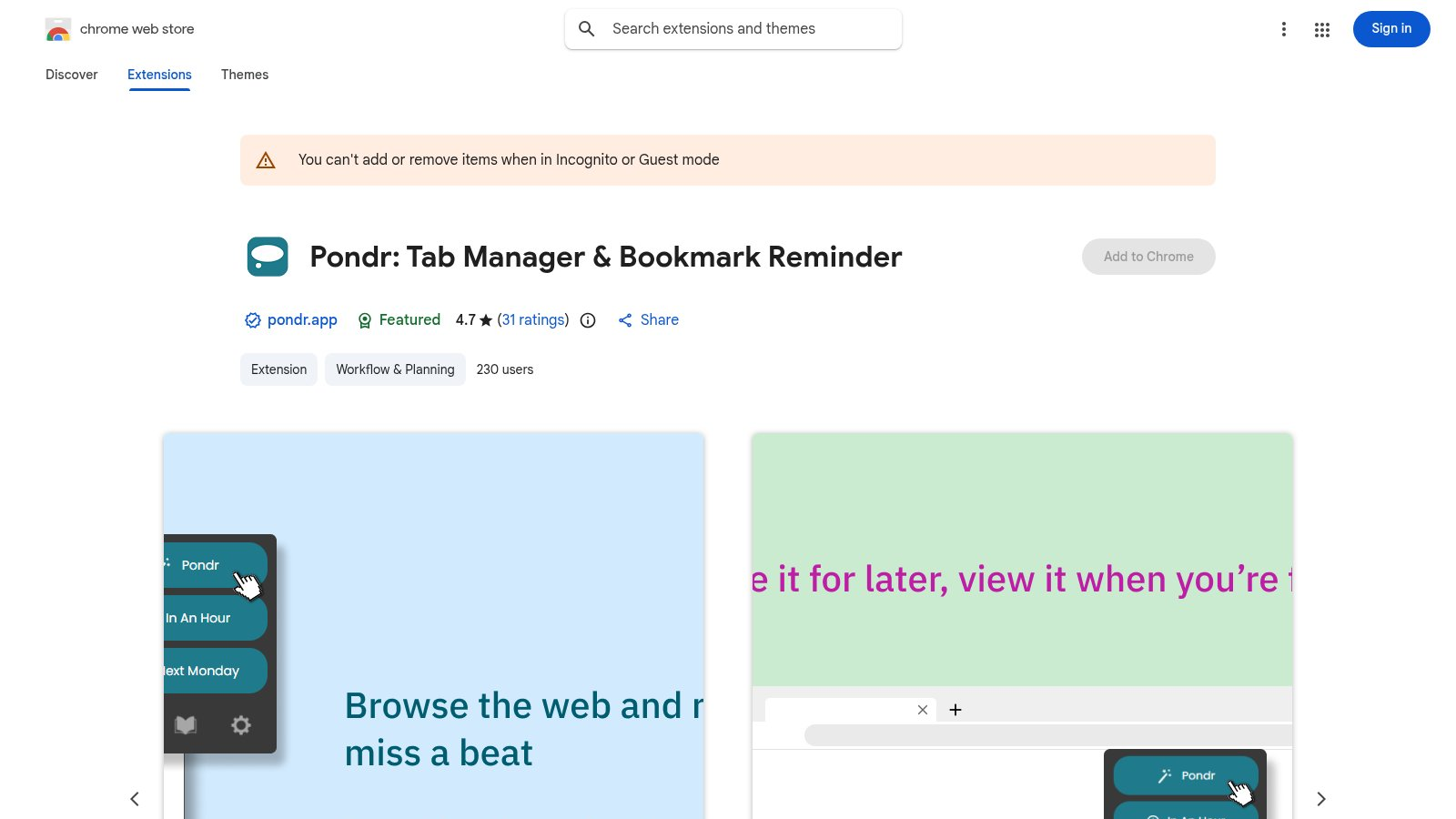
Pondr blends session saving with reminders. The listing shows a 4.7 rating and 531 reviews. Its core idea is to save a page and schedule a revisit time, often through Google Calendar integration, so your saved sessions actually come back when you can act on them.
If you bookmark articles, videos, or tasks and rarely return, Pondr is a smart fix. It offers grid or list views, search, private libraries, and keyboard shortcuts.
Key Features:
- Calendar reminders: Schedule a revisit time automatically
- Grid and list views: Clear visual session lists
- Deadline based recalls: Reopen pages on the date you need
- Search and shortcuts: Find saved pages fast
- Private library: Protect sensitive sessions
👉 Try Pondr - Turn saved sessions into reminders
8. TabHub: Next generation Tab Manager
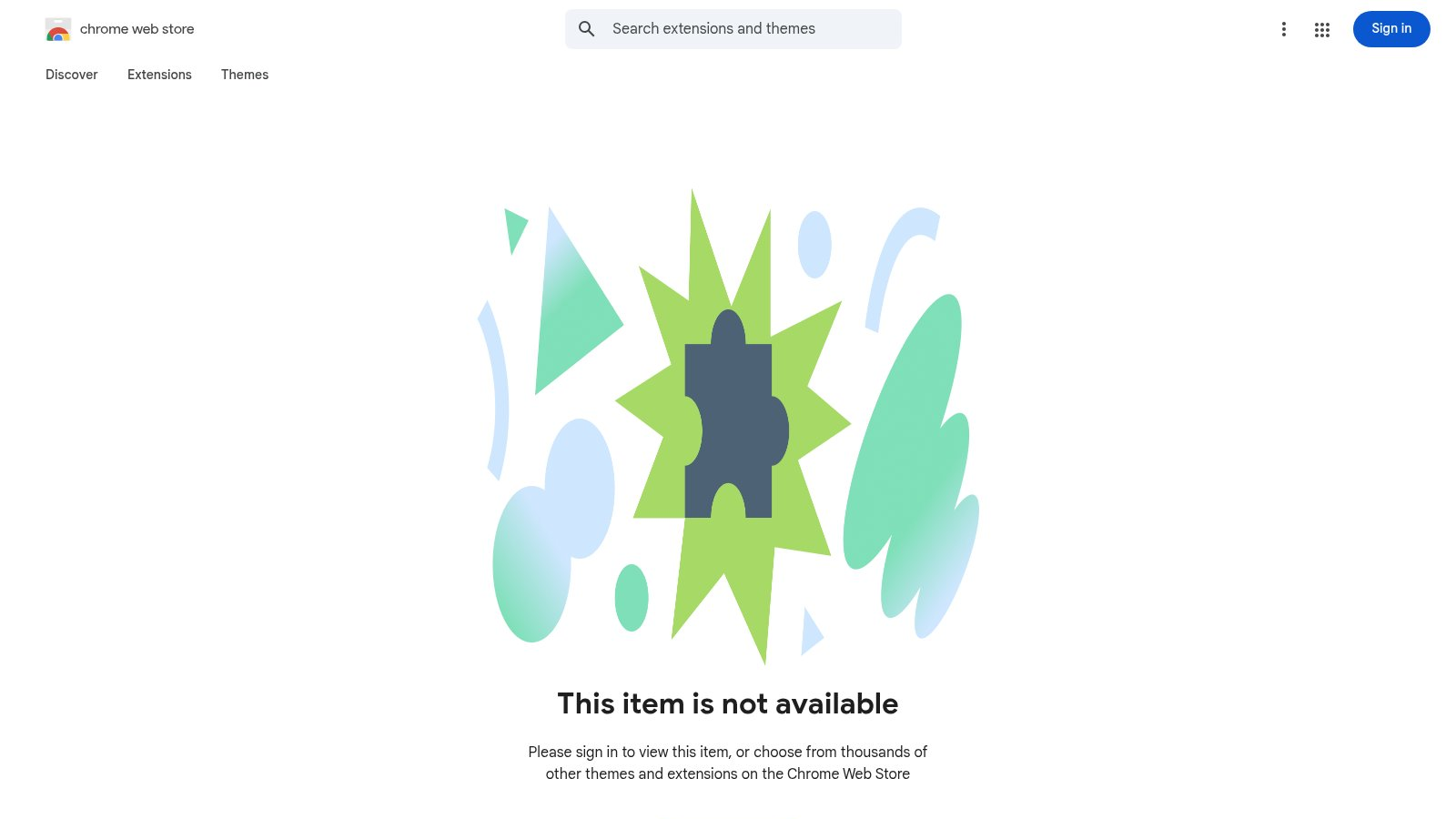
During capture, the Chrome Web Store page showed the item as unavailable. Because of that, there is no verified feature list from the official page at the moment. If this extension matters to you, check the listing status first.
Key Features:
- Store page unavailable: Listing was not accessible on 2026-01-07
- No official feature data: Page content could not be read
- Verify before installing: Confirm availability in the store
👉 Check TabHub - Verify availability first
How to choose a session manager
If you want a visual workspace the moment you open a tab, BoTab and Tabrr are strong picks, one more workflow oriented, one more dashboard focused.
If you manage project heavy sessions, Workona and TabXpert are stronger. Workona emphasizes Spaces, while TabXpert is about session depth and flexible interfaces. Prefer minimal automation? Mark is the simplest option. Need your saved sessions to resurface at the right time? Pondr fits that story.
Session managers and tab managers overlap a lot. If you also want to tidy and organize all your open tabs, not just save sessions, see our roundup of the best tab manager extensions. On Edge, the same picks apply, covered in our Chrome and Edge tab manager guide.
Frequently asked questions
What is the best Chrome session manager in 2026?
There is no single best tool for everyone. The right pick depends on your goal. BoTab is a strong free choice if you want saved sessions turned into a visual new tab board. Session Buddy is best for crash recovery. Workona is best for project workspaces. Pondr is best for reminder-based revisits.
How do I save and restore tabs in Chrome?
Use a session manager. BoTab saves all open tabs as bookmarks with one click, then rebuilds them on a new tab board. Session Buddy saves tabs as named sessions you can restore in batches. Both let you bring a full set of tabs back after a restart.
Which session manager keeps my data local?
BoTab and Session Buddy keep data on your machine. BoTab saves sessions as native browser bookmarks that sync through Chrome or Edge with no BoTab server. Session Buddy stores sessions locally too. Cloud tools like Workona store sessions on their own servers.
Can a session manager recover tabs after a crash?
Yes. Tools that save sessions, like BoTab and Session Buddy, let you reopen your tabs after a browser or computer crash. How much you recover depends on when your last session was saved.
Is there a free Chrome session manager?
Yes. BoTab and Session Buddy are free. Some tools like Workona offer a free plan plus paid upgrades. Check each store listing for current details.
Wrap up
Session management is not only about reducing clutter. It is about recovering context fast. Do you want a lighter browser, fewer distractions, or a faster return to a project? Each tool targets a different pain point.
If you want a beautiful, usable starting point, BoTab is my go to recommendation. If you need heavier project management, try Workona or TabXpert first. The right session manager makes Chrome feel calm again.
Author

Categories
More Posts
4.3 Million Browsers Infected: Uncovering ShadyPanda's 7-Year Malware Campaign
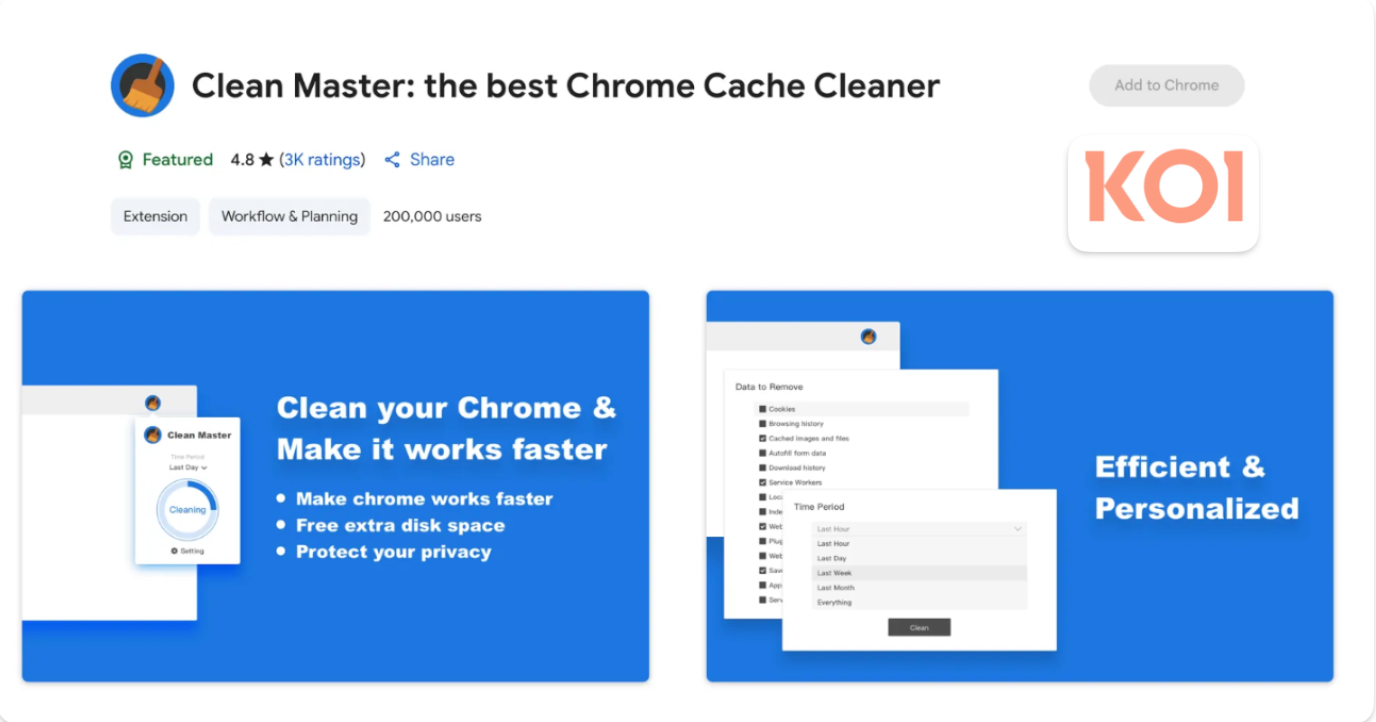
Security firm Koi.ai has disclosed ShadyPanda's 7-year malware campaign, infecting over 4.3 million Chrome and Edge users, involving well-known extensions like Clean Master.
About Me
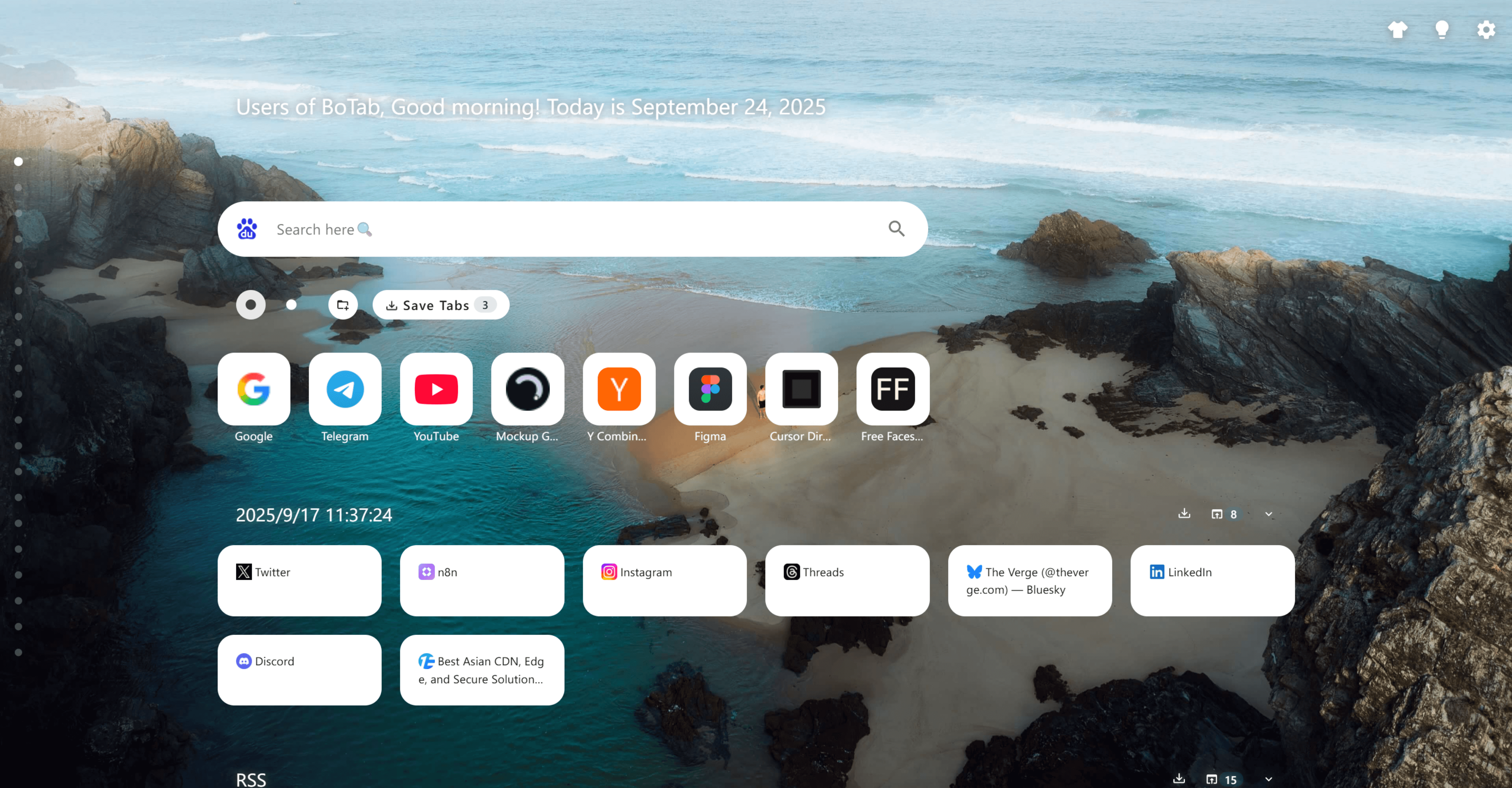
Learn about BoTab
WeTab & Infinity Team Responds to "Poisoning" Allegations: Clean Master Was Sold Long Ago, Core Products Are Safe
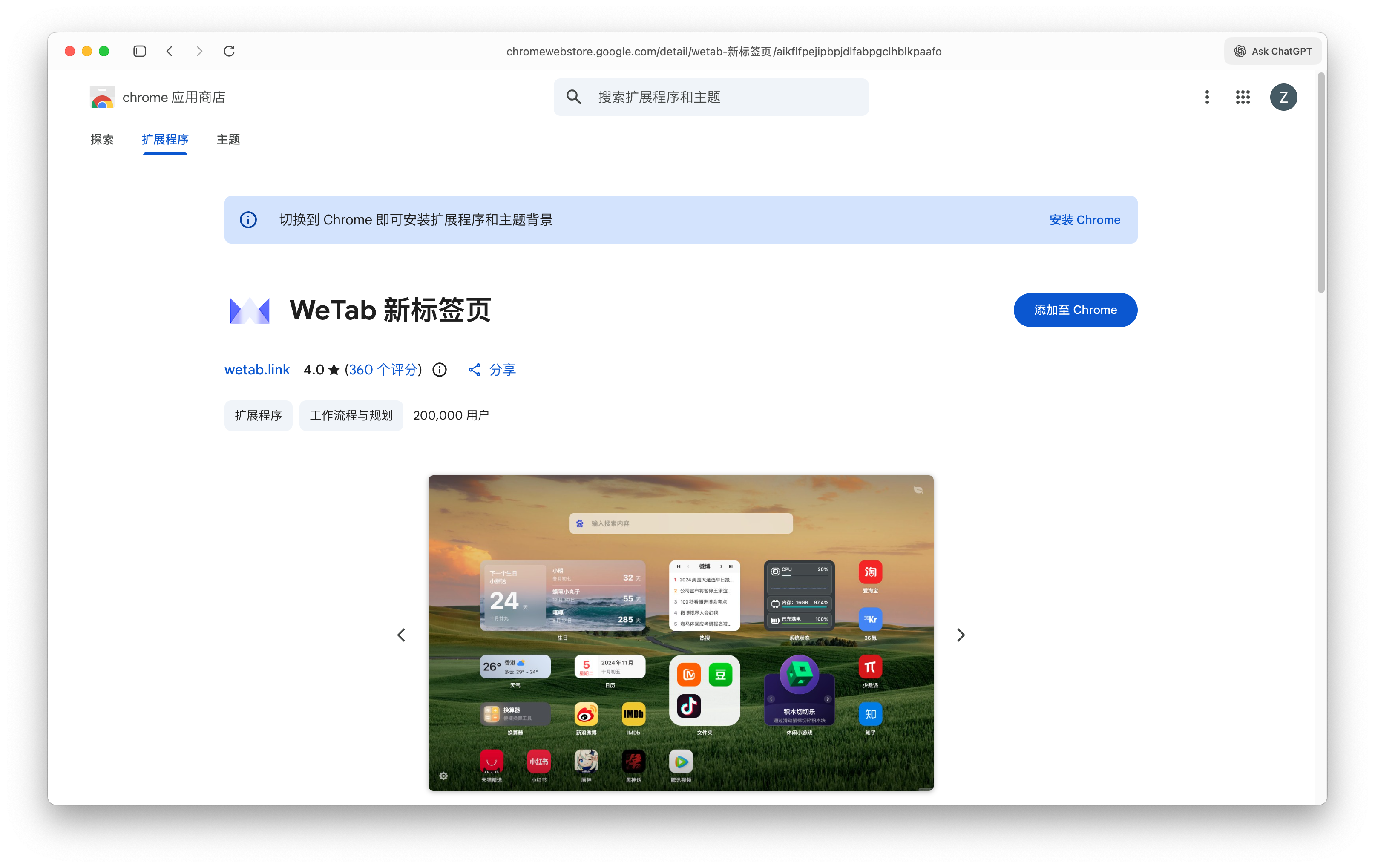
The WeTab & Infinity team released a statement clarifying that the Clean Master Chrome version was sold long ago, and the malicious updates are unrelated to the original team. WeTab and Infinity are independently operated with no backdoors found.
 Download Now Chrome