10 Best Tab Manager Chrome Extensions for 2026 (Including One That Closes Pinned Tabs)
Too many tabs open in Chrome? These 10 best tab manager Chrome extensions cover one-click cleanup, session recovery, auto-closing idle and pinned tabs, project workspaces, and visual new tab dashboards — pick the one that fits your workflow in minutes.
Too many open tabs slow Chrome down, eat memory, and scatter your focus. The right tab manager extension fixes that in minutes. This list is updated for June 2026 and covers the 10 best tab manager Chrome extensions, from one-click cleanup to session recovery and visual new tab boards.
Quick answer. The best tab manager extension depends on your goal. For a free, local-first board built from your saved tabs, try BoTab. For pure memory relief, OneTab collapses every tab into one list. For project workspaces, Workona groups tabs by project. For crash recovery, Session Buddy saves and restores full sessions. For auto cleanup, Tab Wrangler closes idle tabs for you.
Compare the top picks at a glance
This table compares five tools that we verified from their official sites in 2026. BoTab is the only free, local-first option here that also builds a new tab board from your saved tabs.
| Tool | Best for | Price | Where your data lives | Saves tabs as | New tab board |
|---|---|---|---|---|---|
| BoTab | A visual board from saved tabs | Free | Local, native browser sync | Native bookmarks | Yes |
| OneTab | Quick memory relief | Free | Local | A single list | No |
| Session Buddy | Crash and session recovery | Free | Local | Saved sessions | No |
| Toby | Visual team workspaces | Free plan, paid upgrade | Toby cloud | Spaces on a board | Yes |
| Workona | Project workspaces | Free plan, paid upgrade | Workona cloud | Project spaces | No |
Free and local-first means your tabs stay on your machine and sync through Chrome or Edge, with no third-party server. That is BoTab's main difference from the cloud tools above.
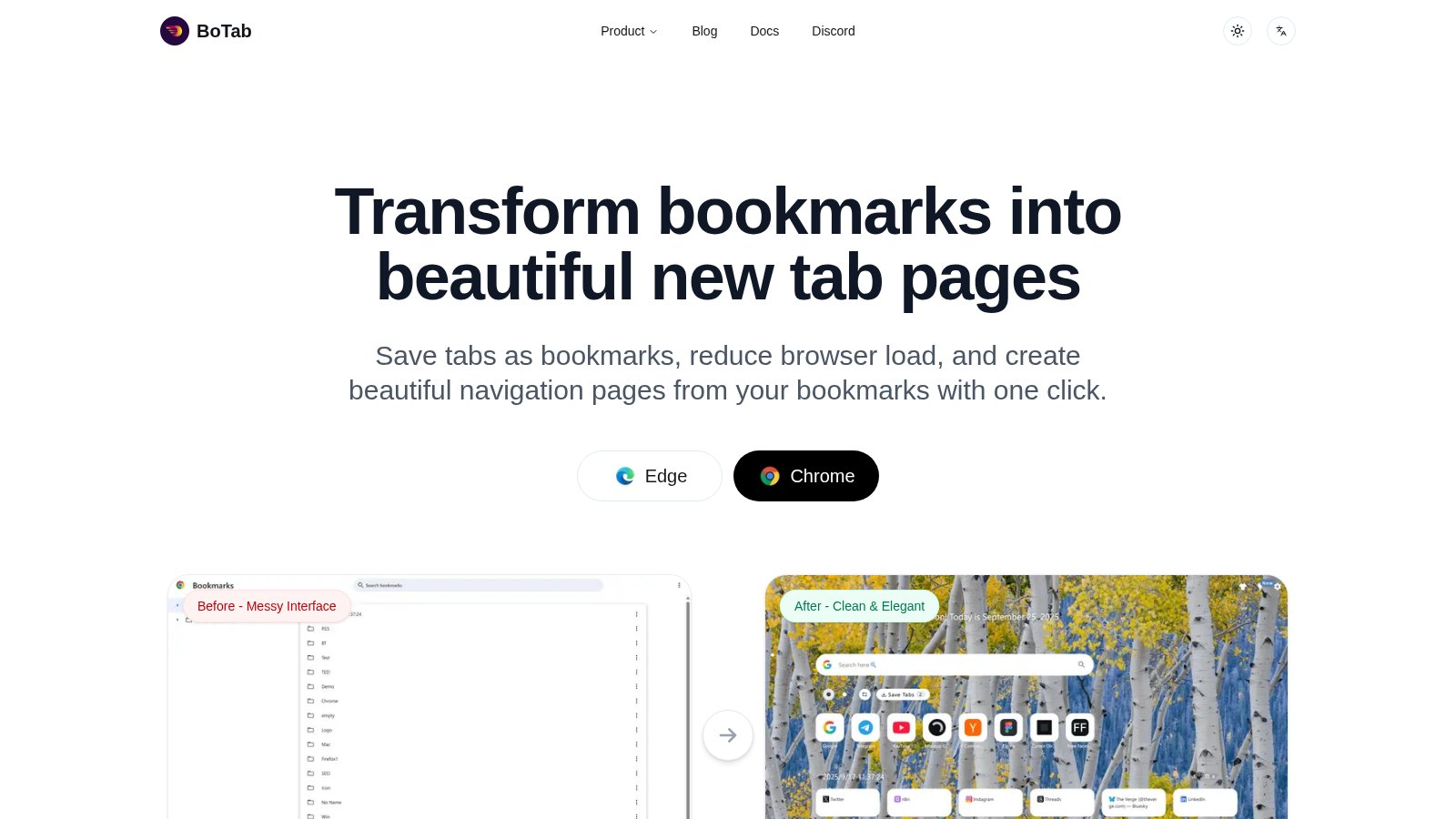
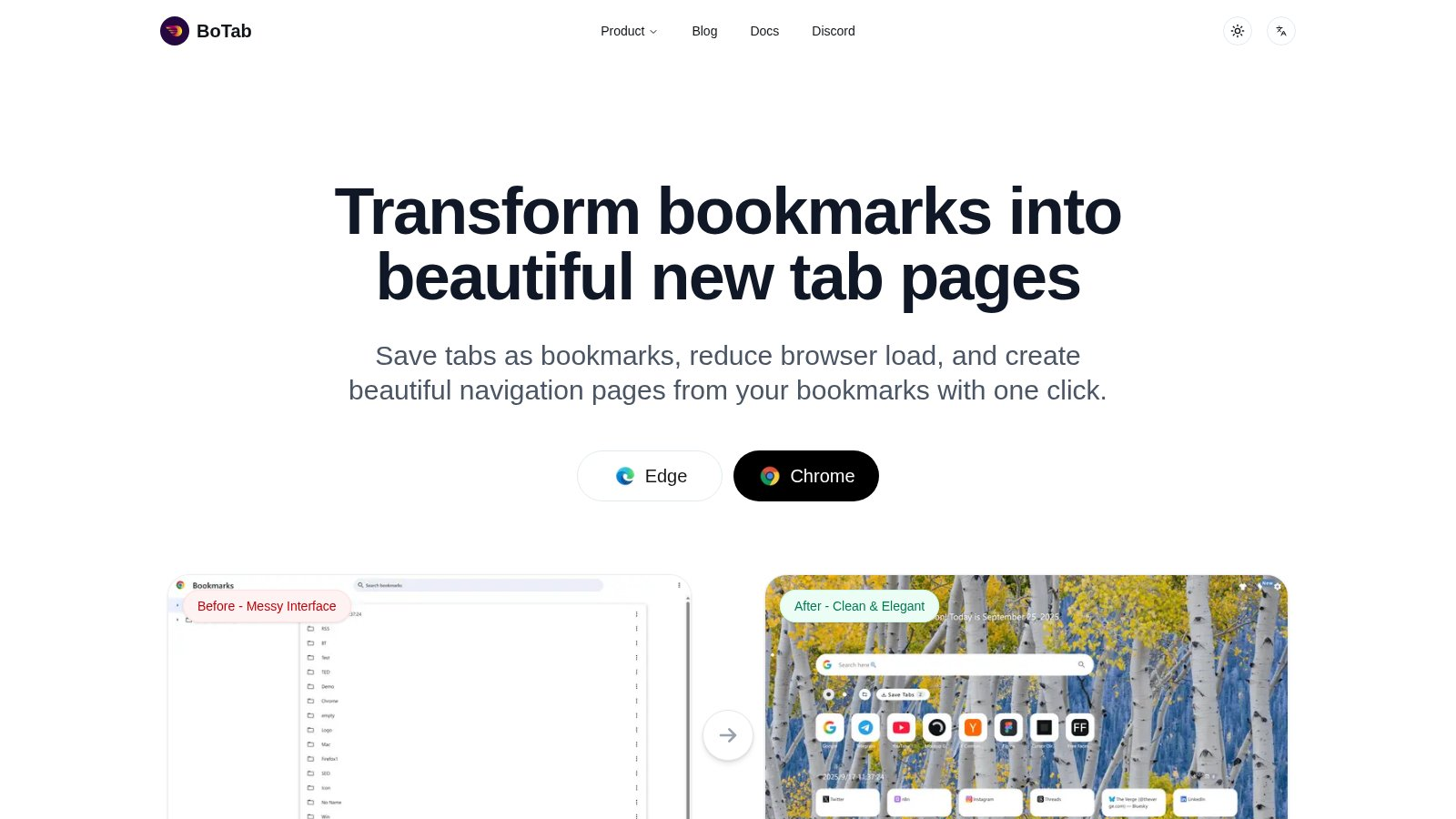
1. BoTab Smart New Tab
BoTab is more than a tab saver. It is a free Chrome and Edge extension that turns your open tabs into bookmarks and builds a clean, board-style new tab page from them. So your workspace is ready the moment you open a tab.
Most tools save tabs into their own private list or cloud. BoTab saves them as real browser bookmarks instead. That means your data syncs for free through Chrome or Edge, stays on your machine, and survives even if you stop using BoTab. You can read more about how the board works on the BoTab navigation page.
What stands out.
- Visual boards. Your sites and sessions show as cards you can scan at a glance.
- Session management. Save all open tabs with one click, then restore them later. See the BoTab sessions page for details.
- Crash recovery. Reopen your tabs after a browser or computer crash.
- Local and free. Bookmarks are generated locally and sync through native browser sync, with no BoTab server. It is free to use today.
- Highly customizable. Pick themes, layouts, card styles, wallpapers, and even custom CSS on the personalization page.
BoTab works best when you want both strong organization and a new tab page that feels like your own. If your main need is saving and restoring tabs after a crash, see our guide to Chrome session manager extensions.
2. Tabli Keyboard-First Overview
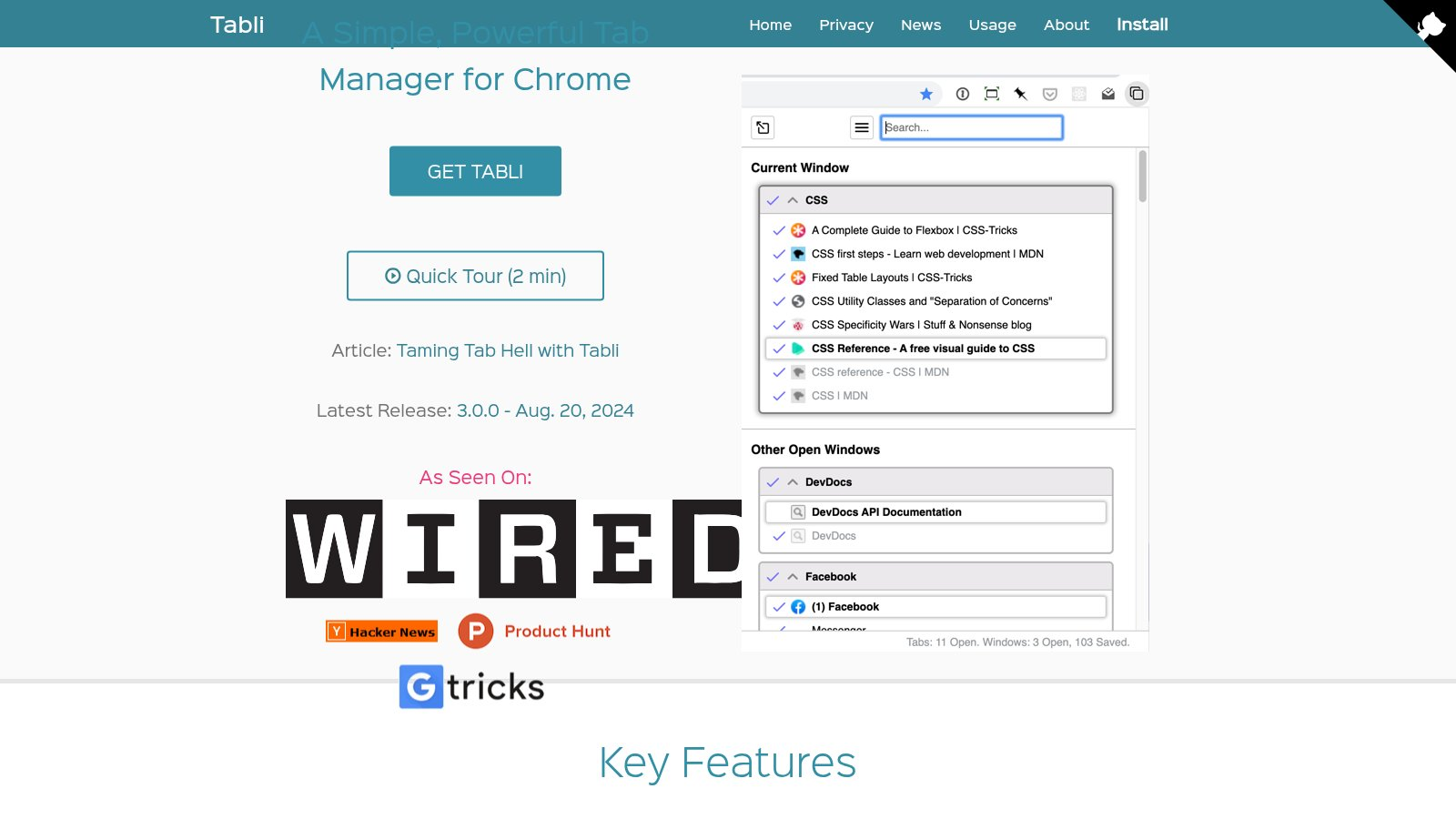
Tabli is built for keyboard-driven users. It shows every window and tab in one clean master list. It is simple and helpful if you keep many windows open all day.
What stands out.
- Global window view. See everything in one screen.
- Shortcut first. Search and switch faster with the keyboard.
- Lightweight. It does not replace your new tab page.
3. Session Buddy Session Rescue
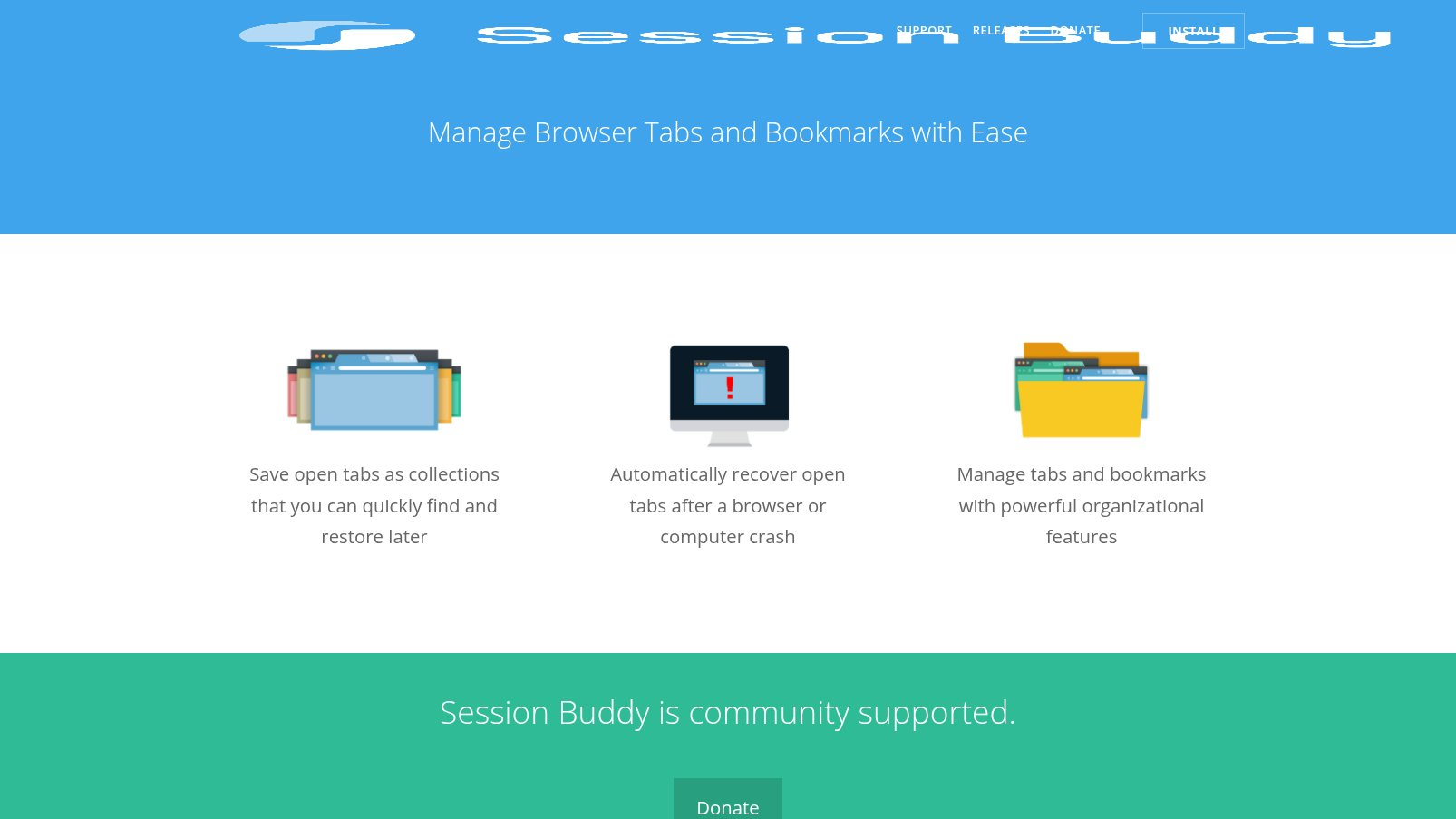
Session Buddy is built for crashes and accidental closes. It saves your tabs as sessions, which is handy for research or multi-stage work. Its data stays local.
What stands out.
- Session snapshots. Save all tabs with one click.
- Quick restore. Reopen sessions in batches.
- Searchable history. Find old sessions by keyword.
4. Toby Visual Grouping
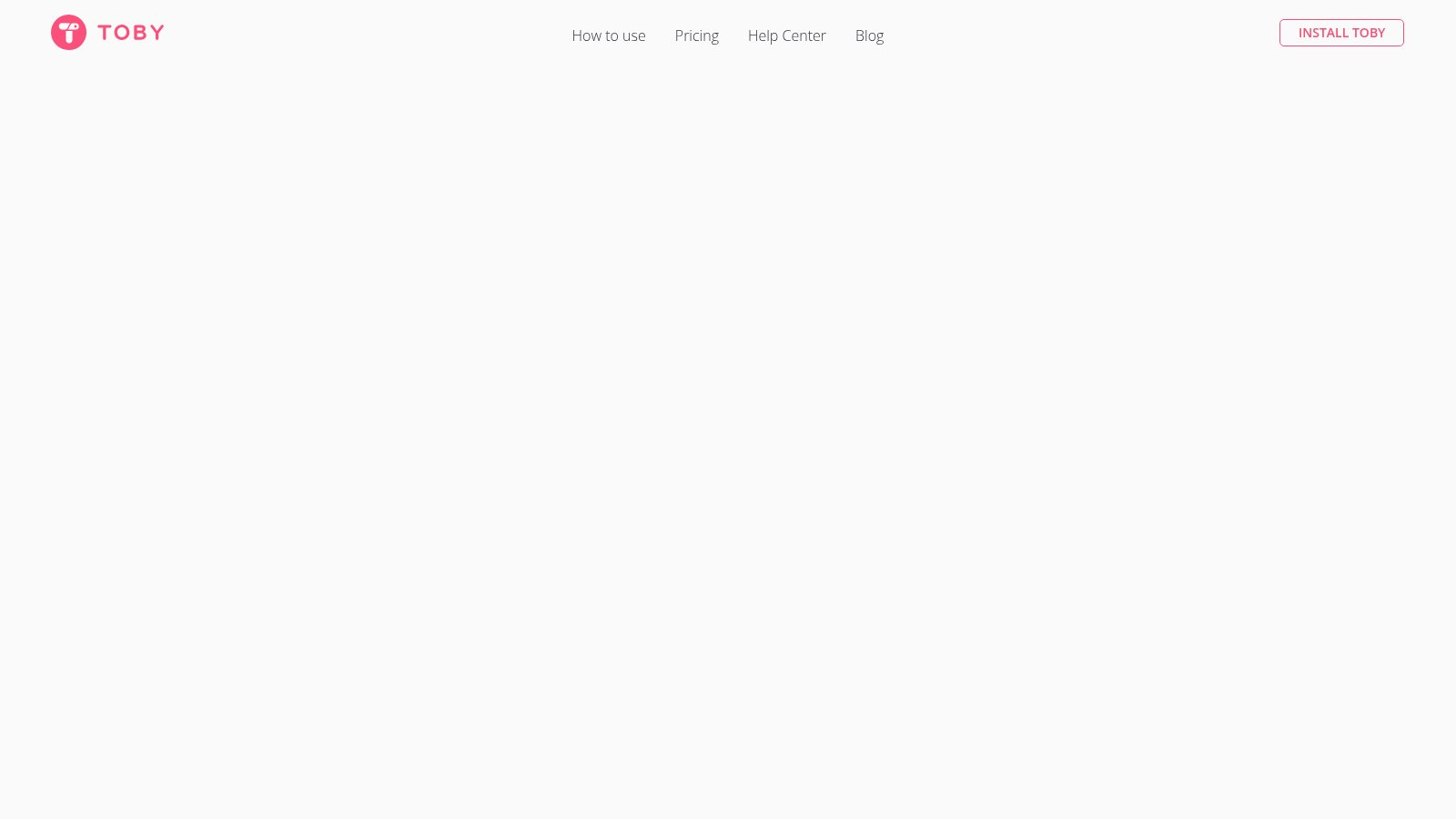
Toby focuses on visual cards and collections. Pages become cards on a board, which makes it easy to see what you are working on. It syncs through Toby's own cloud, and it has a free plan plus paid upgrades.
What stands out.
- Card-style layout. More visual than a plain list.
- Collections. Group resources by topic.
- One-click restore. Open a full group at once.
5. Workona Project Workspaces
Workona is a workspace-style tool. Each project gets its own space with tabs, tasks, and notes in one place, which is great for context switching. It backs up to Workona's cloud and offers a free plan with paid upgrades.
What stands out.
- Project workspaces. Keep separate contexts per project.
- Cross-browser support. Works across several browsers.
- One-click enter. Restore a whole workspace fast.
6. Tab Wrangler Auto Cleanup
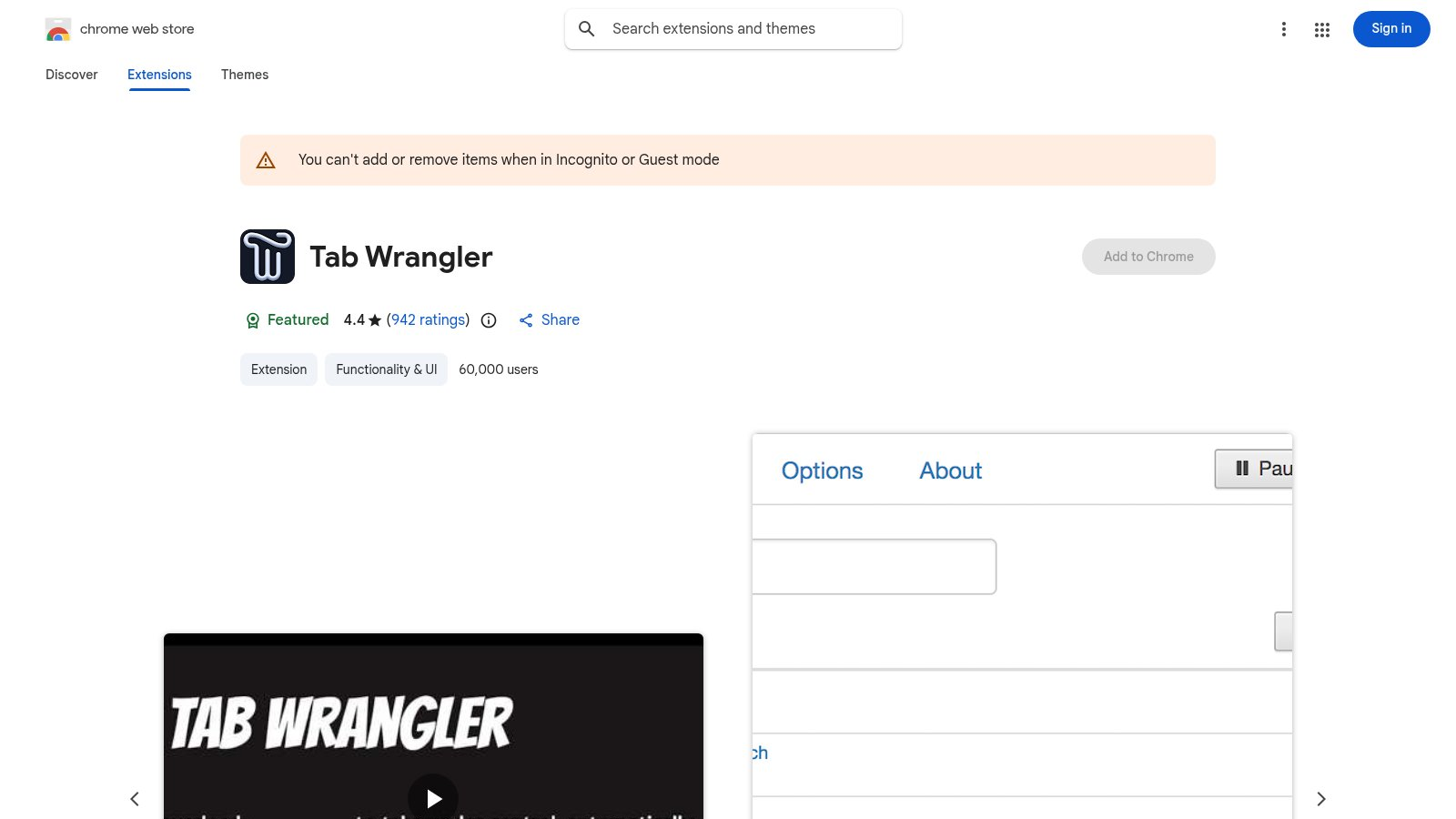
Tab Wrangler closes idle tabs for you, but keeps a list so you can restore anything you need. It is a good fit if you forget to close tabs yourself.
What stands out.
- Auto close. Clear tabs after a set time of inactivity.
- Restore list. Closed tabs stay recoverable.
- Whitelist protection. Keep important sites from closing.
7. OneTab One-Click Save
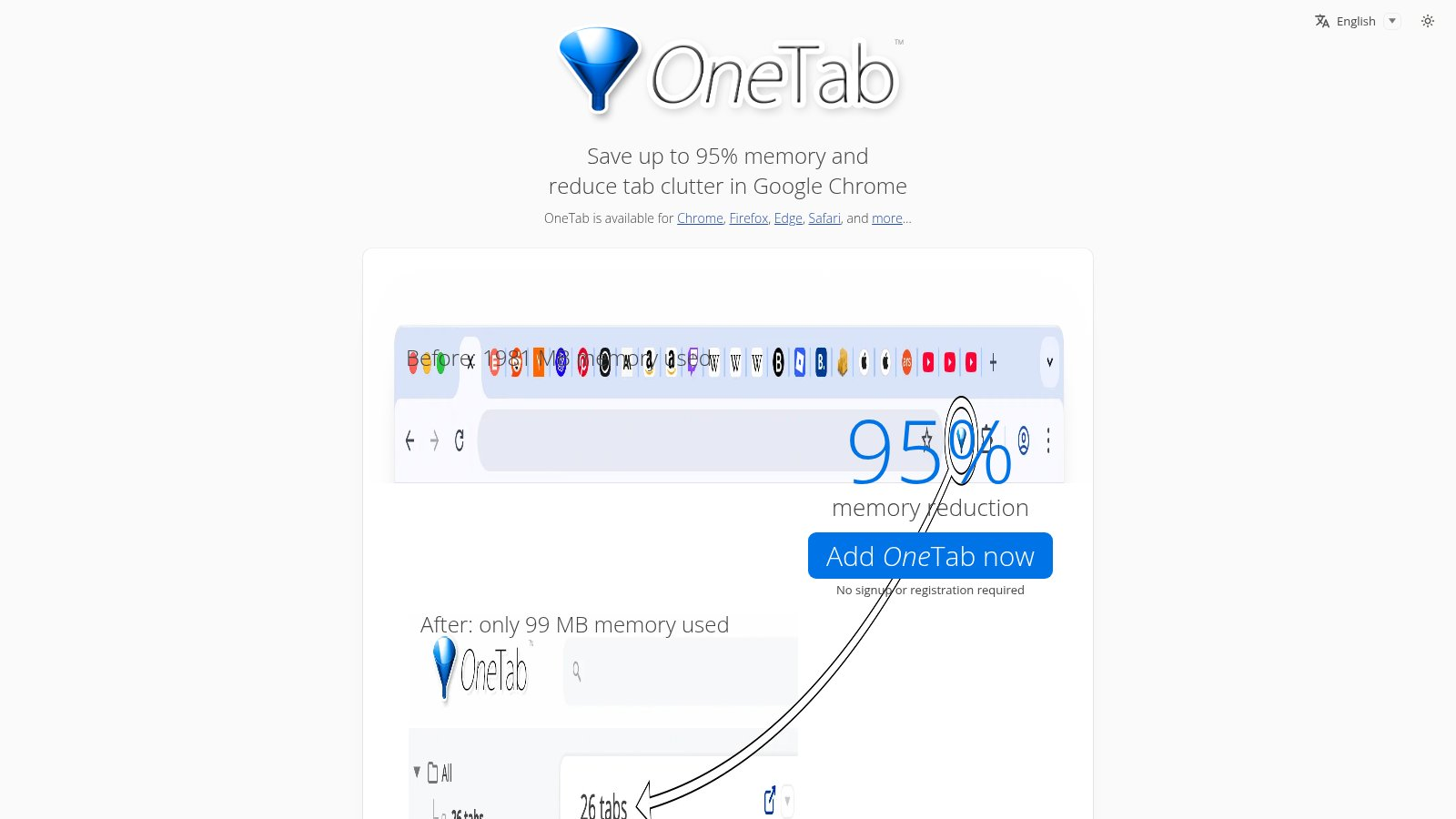
OneTab is the most straightforward rescue tool. It collapses all your tabs into a single list to free memory. OneTab says this can save up to 95% memory, though real savings depend on how you use it.
What stands out.
- One-click save. Collapse tabs into a list.
- Memory relief. OneTab claims up to 95% savings.
- Export and share. Back up or share your list.
8. Tab Manager Plus Thumbnail Grid
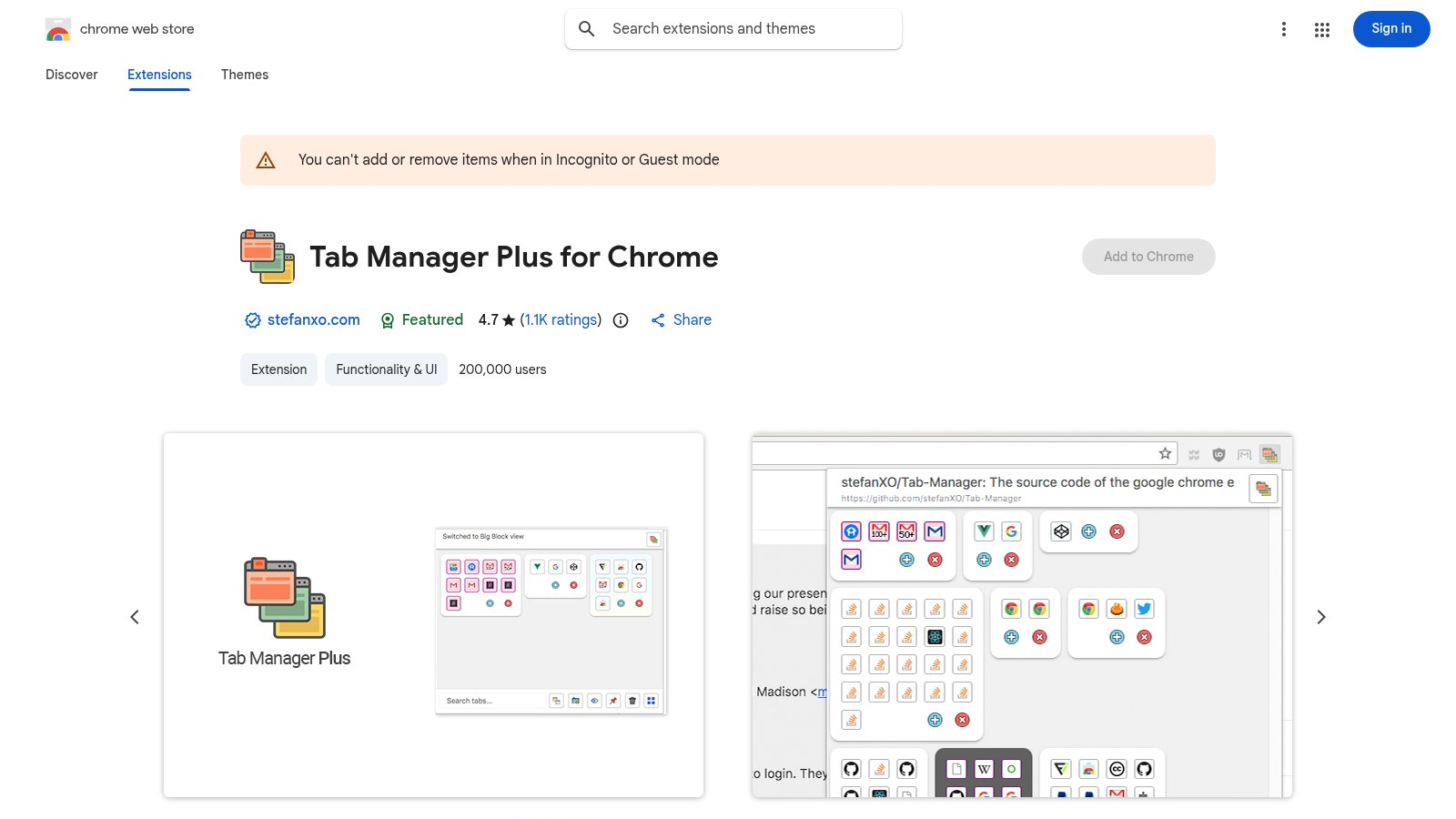
Tab Manager Plus stands out with a thumbnail grid view. It is a good fit for people with many open pages who want to see them all at once.
What stands out.
- Thumbnail grid. View many tabs in one place.
- Fast search. Jump to the right page by keyword.
- Quick actions. Close or pin in one click.
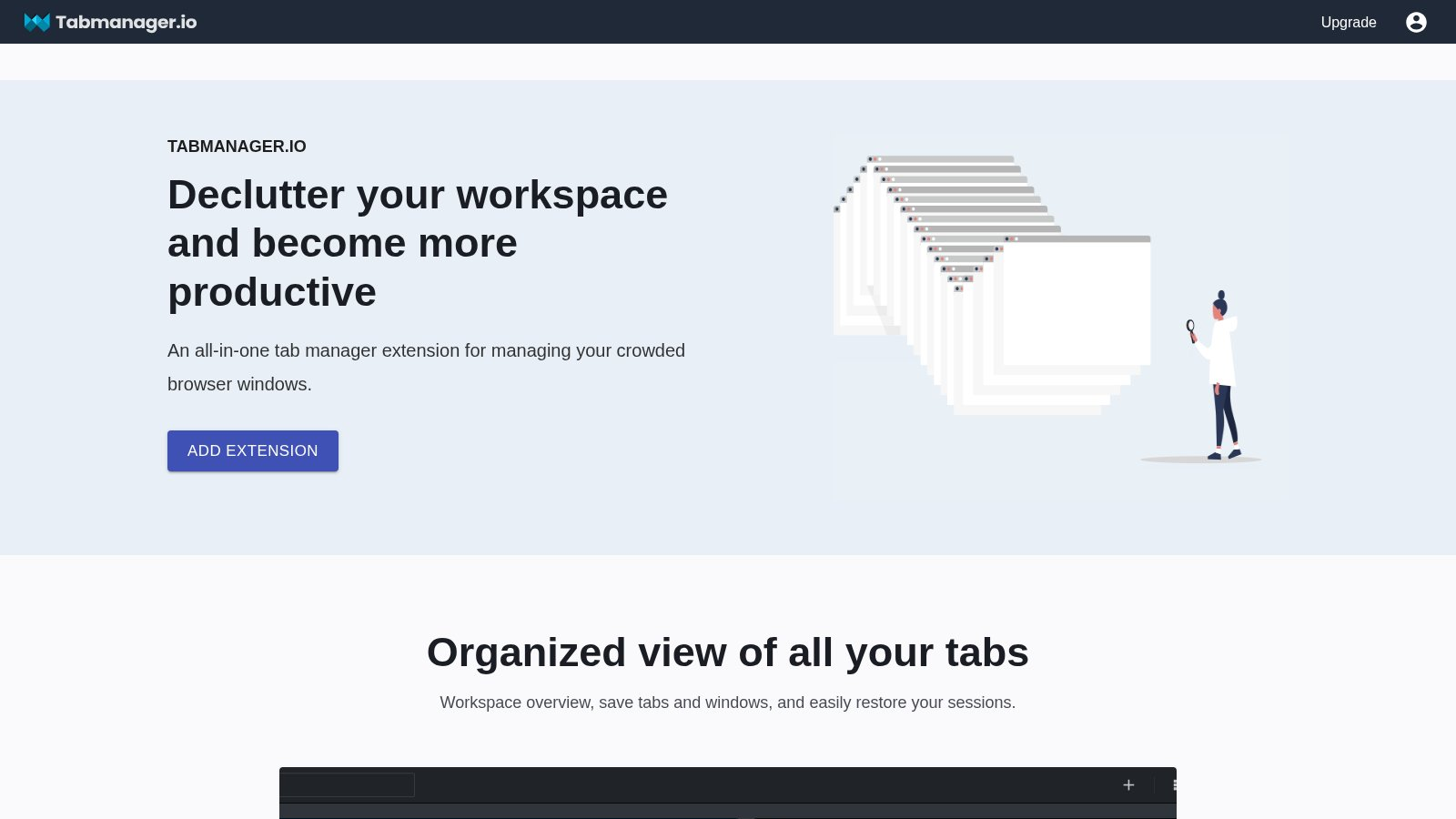
9. Tabmanager.io Lightweight Control
Tabmanager.io is a lightweight option with simple controls. It is helpful if you do not want to change your habits.
What stands out.
- Lightweight entry. It does not replace your homepage.
- Batch management. Handle several tabs at once.
- Low learning curve. Easy to pick up.
10. TABLERONE All-in-One Sessions
TABLERONE combines session management with tab organization. It is a solid choice if you want reliable saving and restoring without much setup.
What stands out.
- Sessions all-in-one. Save, restore, and archive.
- Clean lists. Stays readable even with many tabs.
- Lightweight and stable. Low resource use.

How to choose faster
Match the tool to your main need.
- Want minimal setup and memory relief? Try OneTab.
- Work in projects? Try Workona.
- Like visual grouping? Try Toby.
- Forget to close tabs? Try Tab Wrangler.
- Live on the keyboard? Try Tabli.
- Switch tabs by thumbnail? Try Tab Manager Plus.
- Want a free, local-first board and a clean new tab page? Try BoTab.
Good tab management puts your focus back in your hands. Pick the one that matches your habits and try it for a week.
Frequently asked questions
What is the best tab manager extension for Chrome in 2026?
There is no single best tool for everyone. The right pick depends on your goal. BoTab is a strong free choice if you want a visual new tab board built from your saved tabs. OneTab is best for fast memory relief. Workona is best for project workspaces. Session Buddy is best for crash recovery.
Is there a free tab manager extension?
Yes. BoTab, OneTab, and Session Buddy are free to use. Some tools like Toby and Workona offer a free plan plus paid upgrades.
Which tab manager saves your tabs as real bookmarks?
BoTab saves your open tabs as native browser bookmarks with one click. Most other tools save tabs into their own list or cloud format. Saving as real bookmarks lets your data sync for free through Chrome or Edge and stay on your machine.
Do these tab manager extensions work on Edge?
BoTab works on both Chrome and Edge. Many of the other extensions are Chrome-first, so check each store listing before you install on Edge. For picks that focus on Edge, see our Chrome and Edge tab manager guide.
Can a tab manager reduce Chrome memory use?
Yes, in most cases. Tools like OneTab and BoTab move open tabs into a saved list or bookmarks, so Chrome holds fewer live tabs in memory. The real saving depends on how many tabs you close and how you work.
How do I recover tabs after Chrome crashes?
Use a tool that saves sessions. Session Buddy and BoTab both let you restore your tabs after a browser or computer crash. For a deeper look at recovery tools, read our Chrome session manager guide.
Author

Categories
More Posts
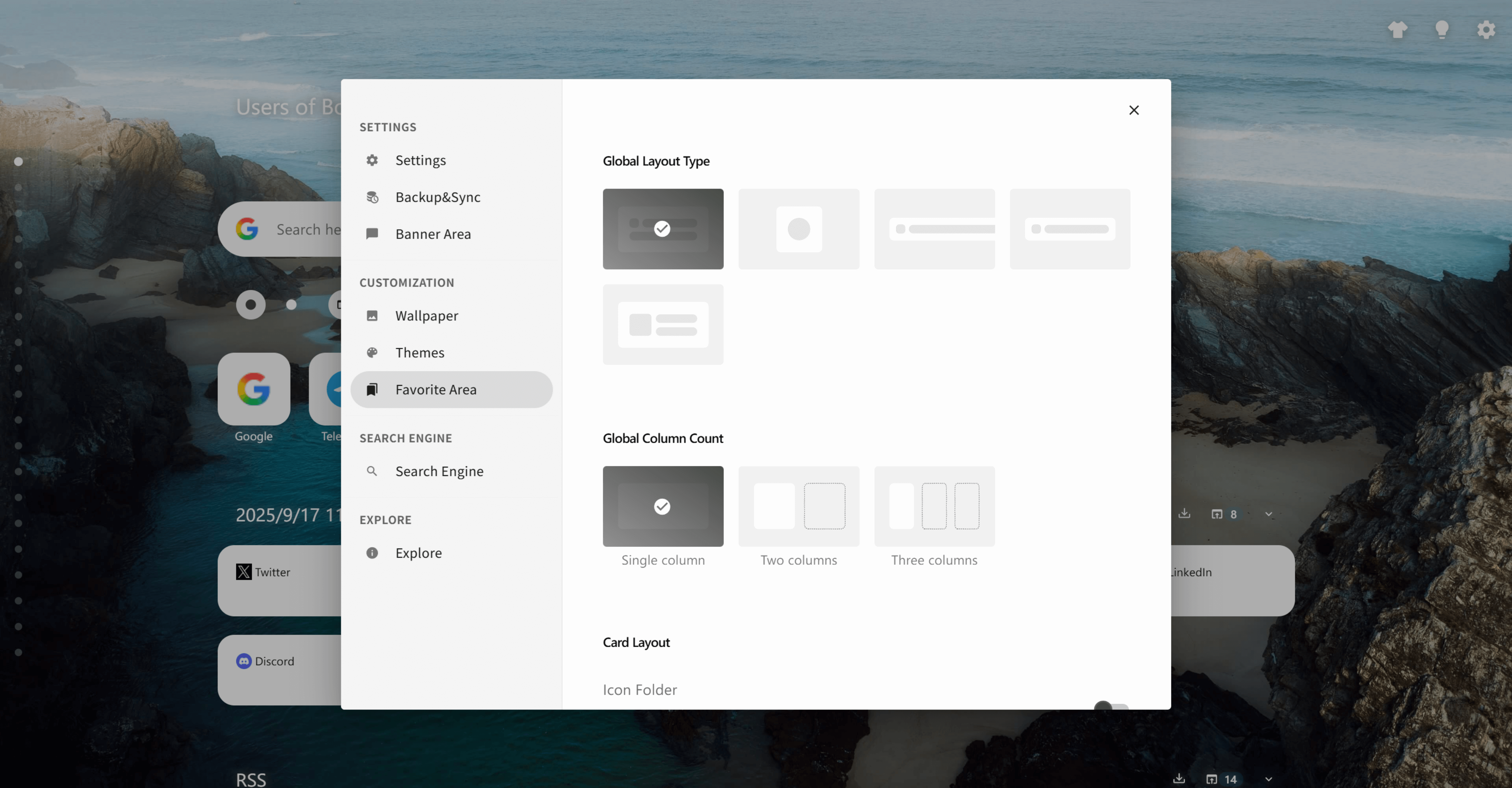
How to Organize Bookmarks in Chrome with BoTab (The Efficiency Playbook)
Chrome's native bookmark manager is a black hole. This playbook shows how to organize bookmarks in Chrome with BoTab — turning them into a visual new tab page with multi-column layouts, smart sorting, sharing, quick navigation, and local-first privacy.
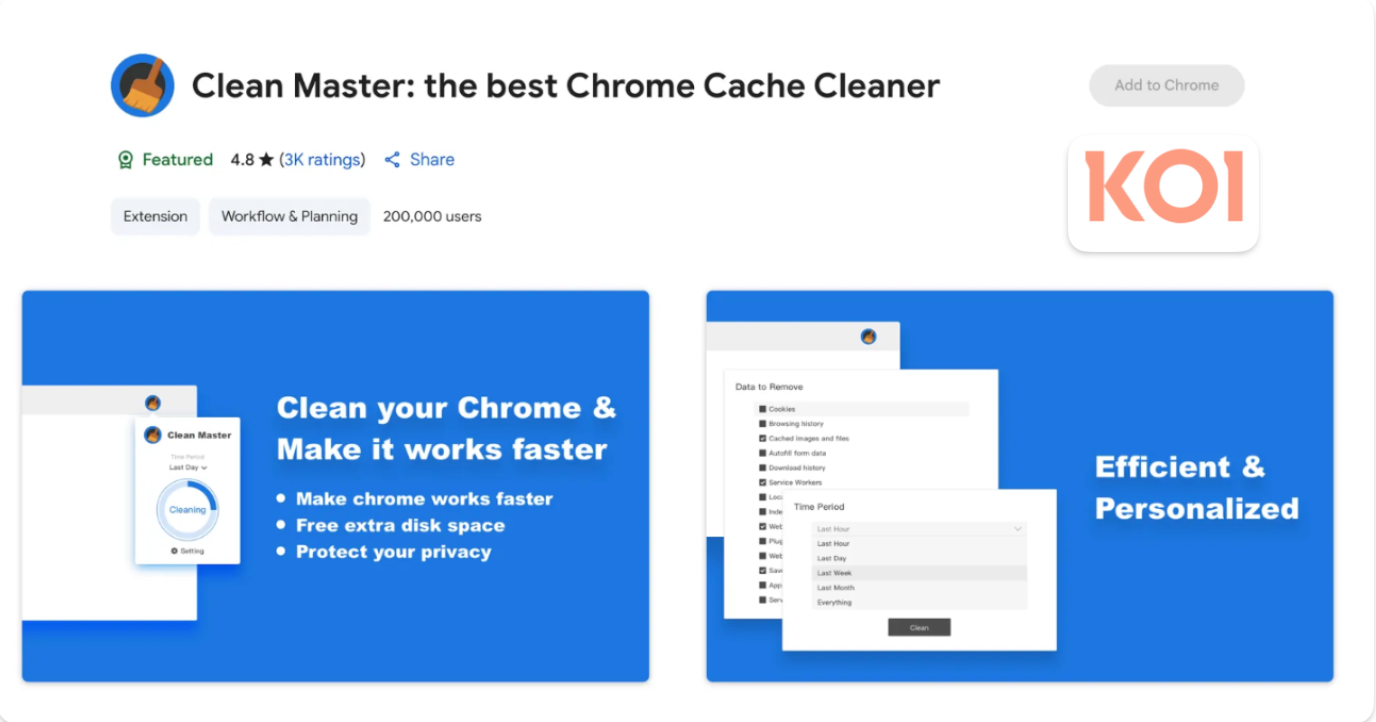
4.3 Million Browsers Infected: Uncovering ShadyPanda's 7-Year Malware Campaign
Security firm Koi.ai has disclosed ShadyPanda's 7-year malware campaign, infecting over 4.3 million Chrome and Edge users, involving well-known extensions like Clean Master.
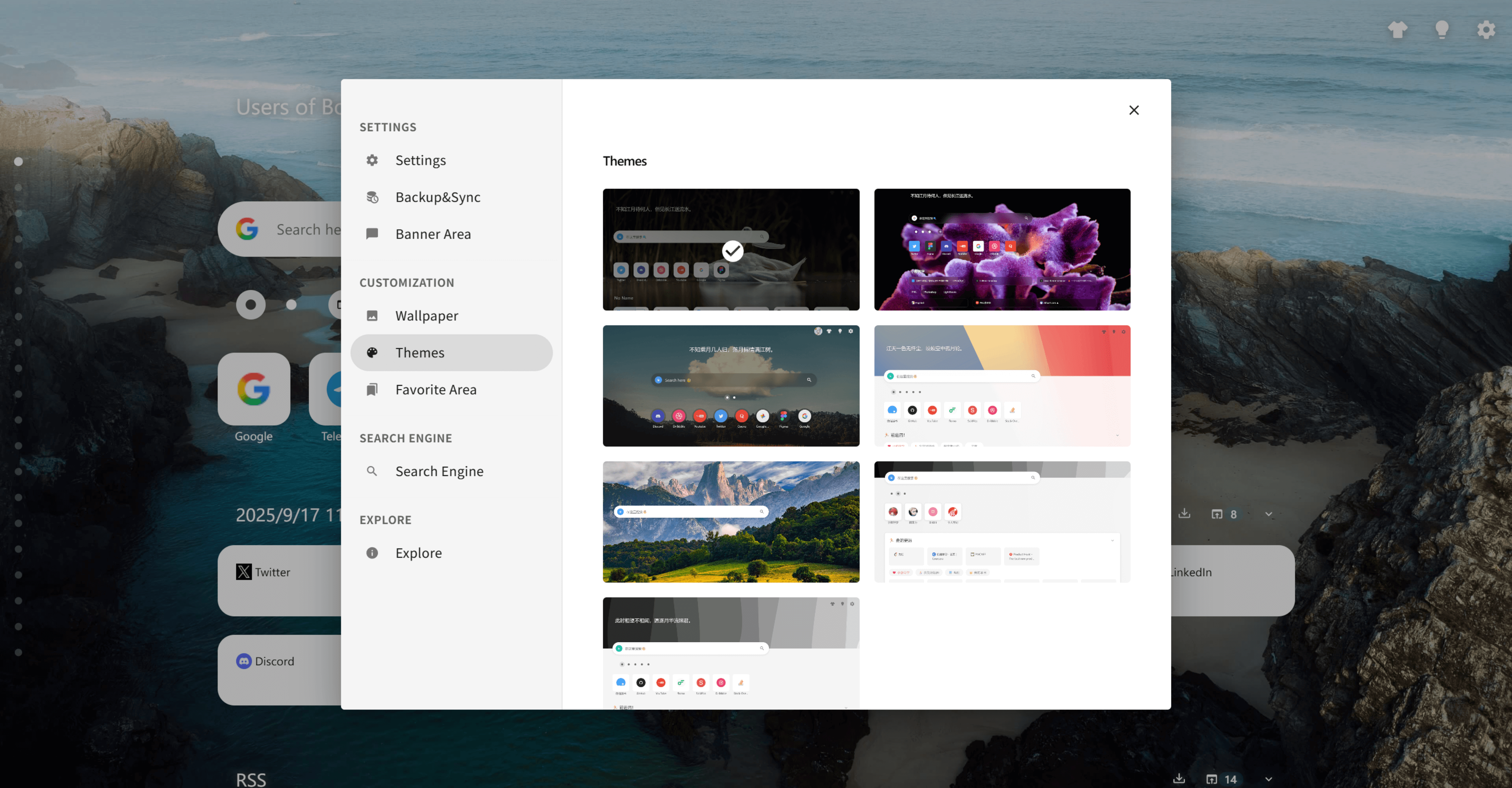
Best New Tab Extensions Feel Cold and Generic — Here's a Beautiful, Personalized Alternative
Most \"best new tab extensions\" lists give you the same cold grids and productivity dashboards. BoTab takes a different angle, turning your own bookmarks and sessions into a beautiful, personalized new tab page — a real Toby and Momentum alternative for Chrome and Edge.
 Download Now Chrome