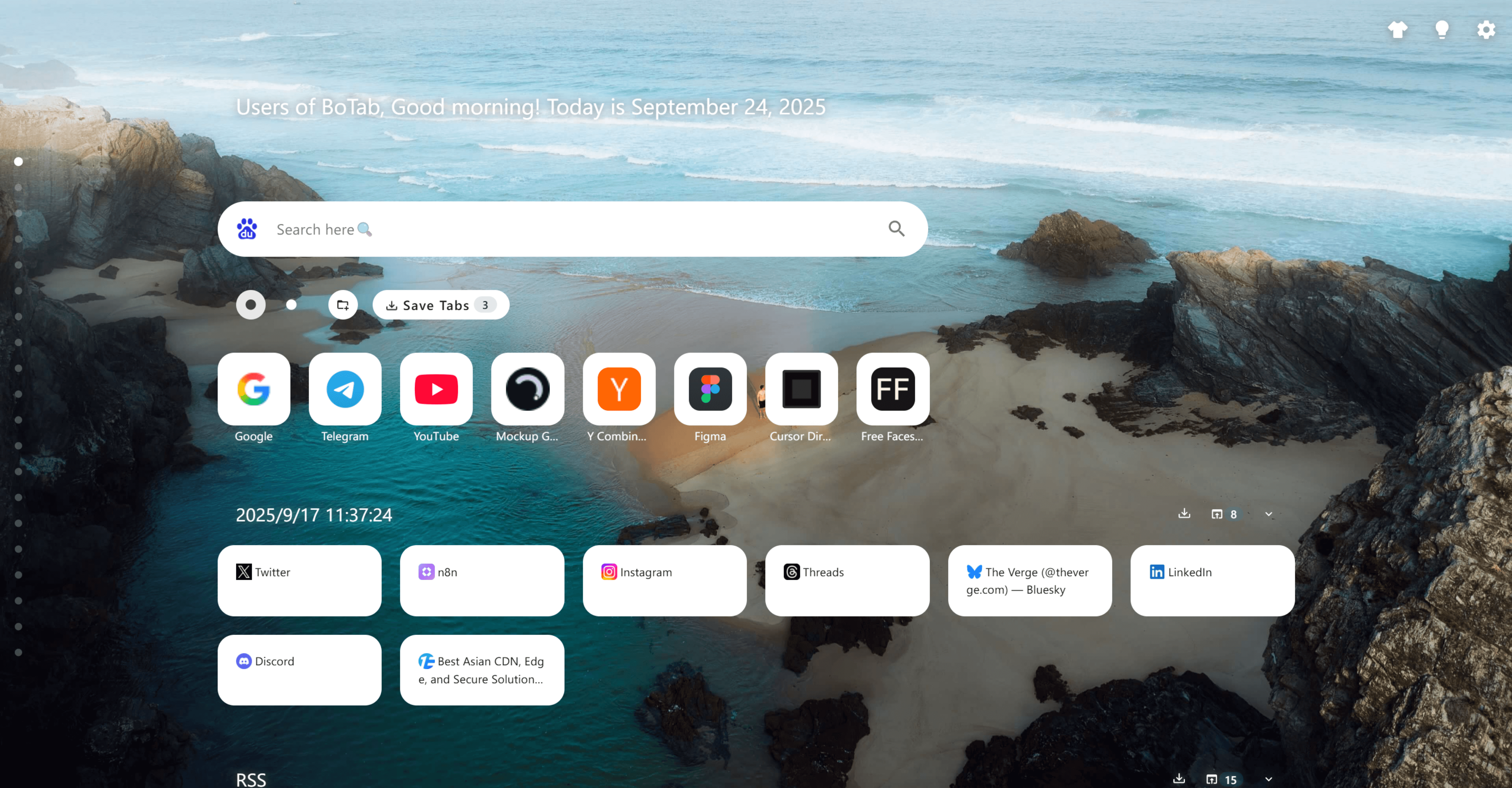
10 Best Chrome and Edge Tab Manager Extensions for 2026
Too many tabs in Chrome or Edge? This 2026 guide compares BoTab, OneTab, Workona, Toby and more across memory relief, session recovery, project workspaces, and visual new tab boards, so you can pick the right tab manager in minutes.
Too many open tabs slow your browser down, eat memory, and scatter your focus. A good tab manager fixes that in minutes. This guide is updated for June 2026 and compares the best tab manager extensions for Chrome and Edge, from one-click memory relief to session recovery, project workspaces, and visual new tab boards.
Quick answer. The best tab manager depends on your goal. For a free, local-first board built from your saved tabs, try BoTab on Chrome and Edge. For pure memory relief, OneTab collapses every tab into one list. For project workspaces, Workona groups tabs by project. For crash recovery, Session Buddy saves and restores full sessions. For auto cleanup, Tab Wrangler closes idle tabs for you.
Compare the top picks at a glance
This table compares five tools we verified from their official sites in 2026. BoTab is the only free, local-first option here that also builds a new tab board from your saved tabs.
| Tool | Best for | Price | Where your data lives | Saves tabs as | New tab board |
|---|---|---|---|---|---|
| BoTab | A visual board from saved tabs | Free | Local, native browser sync | Native bookmarks | Yes |
| OneTab | Quick memory relief | Free | Local | A single list | No |
| Session Buddy | Crash and session recovery | Free | Local | Saved sessions | No |
| Toby | Visual team workspaces | Free plan, paid upgrade | Toby cloud | Spaces on a board | Yes |
| Workona | Project workspaces | Free plan, paid upgrade | Workona cloud | Project spaces | No |
Free and local-first means your tabs stay on your machine and sync through Chrome or Edge, with no third-party server. That is BoTab's main difference from the cloud tools above.
BoTab, a visual new tab board built from your tabs
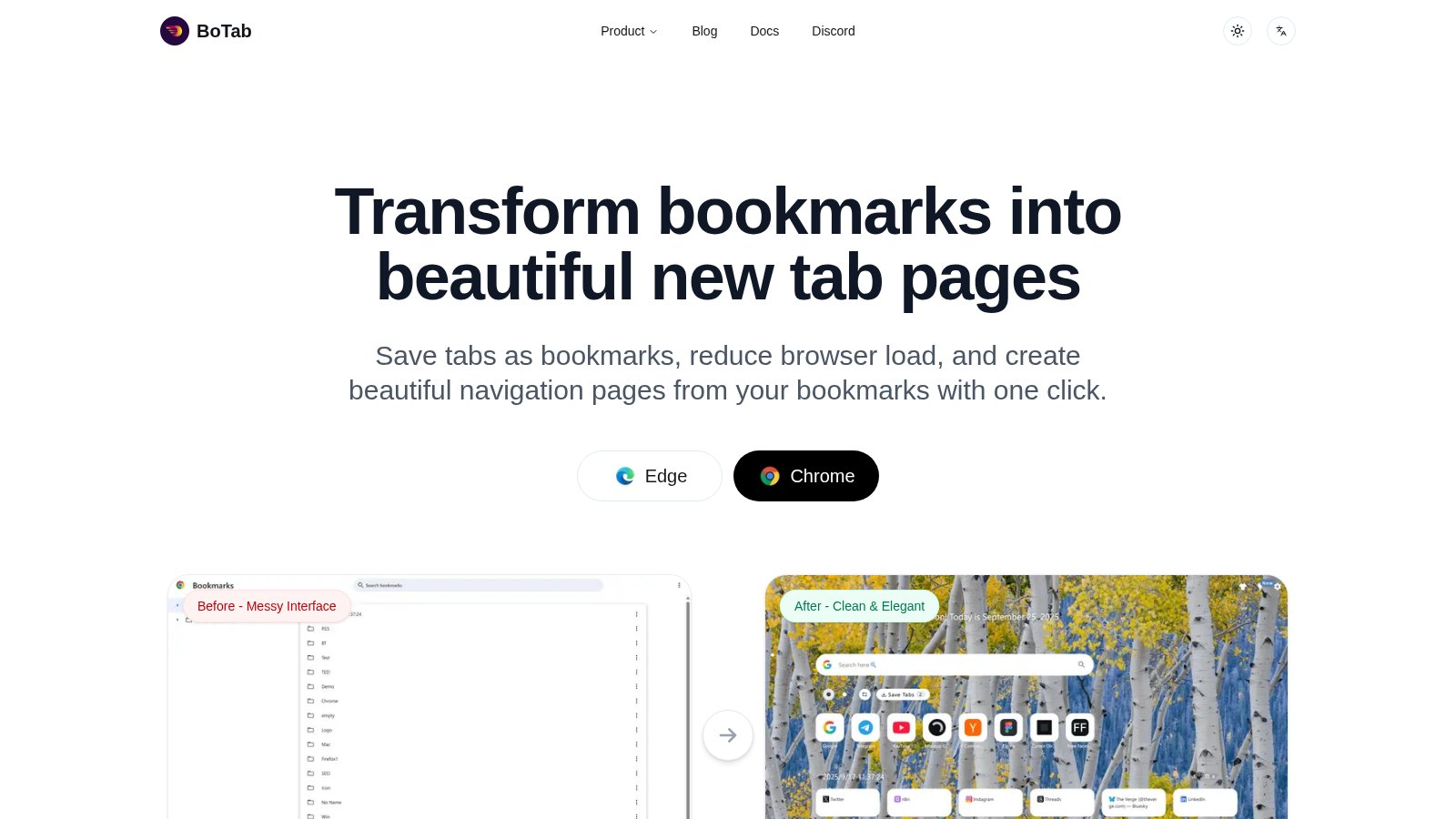
BoTab is more than a tab saver. It is a free Chrome and Edge extension that turns your open tabs into bookmarks and builds a clean, board-style new tab page from them. So your workspace is ready the moment you open a tab.
Most tools save tabs into their own private list or cloud. BoTab saves them as real browser bookmarks instead. That means your data syncs for free through Chrome or Edge, stays on your machine, and survives even if you stop using BoTab. You can read more about how the board works on the BoTab navigation page.
What stands out.
- Visual boards. Your sites and sessions show as cards in a multi-column layout you can scan at a glance.
- One-click session save. Save all open tabs with one click, then restore them later. See the BoTab sessions page for details.
- Crash recovery. Reopen your tabs after a browser or computer crash.
- Local and free. Bookmarks are generated locally and sync through native browser sync, with no BoTab server. It is free to use today.
- Highly customizable. Pick themes, layouts, card styles, wallpapers, and even custom CSS on the personalization page.
BoTab works best when you want both strong organization and a new tab page that feels like your own. If your main need is saving and restoring tabs after a crash, see our guide to Chrome session manager extensions.
👉 Try BoTab Now - Build your own efficiency homepage
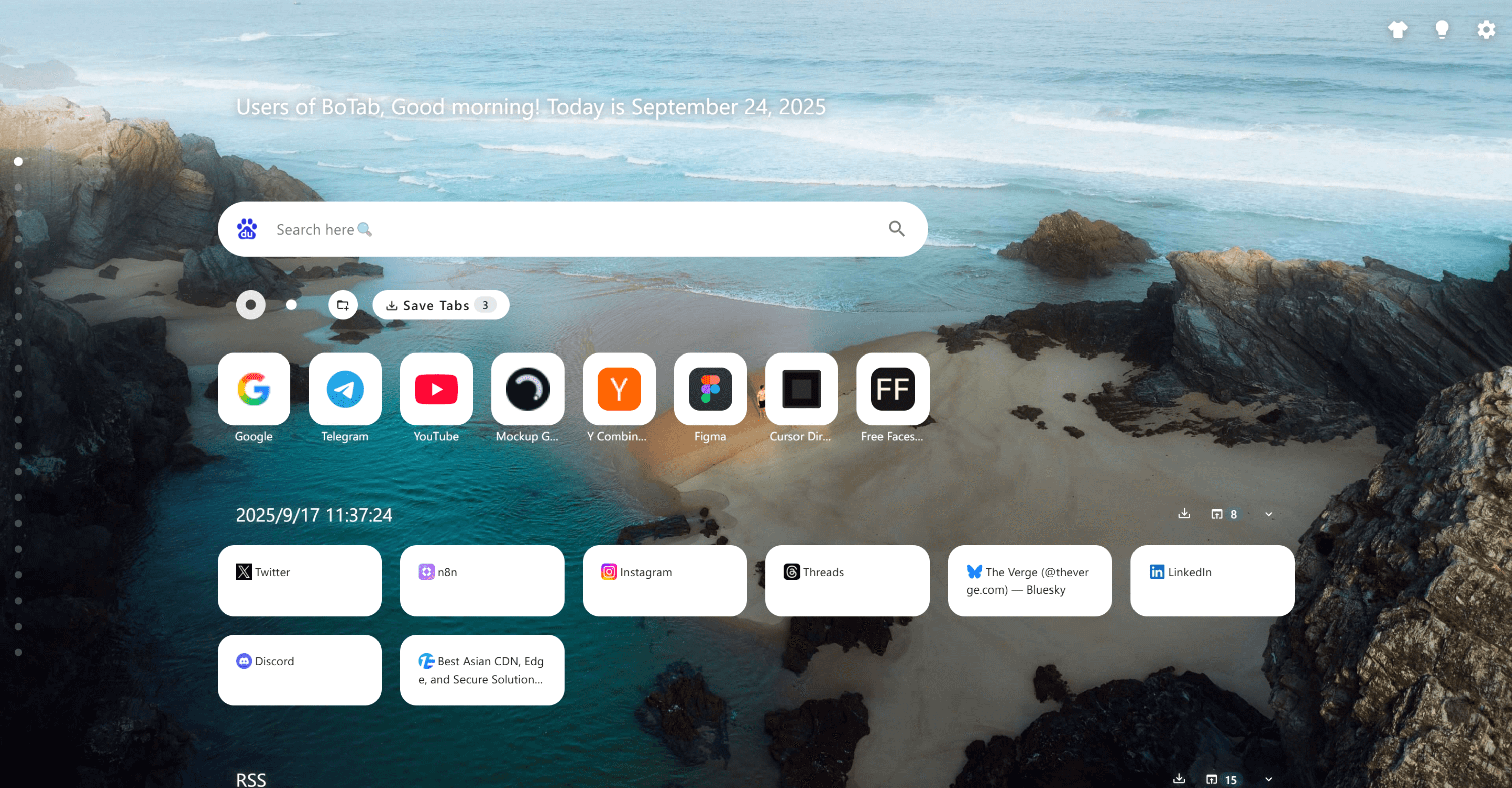 BoTab turns your bookmarks and frequently used websites into cards, creating your own efficiency homepage.
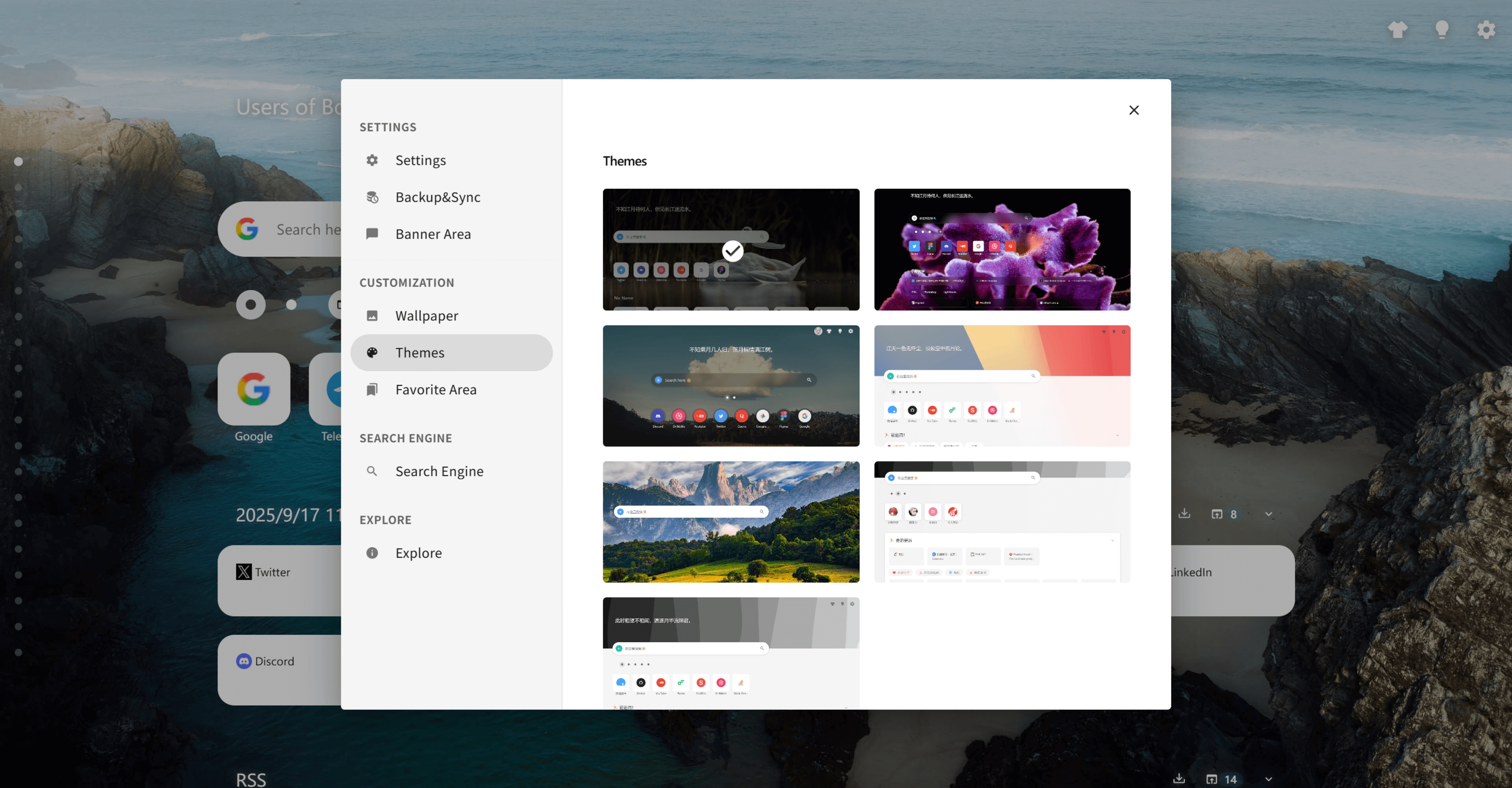 A theme marketplace with one-click switching between dark, neon, fresh and other styles.
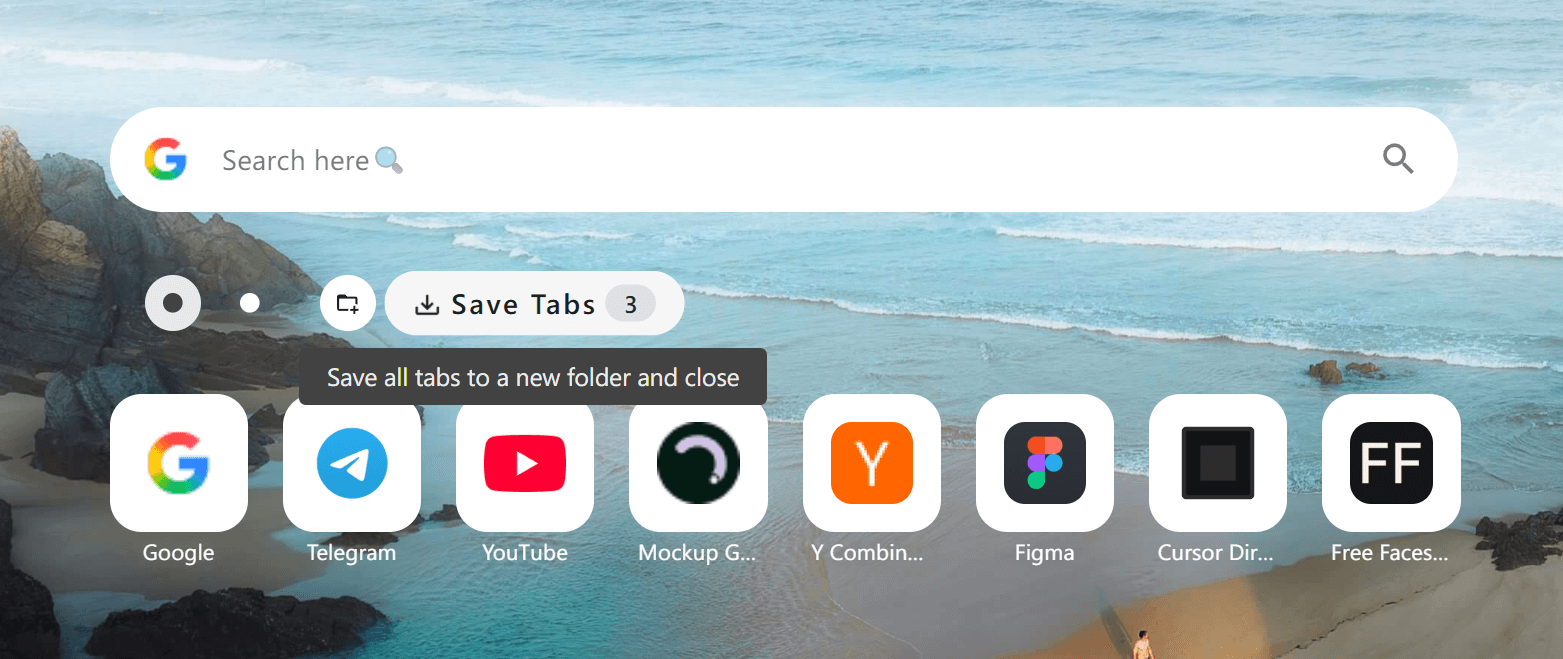 One-click session saving lets you switch between work tasks without losing tabs.
Memory relief and auto cleanup with OneTab and Tab Wrangler
For people who want the simplest path to a lighter browser, these two tools keep things focused.
OneTab
OneTab is a veteran tab manager with one job done well. It converts all open tabs into a single list with one click. OneTab says this can save up to 95% of memory, though the real saving depends on how you use it. When you need them back, you can restore tabs one at a time or all at once.
👉 Download OneTab - Minimalist memory relief tool
- Memory relief. Aggregates all tabs into a single list. OneTab claims up to 95% savings.
- Simple recovery. Restore tabs one at a time or all at once.
- Export and share. Save your list or share it as URLs.
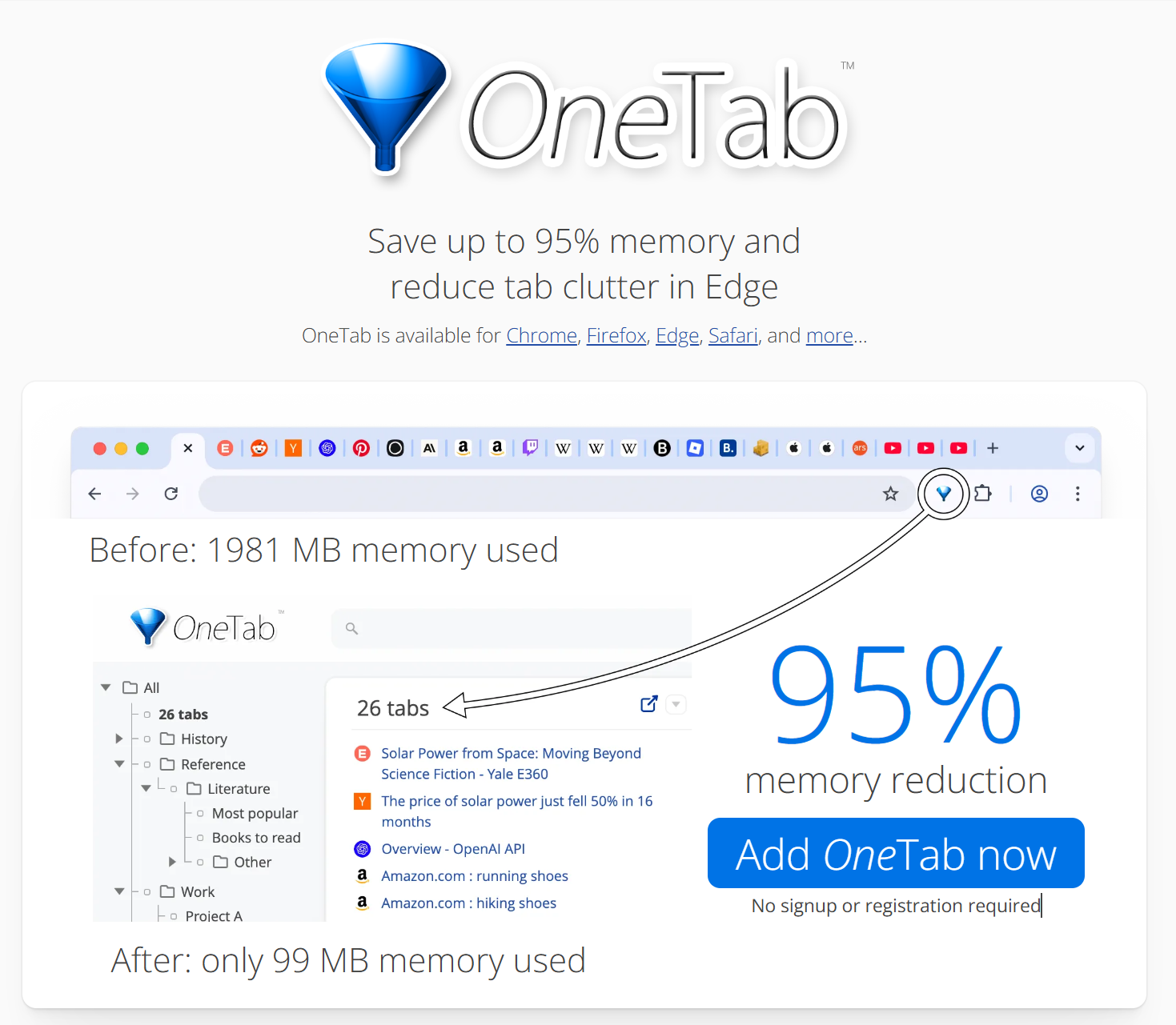 OneTab's clean interface converts all tabs into a manageable list with one click.
Tab Wrangler
If you open tabs but rarely close them, Tab Wrangler works in the background and closes tabs you have not used for a while. You can set a whitelist to protect important sites, and it keeps a list so you can restore anything later.
👉 Install Tab Wrangler - Automated tab cleanup
- Auto close. Closes tabs that have been idle for too long.
- Whitelist protection. Keep important sites from closing.
- Restore list. Closed tabs stay recoverable.
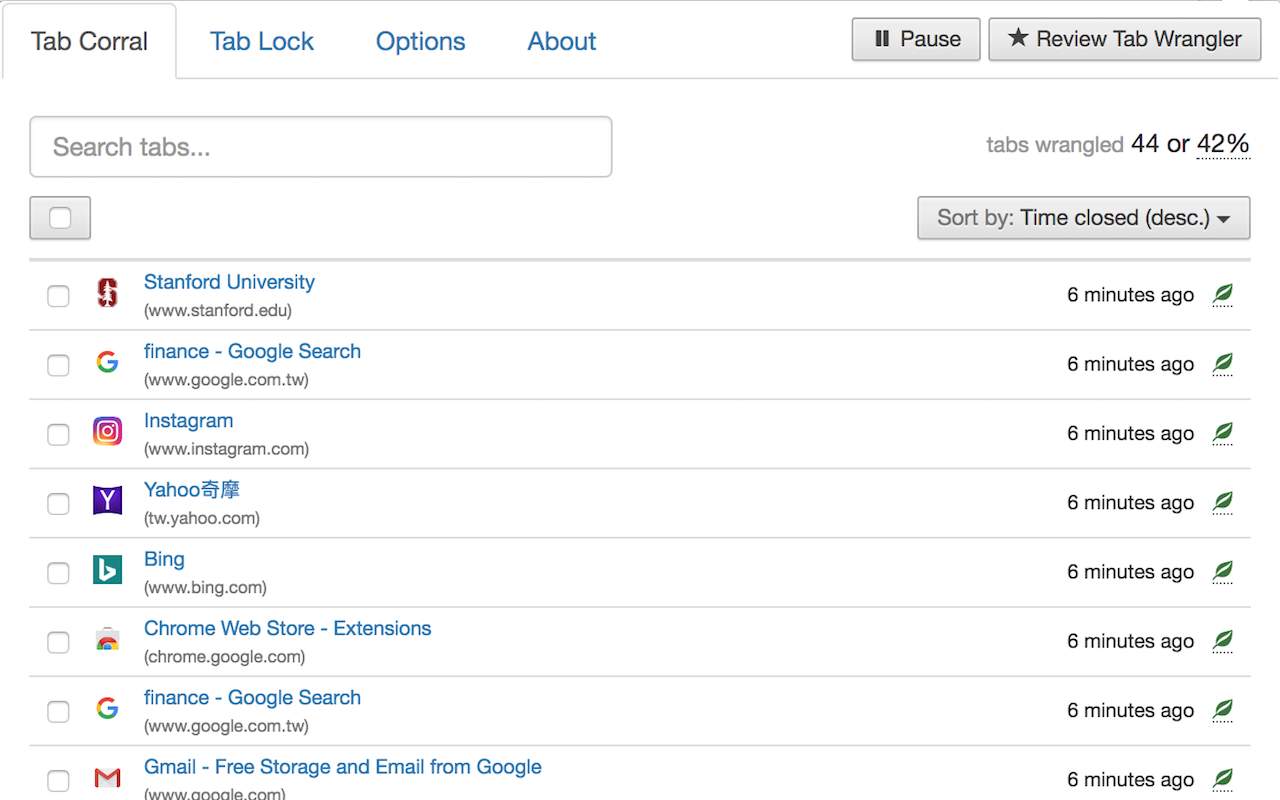 Tab Wrangler's settings let you customize auto-close rules and whitelist protection.
Workflow tools, Workona, Toby, Session Buddy, and Tabli
These tools fit research, project management, and team work.
Workona
Workona is built around Workspaces, so each project gets its own tab collection. That keeps separate projects from blending together. It auto-saves tabs, backs up to Workona's cloud, and can suspend inactive tabs to reduce memory load. It has a free plan with paid upgrades.
👉 Try Workona - Project workspace management
- Workspaces. Independent tab spaces per project.
- Cloud sync. Carry workspaces across devices through Workona's cloud.
- Tab suspension. Suspend inactive tabs to save resources.
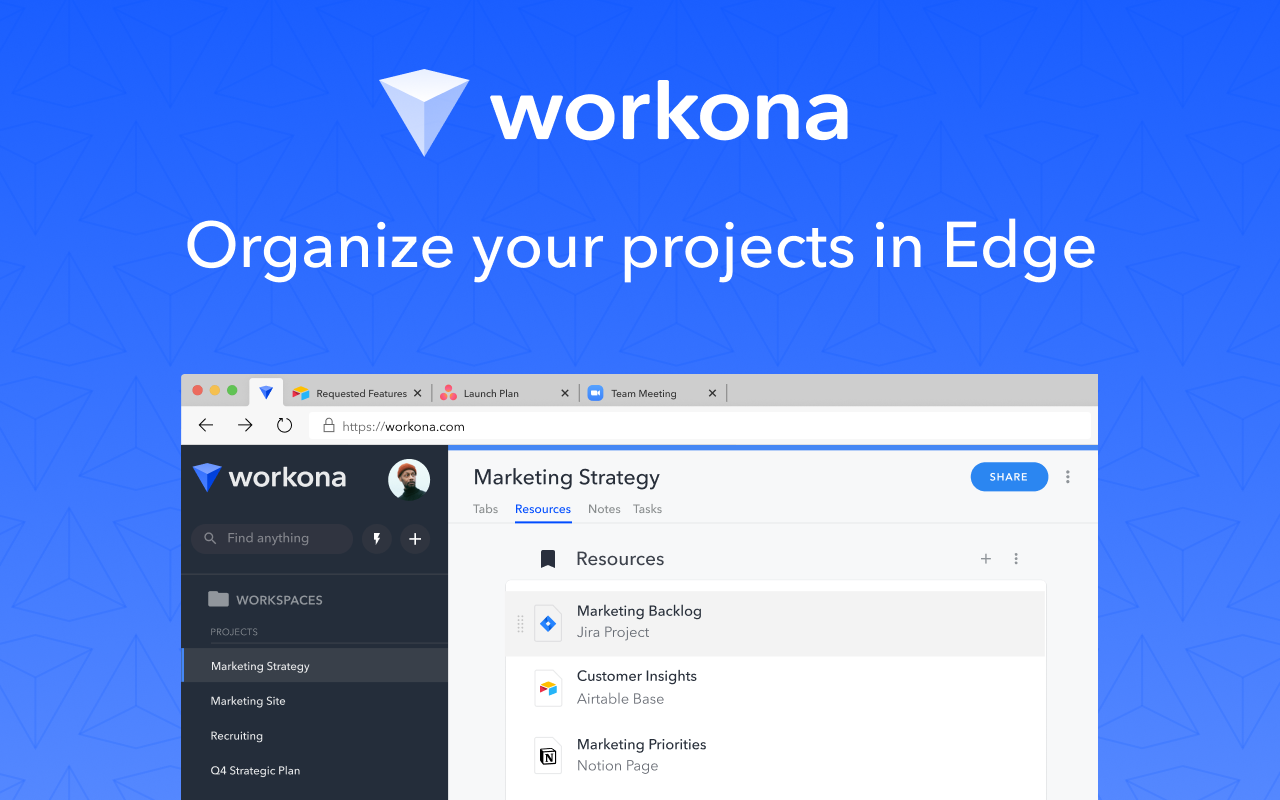 Workona creates independent tab spaces for each project with cross-device sync.
Toby
Toby focuses on visual collections and team sharing. Pages become cards on a board, and teams can share the same set of resources. It syncs through Toby's own cloud and has a free plan plus paid upgrades.
👉 Use Toby - Visual team collaboration
- Visual cards. Organize tabs and documents as cards.
- Team sharing. Share collections with team members.
- One-click restore. Open a full collection at once.
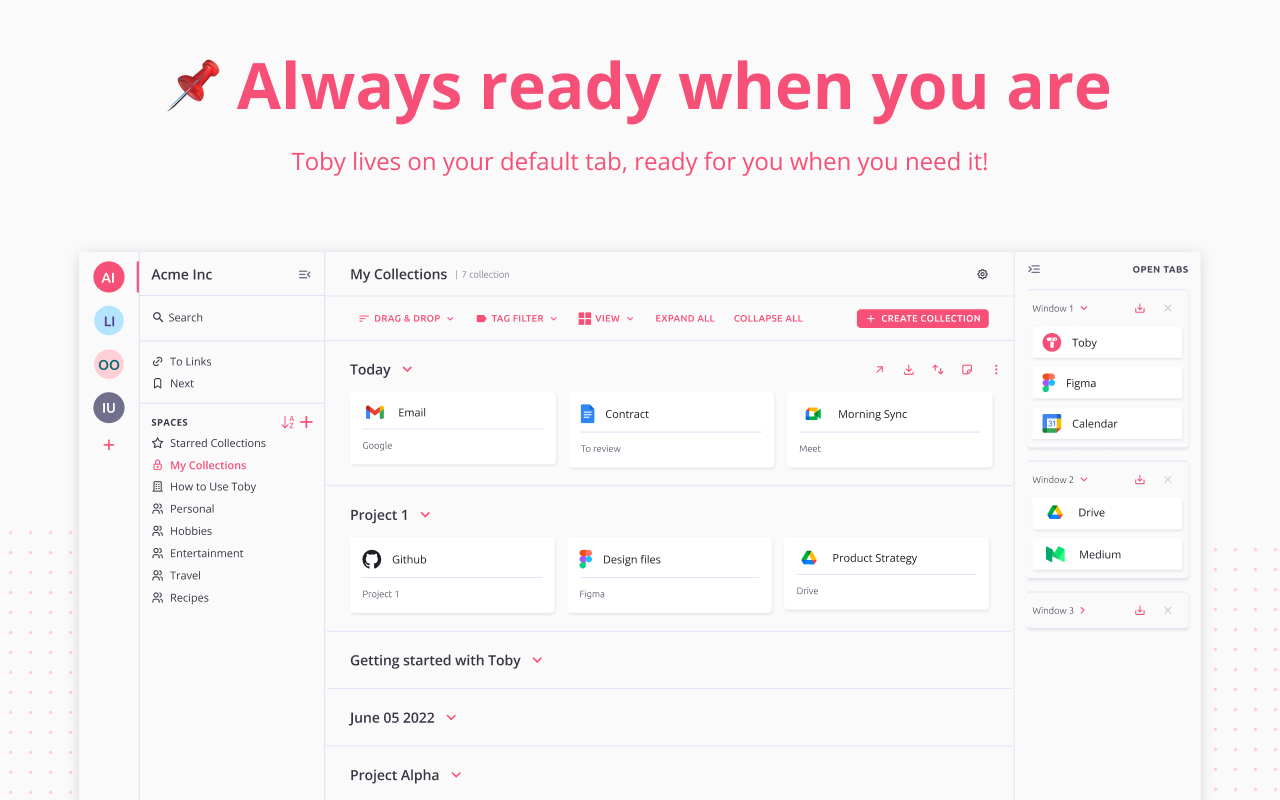 Toby organizes tabs and documents as cards with team sharing through its cloud.
Session Buddy
Session Buddy is built for saving and restoring full sessions, which helps after a browser crash or an accidental close. Its data stays local, and you can search across saved sessions.
👉 Download Session Buddy - Reliable session recovery
- Session snapshots. Save all tabs with one click.
- Quick restore. Reopen full sessions in batches.
- Searchable history. Find old sessions by keyword.
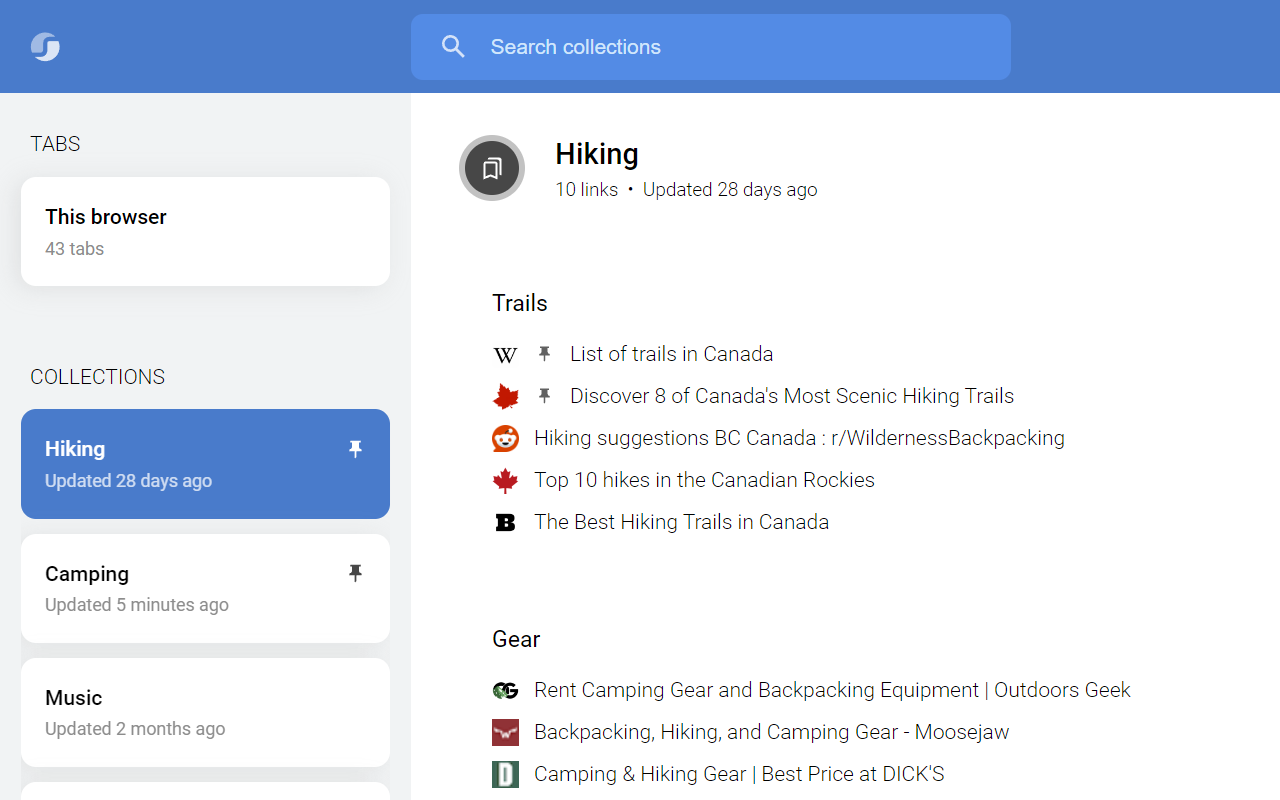 Session Buddy saves and restores your work state, with data kept on your machine.
Tabli
Tabli is built for keyboard-driven users. It lists every window and tab in a searchable popup and supports full keyboard control. If you keep many windows open and like to move fast without the mouse, Tabli fits.
👉 Install Tabli - Keyboard-first quick switcher
- Quick switcher. View and search all tabs in a popup.
- Keyboard first. Built for full keyboard control.
- Window management. Save windows as tab sets to restore later.
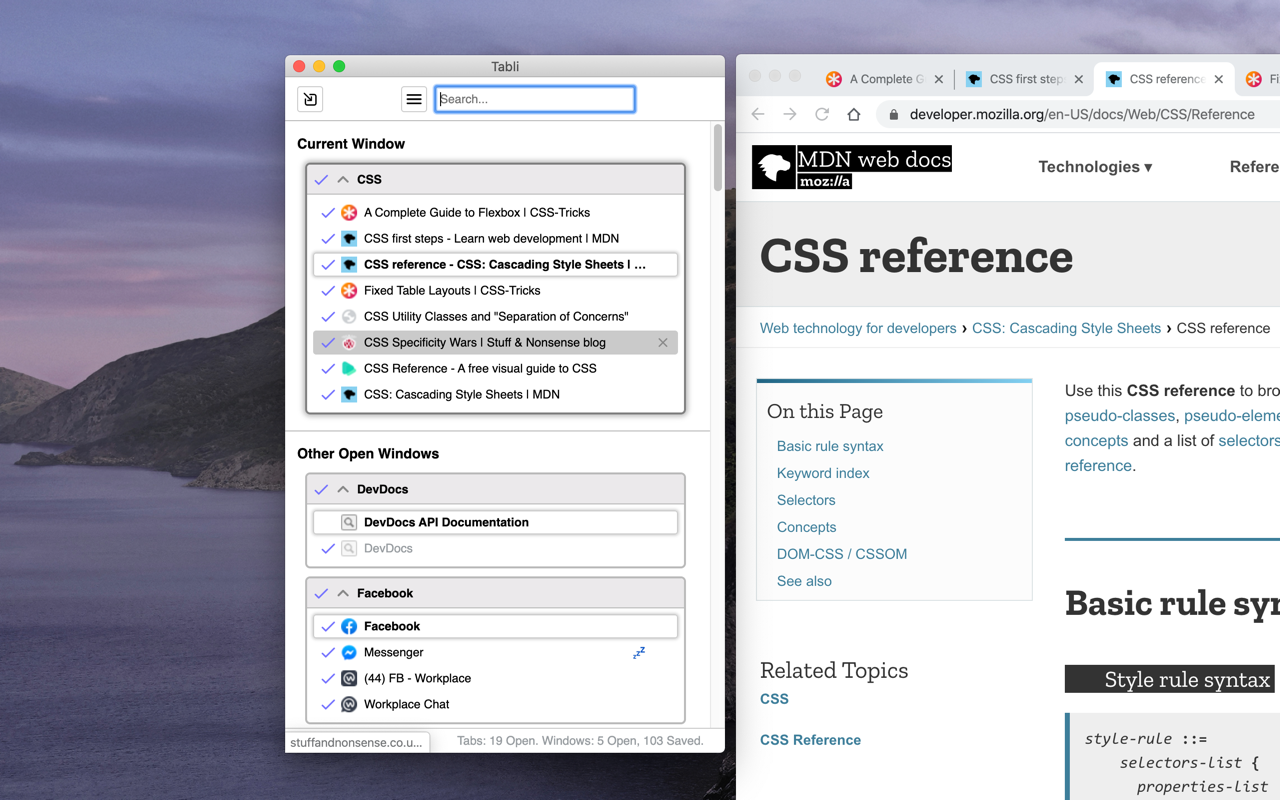 Tabli's quick switcher is built for keyboard power users.
How to choose faster
Match the tool to your main need.
- Want quick memory relief? Try OneTab.
- Forget to close tabs? Try Tab Wrangler.
- Work in projects? Try Workona.
- Like visual grouping and team sharing? Try Toby.
- Need crash recovery? Try Session Buddy.
- Live on the keyboard? Try Tabli.
- Want a free, local-first board and a clean new tab page on Chrome or Edge? Try BoTab.
There is no single best tab manager for everyone. The right pick depends on your habits. Try one for a week and see if your browser feels lighter.
Frequently asked questions
What is the best tab manager extension for Chrome and Edge in 2026?
There is no single best tool for everyone. The right pick depends on your goal. BoTab is a strong free choice if you want a visual new tab board built from your saved tabs. OneTab is best for fast memory relief. Workona is best for project workspaces. Session Buddy is best for crash recovery.
Which tab managers work on Microsoft Edge?
BoTab works on both Chrome and Edge. Many other extensions are Chrome-first, so check each store listing before you install on Edge.
Is there a free tab manager extension?
Yes. BoTab, OneTab, and Session Buddy are free to use. Some tools like Toby and Workona offer a free plan plus paid upgrades.
Which tab manager saves your tabs as real bookmarks?
BoTab saves your open tabs as native browser bookmarks with one click. Most other tools save tabs into their own list or cloud format. Saving as real bookmarks lets your data sync for free through Chrome or Edge and stay on your machine.
Can a tab manager reduce browser memory use?
Yes, in most cases. Tools like OneTab and BoTab move open tabs into a saved list or bookmarks, so the browser holds fewer live tabs in memory. The real saving depends on how many tabs you close and how you work.
How do I recover tabs after my browser crashes?
Use a tool that saves sessions. Session Buddy and BoTab both let you restore your tabs after a browser or computer crash. For a deeper look, read our Chrome session manager guide.
Conclusion
The market gives you real choices, from OneTab's simple memory relief to Workona's project workspaces to BoTab's visual new tab board. Each one targets a different pain point. If endless tabs still slow you down, start with the tool that matches your main need and try it for a week.
Author

Categories
More Posts
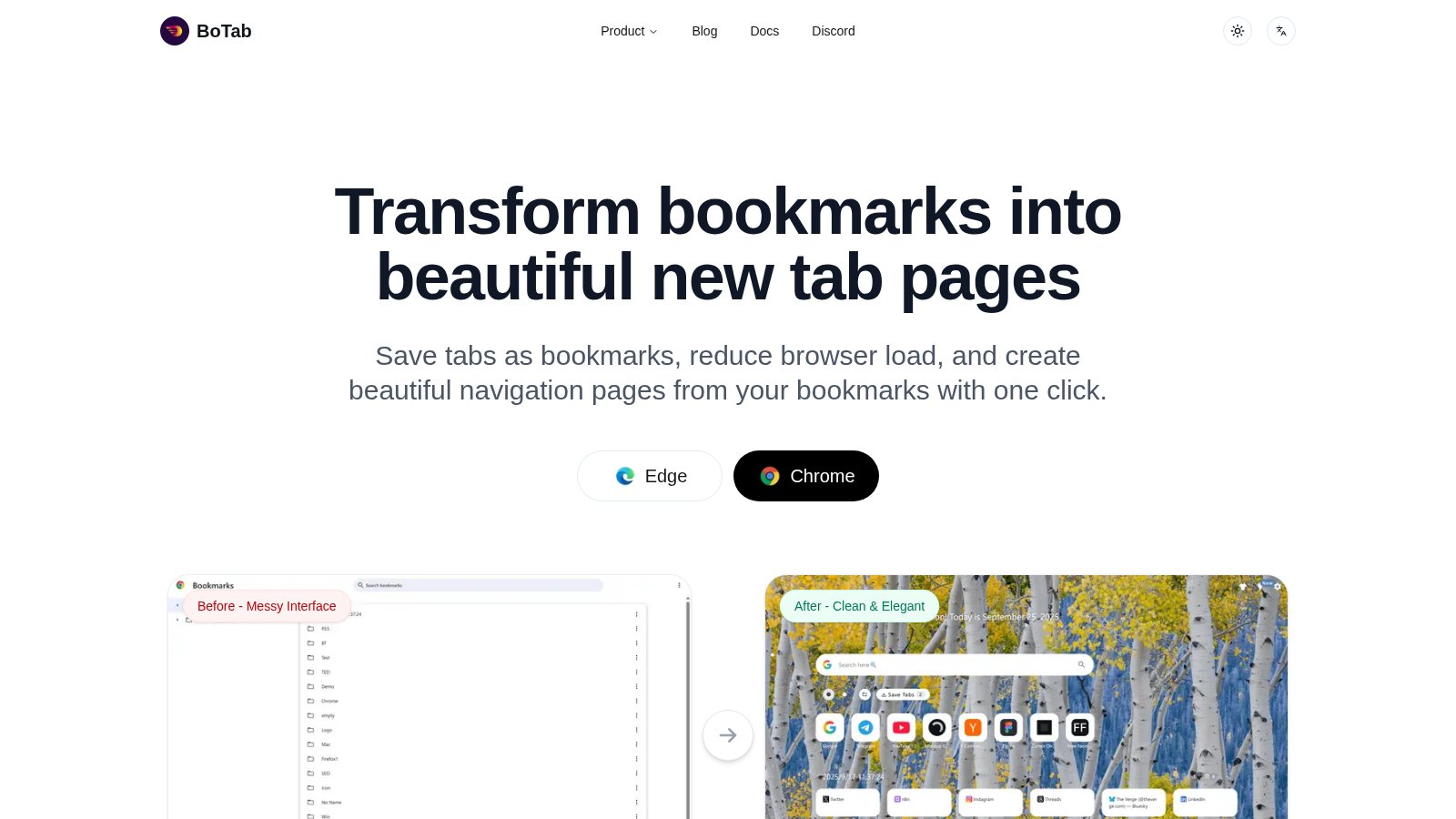
8 Best Chrome Session Manager Extensions to Save and Restore Tabs (2026)
Lost context after a restart? Learn how to save tabs in Chrome with these 8 session manager extensions for 2026 — covering one-click session saves, crash recovery, workspace switching, reminder-based revisits, and beautiful new tab hubs.
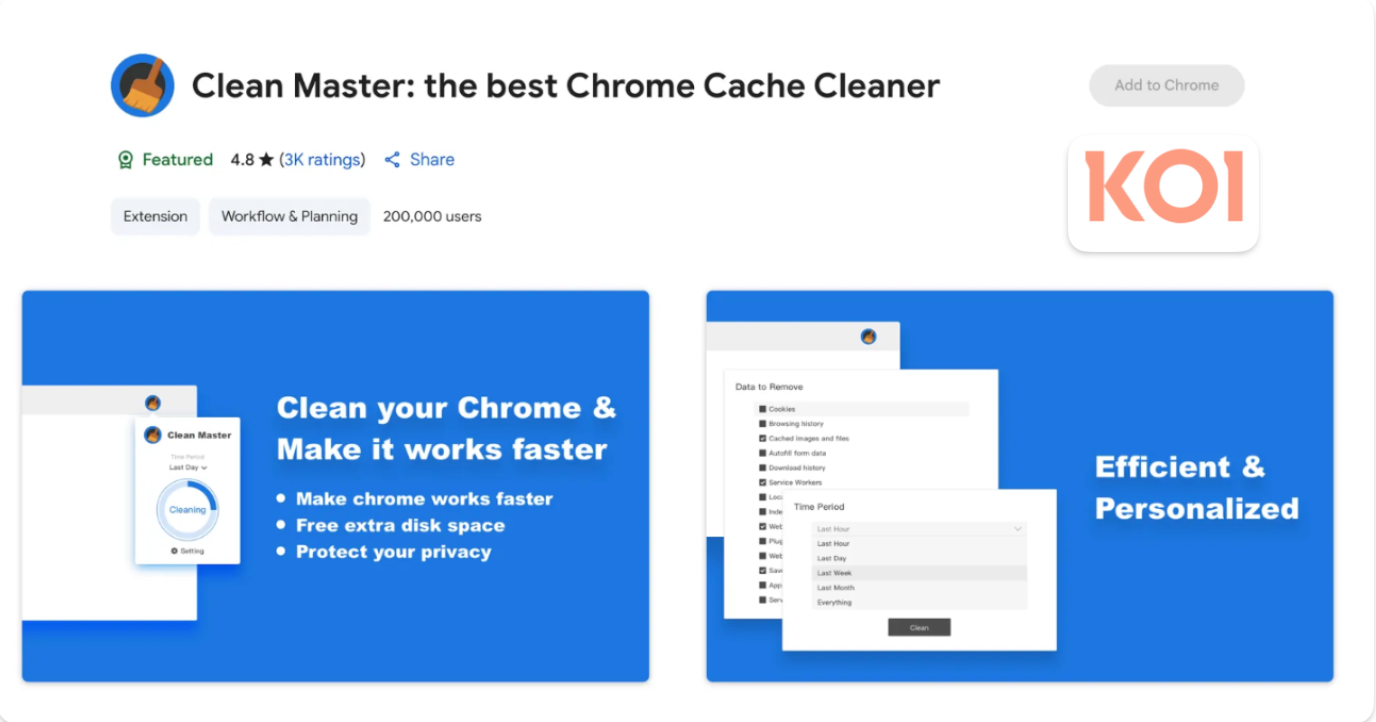
4.3 Million Browsers Infected: Uncovering ShadyPanda's 7-Year Malware Campaign
Security firm Koi.ai has disclosed ShadyPanda's 7-year malware campaign, infecting over 4.3 million Chrome and Edge users, involving well-known extensions like Clean Master.
10 Best Tab Manager Chrome Extensions for 2026 (Including One That Closes Pinned Tabs)
Too many tabs open in Chrome? These 10 best tab manager Chrome extensions cover one-click cleanup, session recovery, auto-closing idle and pinned tabs, project workspaces, and visual new tab dashboards — pick the one that fits your workflow in minutes.
 Download Now Chrome